Light, project and cue the play from one file.
Model the set and see the rig before load-in. Patch and program the lights, put pictures on the scenery and build the sound cues, then run the whole show from the booth.
- Lighting designers
- Programmers
- Projection designers
- Sound designers
- Stage managers
The jobs on a production.
From the first model to the last tech, every job lives in the same show file, and that file opens on any laptop in the room.
-
01Design
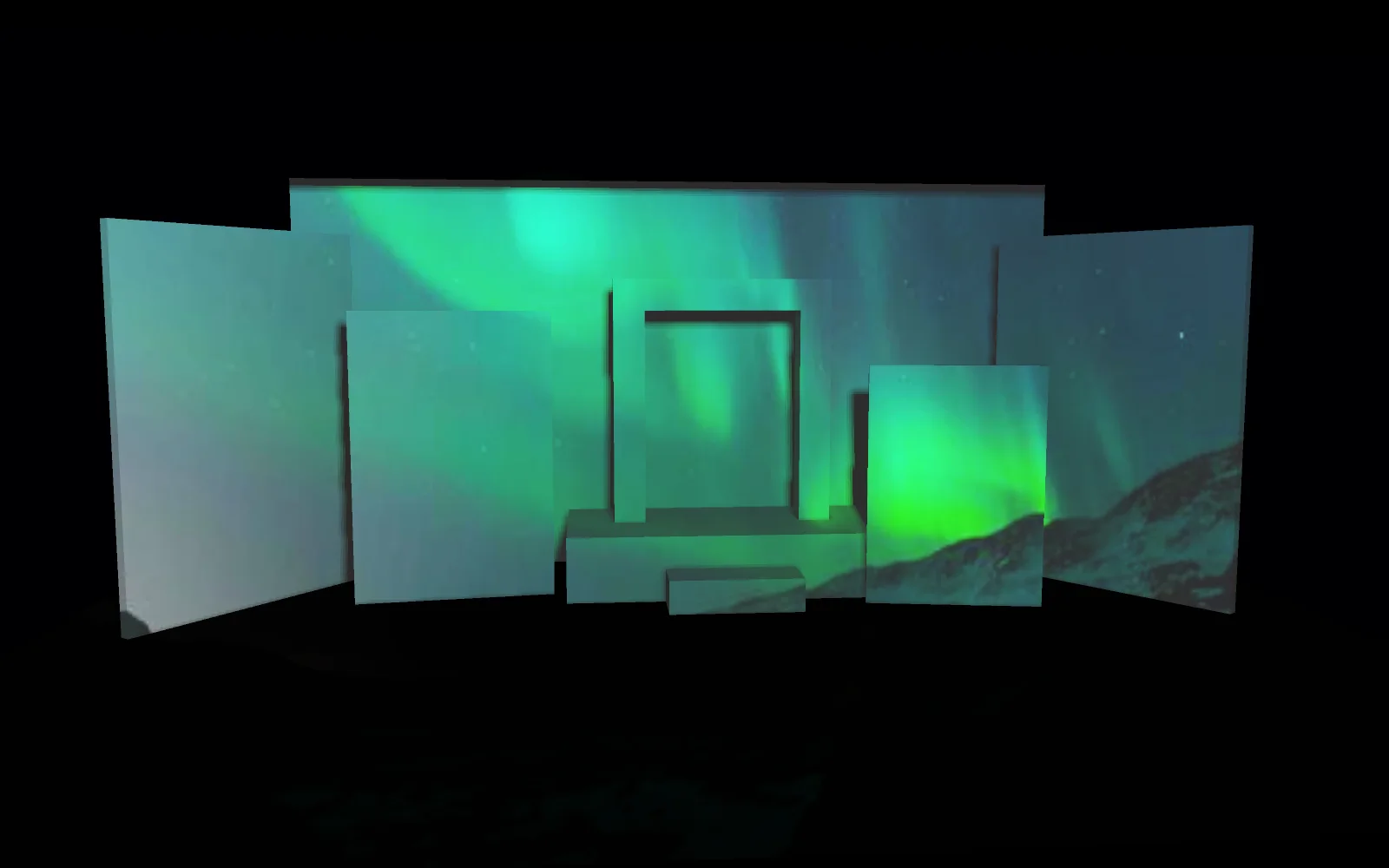
the set model, with one projector across the flats Model the set and light it in 3D
Build the flats, platforms and masking in the viewport, then hang a projector and a few lights and see how the picture lands before anything is built. Bring the plot in from an MVR file and every fixture shows up where it hangs.
3DGeoBox+3DGeoLightCreate+DmxMvrImport+3DGeoFixtureSetModel in the viewport → -
02Load-in
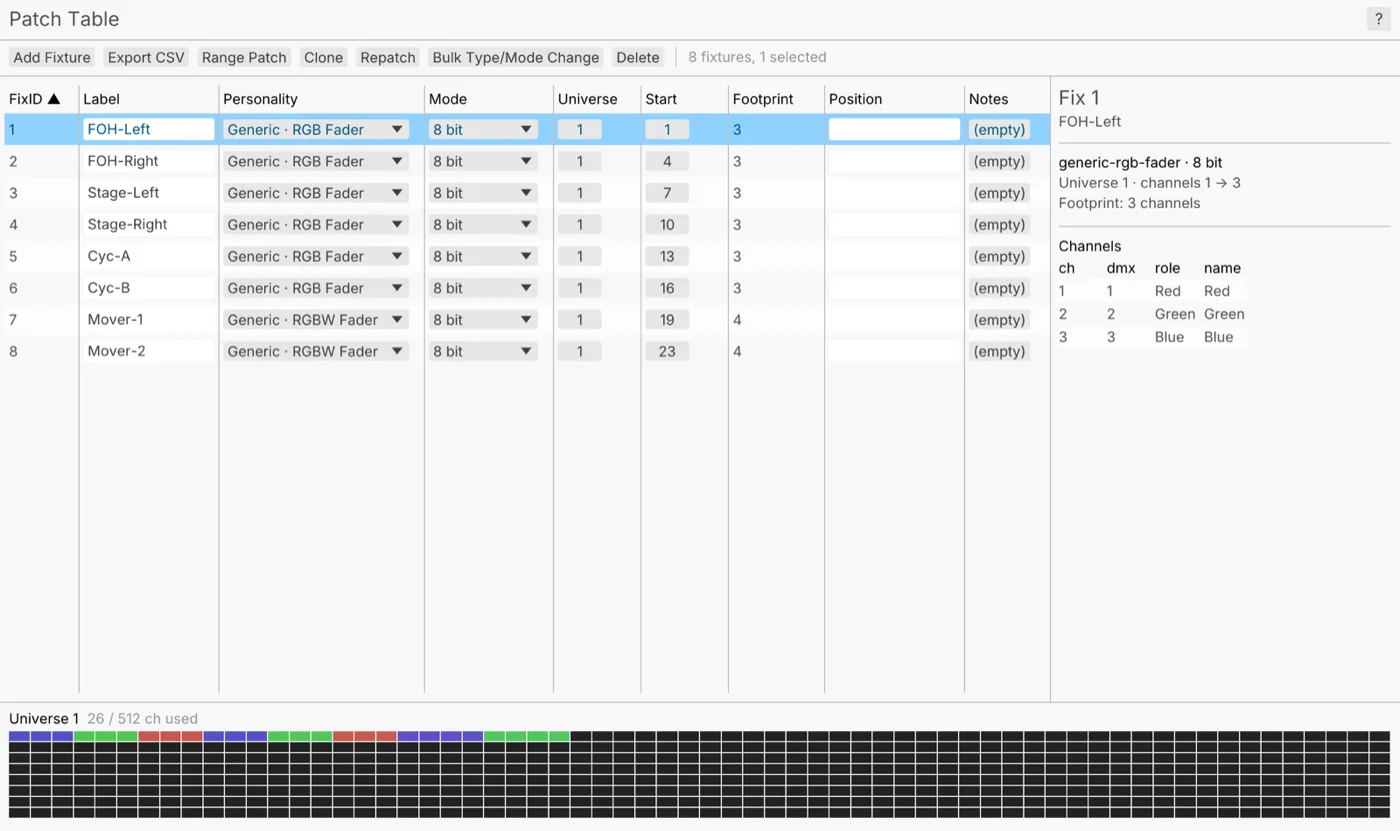
the patch table, eight fixtures on universe 1 Patch the rig
Pick each fixture from more than 1,500 profiles, or point it at a GDTF file, and give it an address. Then print the patch for the crew.
DmxPatch+DmxFixtureMap+DmxPatchExportPatch a small rig → -
03Plotting
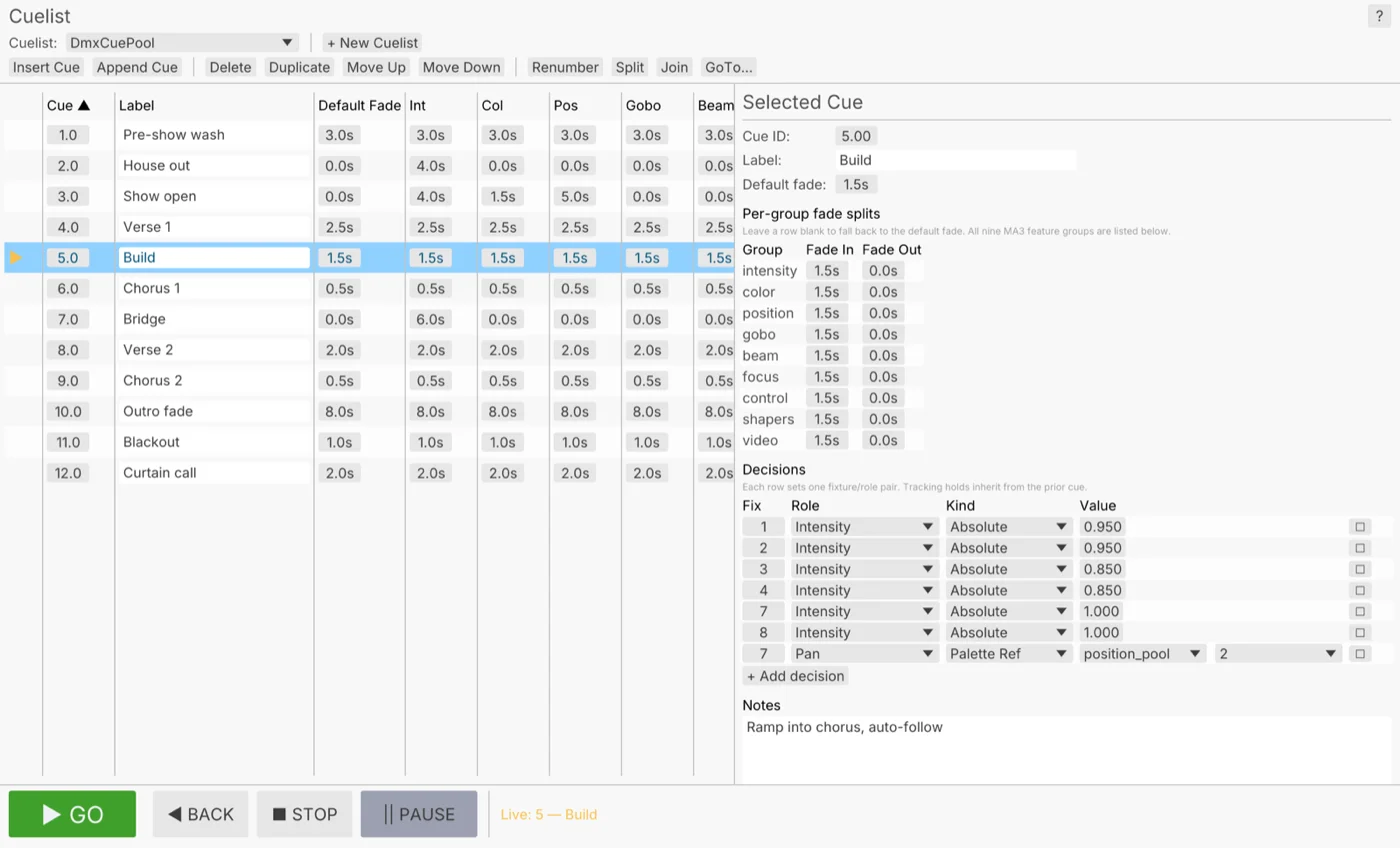
a cue list from pre-show wash to curtain call Program the cues
Build each look in the programmer and record it as a cue. The cue list tracks, so a cue keeps only what changed, and each part can fade on its own time: intensity over three seconds while color snaps. Mark a cue to follow on its own, like the blackout after the last line.
DmxProgrammer+DmxCuePool+SAcnSendInterfaceProgram the cues for a play → -
04Projection
the window masked, so no light lands on the glass Put pictures on the set
Pin a picture to every flat, doorway and window. Corner pins for a tilted flat, a grid warp for a curved one, soft edges where two projectors overlap, and masks that keep the light off a window or a doorway. A camera can line the projectors up for you.
ProjectionMapper+ImageHomography+ImageGridWarp+ImageEdgeBlendMask a window out of a wall → -
05Sound
a creaking hinge, reversed and stretched into a swell Build the sound cues
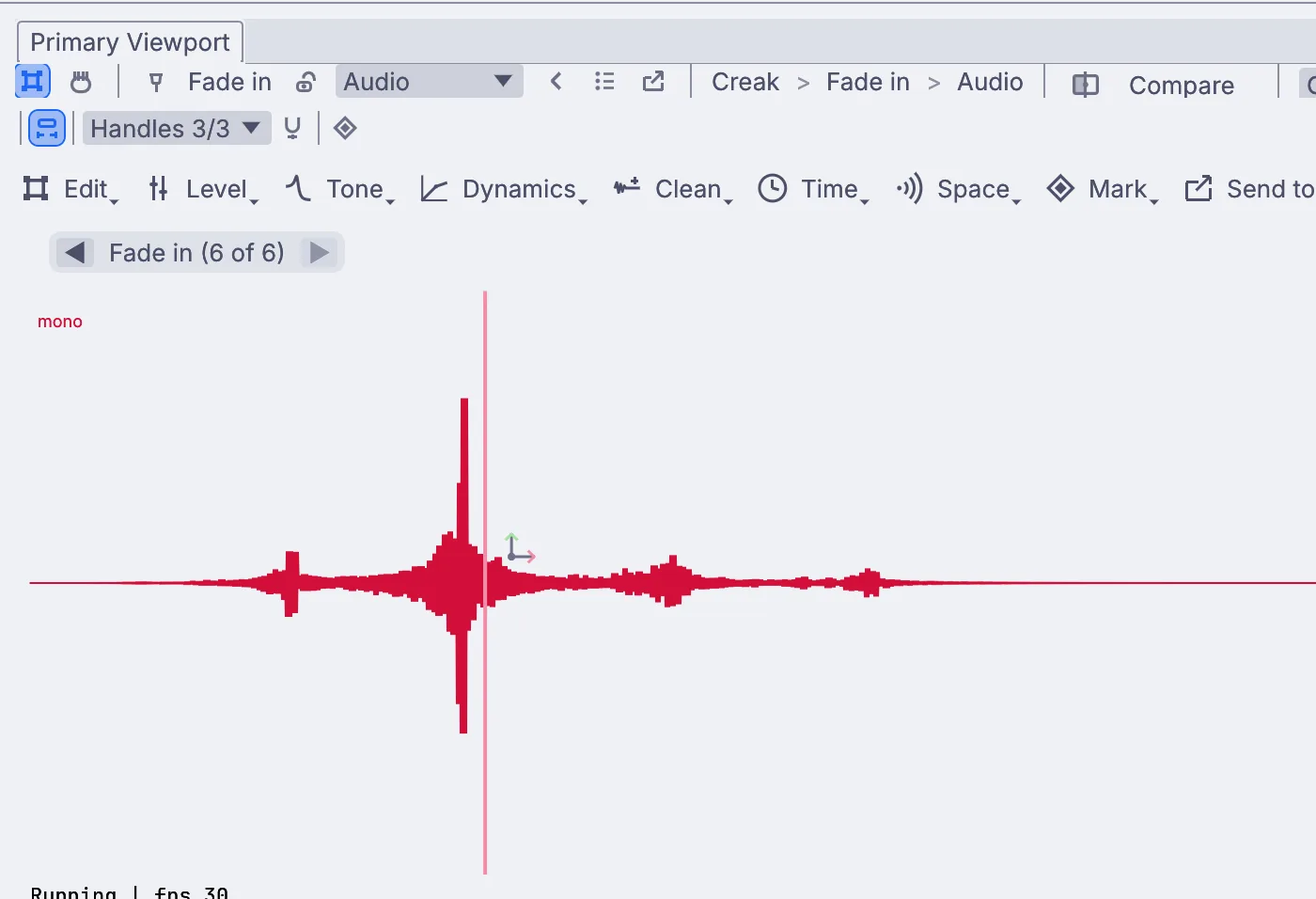
Trim each effect, set its fades and loop the room tone for as long as the scene runs. Each cue plays on the GO, on a marker in the timeline or from OSC. A creaking hinge, reversed and stretched, becomes the swell under a scene change.
InputAudioFile+AudioFade+AudioClipPlayerBuild a sound cue for a show → -
06Tech
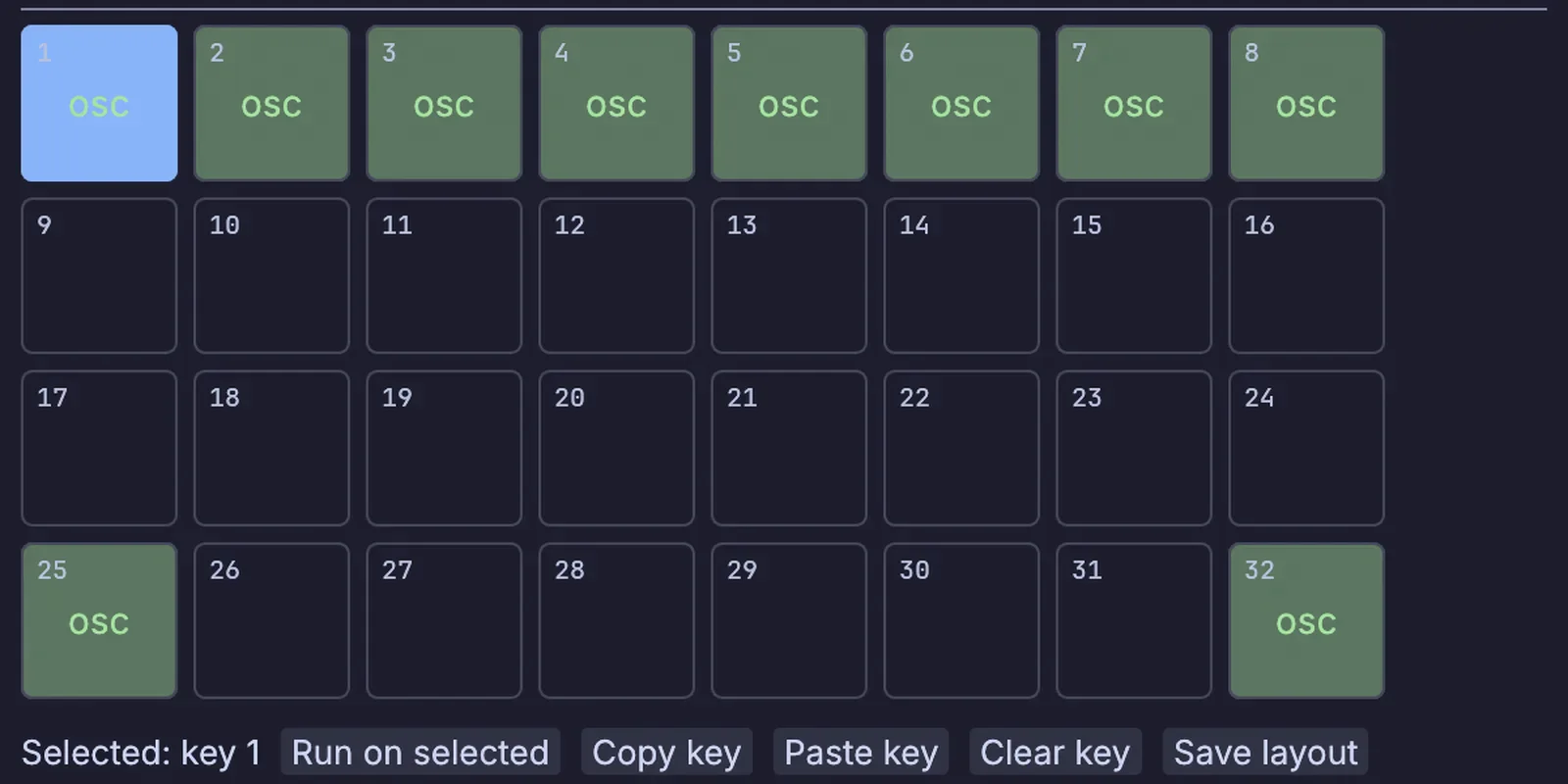
one key per cue, sent over OSC Take the GO from anywhere
Fire the show from a GO on the booth panel, a Stream Deck key, a phone, MIDI Show Control from the desk or a QLab cue over OSC. Or lock the whole show to the sound desk's LTC, with an offset so 01:00:00:00 lands on your first frame.
MidiShowControlIn+OSCReceive+MidiLtcDecode+DmxCuePoolLock the show to timecode →
Follow the actor.
A camera on the stage finds the actor's body in the picture, with no suit and no markers. The follow spot engine turns that into pan and tilt for a moving head, one engine for each head, and the 3D preview shows where the beams land before you try it on the rig. A depth camera can cut the actor out of the room, so the projector lights them and nothing behind. Already tracking with PosiStageNet? Kinematic reads that too.
Fire and smoke for the set.
Kinematic simulates fire, smoke, liquids, cloth and particles on your graphics card, in the same file as the cues. Render a loop for the projector, or run the sim live with its strength on a fader.
Send the fire's own colors to the lights through Image to DMX, and the stage flickers with the flames. No second program, and no file to hand across.
Run the show from the booth.
Press F1 and the editor steps aside. The stage picture goes to each projector you pick in the Outputs window, and you can give the booth a panel of its own: the cue that is up, the one that is next and a fader for each part of the look. Show lock stops a stray click from moving the timeline, and if the sound desk's timecode drops out, Take control lets you run it by hand until it comes back.
Run a live show →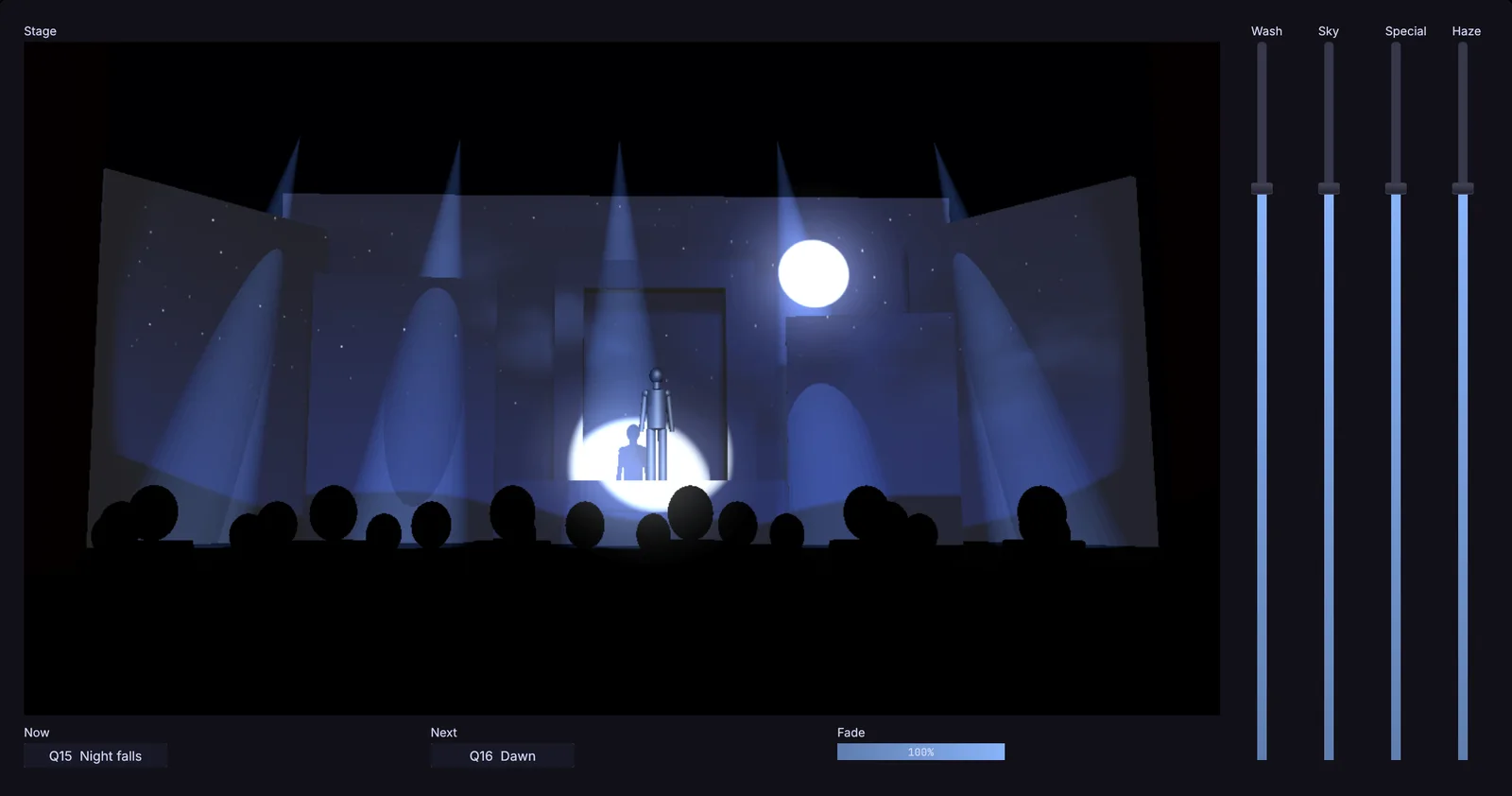
Hold at the top of the show
Open the show paused at its start, so nothing moves until the call.
$ kinematic show.kin --perform --start-paused
Restart after a crash
It restarts on its own, and the timeline starts where the show would be now.
$ kinematic show.kin --perform --restart-on-panic 3 --resume-timeline auto
A panic button for the stage manager
One press fades the rig to black, and it stays there until you release it.
A backup machine standing by
A second machine listens for the first one's heartbeat. If it stops, the backup takes over the rig, and hands it back when the first returns.
Gear, protocols and files.
Keep the desk, the sound system and the projectors in the building. Kinematic sits beside them on the network.
Lighting
- DMX over USBIn and outEnttec DMX USB Pro, DMXking ultraDMX and other adapters, one universe per adapter.
- Art-NetIn and outMany universes over the network, with device discovery and ArtSync.
- sACNIn and outE1.31 streaming DMX, with per-address priority.
- MVR and GDTFMVR in and out, GDTF inThe plot from your drawing program, and fixture profiles beside the 1,500 that come with the app.
- Lighting consolesOutFire cues on an ETC Eos, a grandMA3 or a Hog 4 over OSC, and set levels or type commands on the first two.
- Patch reportsOutA fixture list for the crew, as a spreadsheet or a page to print.
Show control and time
- MIDI Show ControlIn and outTake GO, STOP and LOAD from a desk, or send them to one.
- QLabInIts cues fire scenes, looks and lights over OSC on TCP.
- OSCIn and outUDP or TCP. Move a fader in another app to learn its address.
- LTCInSMPTE timecode read off an audio input, and chased by the timeline.
- MIDI timecodeIn and outChase it from the sound desk, or send the timeline out to gear down the line.
- Art-Net timecodeIn and outChase the lighting network, or be the clock everyone else chases.
- Cue lists from a spreadsheetIn and outA CSV of names and timecodes becomes markers on the timeline, and goes back out the same way.
Video and projection
- Projectors and screensOutA window per output on any display, with corner pins, grid warps and soft edges.
- Projector alignmentInPatterns go out, a camera watches, and the projectors line up on their own.
- NDIIn and outVideo and sound over the network. Swap a source mid-show while receivers stay connected.
- SyphonIn and out, macOSShare frames with other apps on the same Mac.
- Video filesIn and outMP4, MOV, MKV and WebM play in. Record H.264, H.265 or ProRes.
- Capture cardsInCards that show up as a webcam work like one.
Sound and control
- Sound filesIn and outWAV, FLAC, MP3 and OGG play in and record out. AAC plays, AIFF records.
- Audio interfacesIn and outRecord from an input, and play out to your speakers.
- Stream DeckIn and outCues on the keys, with tally, over USB or through Bitfocus Companion.
- MIDI controllersIn and outMove a knob to map it. Ready-made profiles for nine popular controllers.
- Phones and tabletsInA touch page served from the show itself, or TouchOSC.
The projection and show control you know, with the set model, the lighting cues and the sound in the same file.
Read the guide →Coming fromCinema 4DModel the set and make the projection content, then play it live on the night.
Read the guide →Every format and protocolWorks withFiles, gear and the other apps on your desk, with what each one does in and out.
Look up your gear →Tutorials and demos.
Each tutorial takes under fifteen minutes and starts from an empty file. The demos come with the app: open one, press Play, then take it apart on the canvas.
Tutorials
 Tutorial · 10 minMap moving patterns onto three panels
 Tutorial · 7 minLine up a projection on a wall from the side
 Tutorial · 8 minTurn a creak into a whoosh
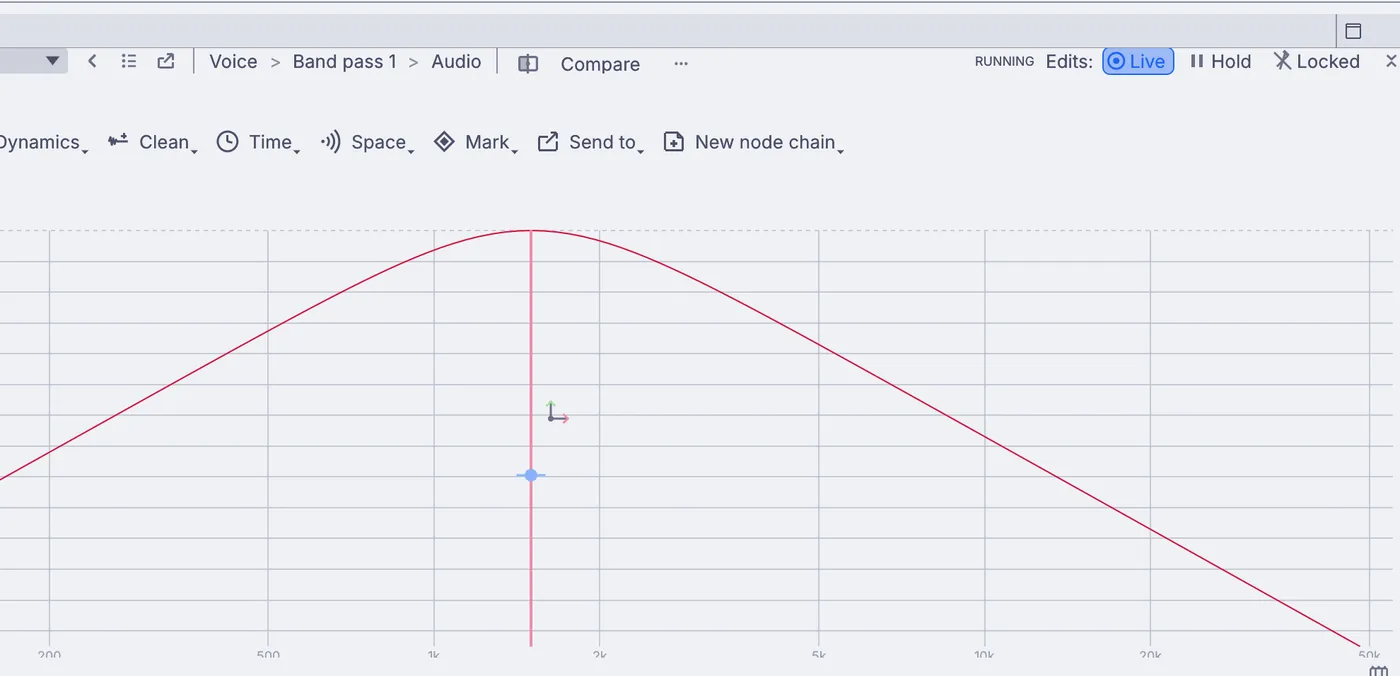 Tutorial · 8 minMake a voice sound like an old radio
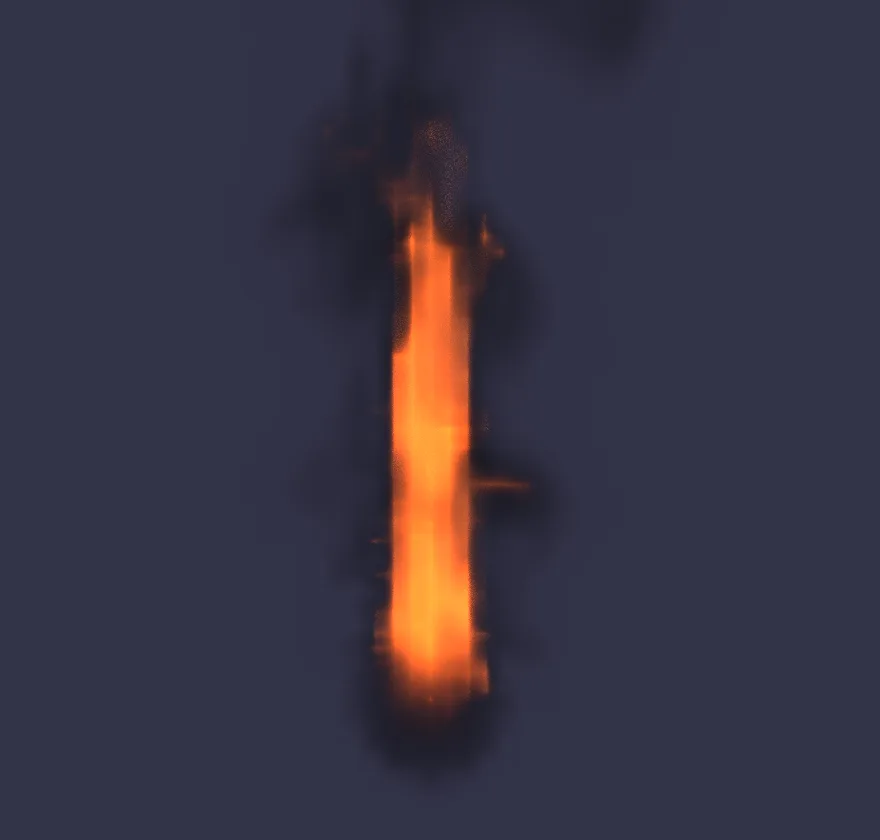 Tutorial · 10 minLight a torch
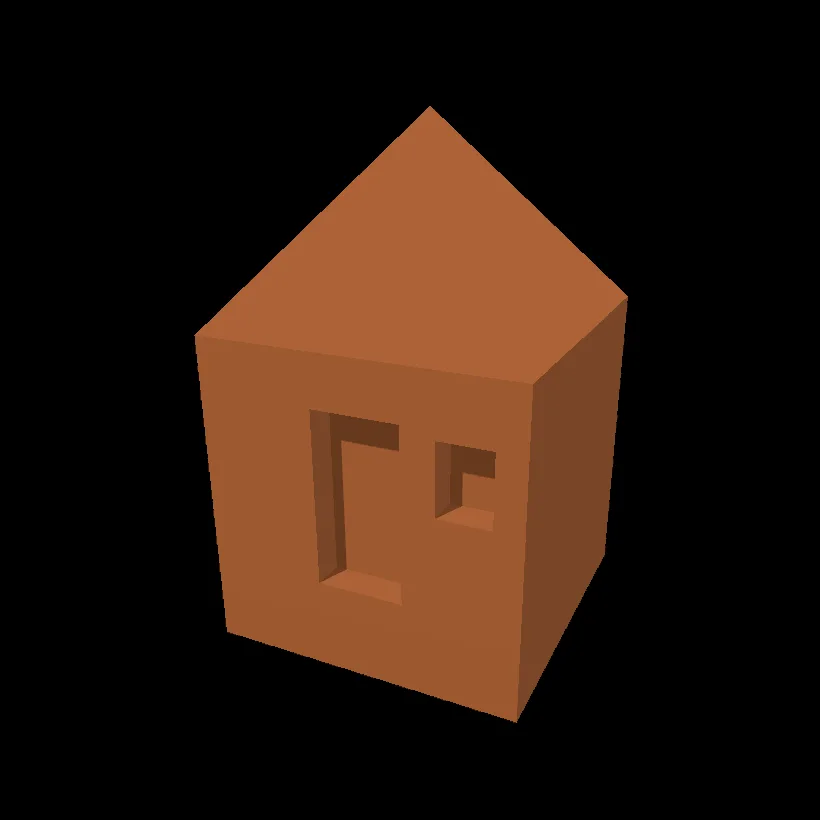 Tutorial · 10 minModel a little hut
Demos
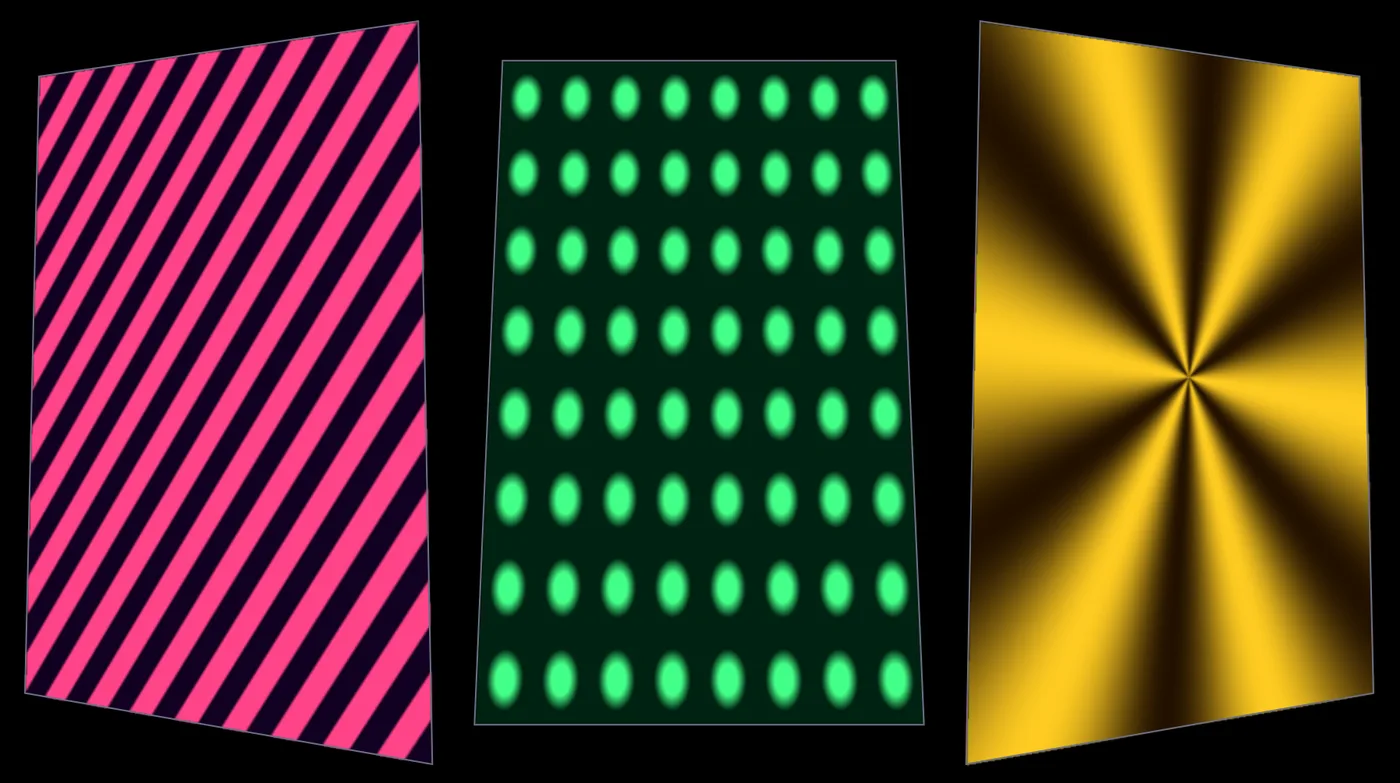
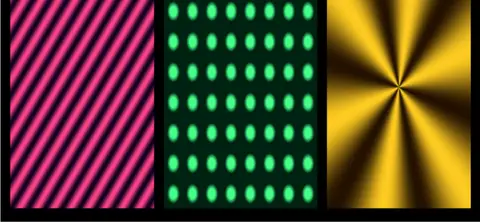 Projection mapper multi-textureStripes, dots and a star, each mapped onto its own panel of a set.In the Demos browser
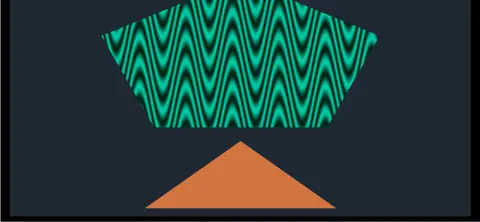 Projection mapper freeformA pentagon and a triangle mapped as free shapes. Drag their corners to fit your scenery.In the Demos browser
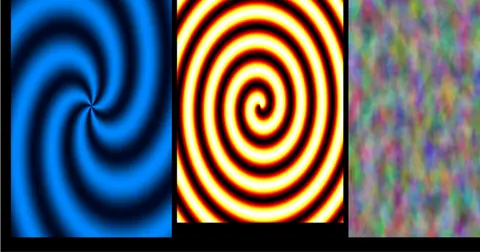 Swirls on a projectorThree swirls sent to a projector on its own display, with a preview in the app.In the Demos browser
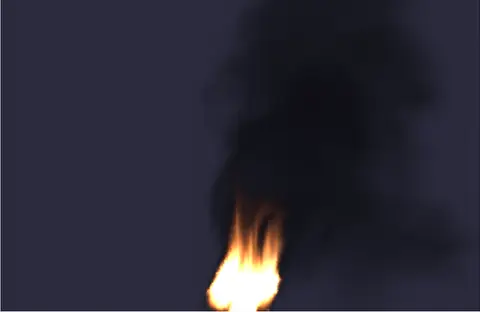 CampfireA steady fire between three logs, cooling into thin smoke.In the Demos browser
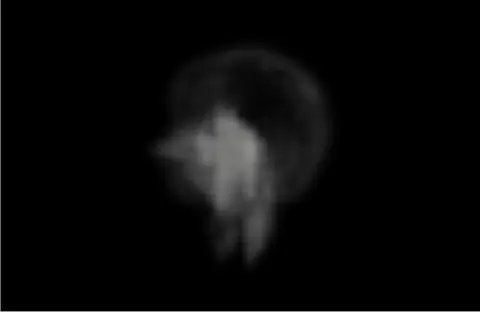 BillowyThick smoke rolling upward in slow, rounded billows.In the Demos browser
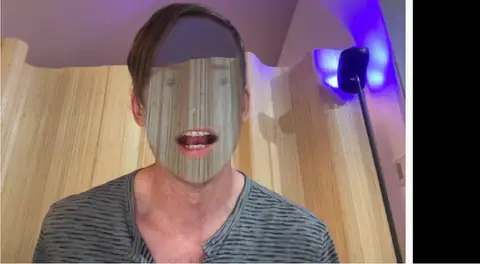 Hidden face effectA face vanishes on camera while hair and clothes stay. A classic trick for a haunted mirror.In the Demos browser
- A sound cue listThere is no cue list made for sound, with a level for every speaker. Sound cues play as clips from the timeline, a lighting GO or OSC, and the audio matrix routes four inputs to four outputs.
- LTC outKinematic reads LTC but does not write it. MIDI timecode and Art-Net timecode go both ways.
- Plots and paperworkThe 3D Viewer shows the rig from above and from the front, and the patch prints as a list. There is no drafting of a light plot for print.
- A full lighting visualizerThe 3D preview draws a beam for each fixture you give one, aimed by the values you wire in. It does not draw a whole rig straight from incoming DMX.
- SDI output cardsPictures leave through a screen output, NDI or Syphon. There is no direct output to an SDI card.
- SpoutSharing video with other apps on Windows is on the roadmap. NDI works on every platform today.
Download Kinematic.
Free. No account, no license key. Put it on every machine in the building, on macOS, Windows and Linux.