Kinematic 0.5.0 is out. Modeling and sculpting in the viewport, a timeline on every graph, photo and sound editing. What's new
Kinematic / Who it's for / Graphic designers and illustrators

Design posters, logos and type in Kinematic.

Draw with the pen, set type in your own fonts and lay out posters with layers, guides and snapping. Save every size and format from one design, then make it move, turn it into 3D or put it on a wall. Free, even for commercial use.

  • Graphic designers
  • Illustrators
  • Poster artists
  • Lettering artists
  • Brand designers
  • Plotter artists
Pen tool, SVG in and outYour TTF and OTF fontsPen pressure and tiltmacOS, Windows and Linux
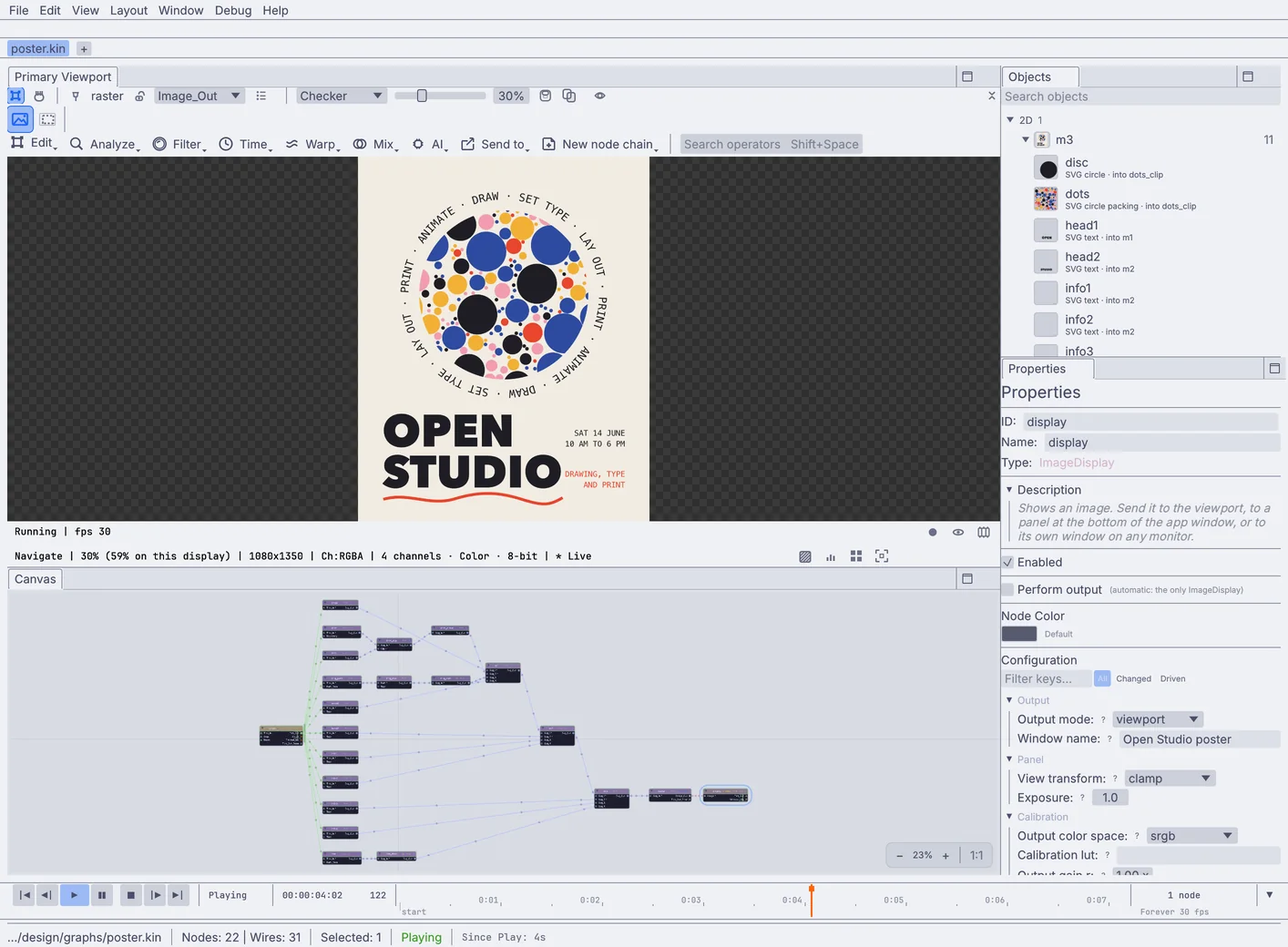
In the app 22 nodesthe same poster open in Kinematic: the picture in the viewport, its parts listed in Objects, and its nodes on the canvas below
Open Studio 4:5 poster, 10 s loop
Red#E8452CMustard#F2B035Cobalt#2D4BA0Pink#F29CB1Ink#1E1E24

A poster built from shapes and type: circles packed into a disc, a ring of words that turns and an underline that draws itself on. Behind it, the same poster open in Kinematic, every part a node on the canvas.

The work

Draw, set type, lay out and deliver.

What fills a week at the desk, and how each job goes in Kinematic. Every picture on this page was made in the app.

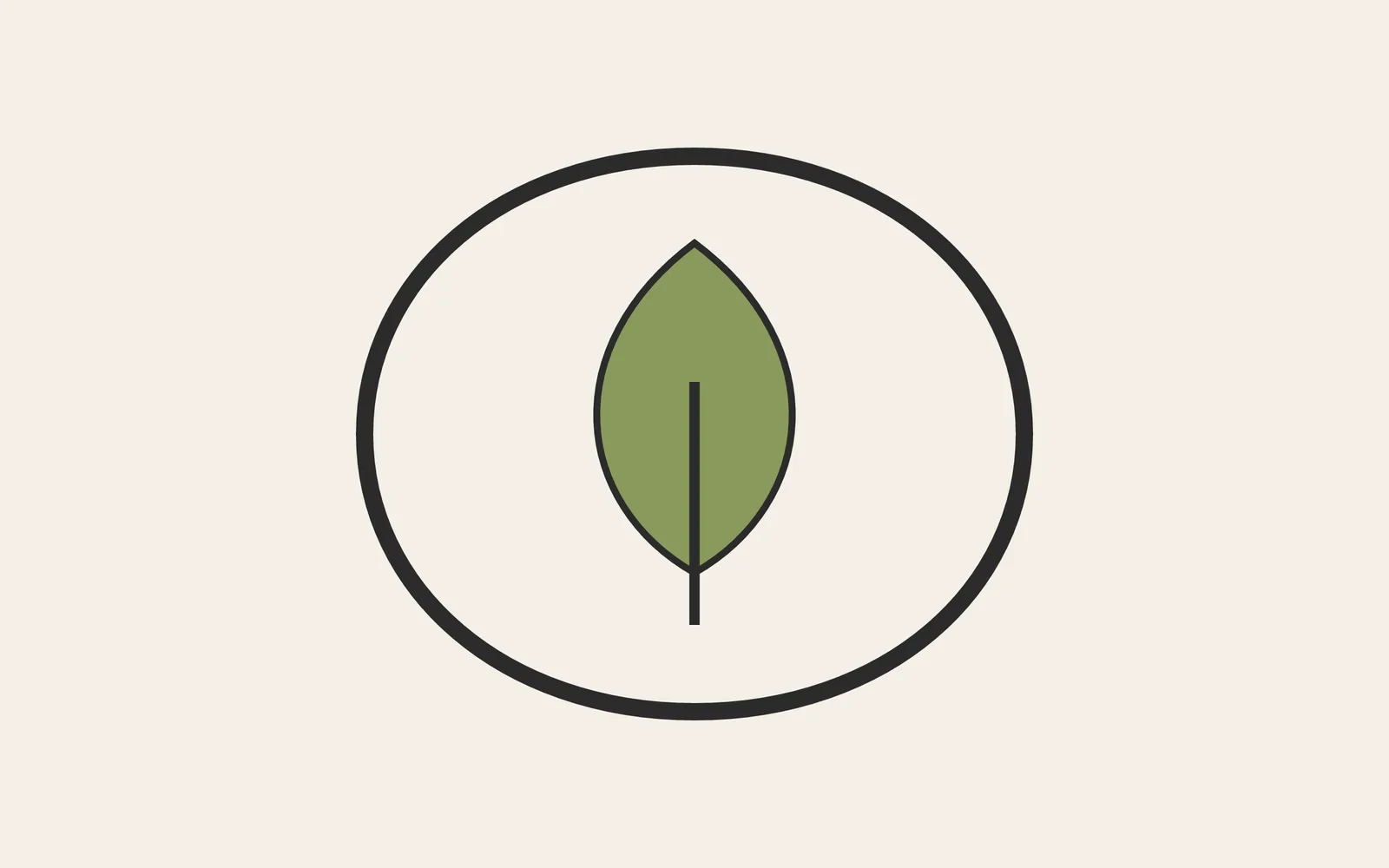
a leaf logo drawn with the pen: a ring, a leaf and a stem on a pale page
a leaf logo, drawn with the pen
01Draw

Draw logos and marks.

Click out a path with the pen, and drag as you click to bend a corner into a curve. Stars, spirals, polygons and grids are ready to drop in, and every shape stays sharp at any size.

  • Fills, strokes, gradients, drop shadows and clipping paths
  • Trace a photo or a scanned sketch into clean, editable curves
  • Open an SVG from your vector app and keep drawing on it
SvgPathSvgStarSvgGradientSvgClipPathImageTrace
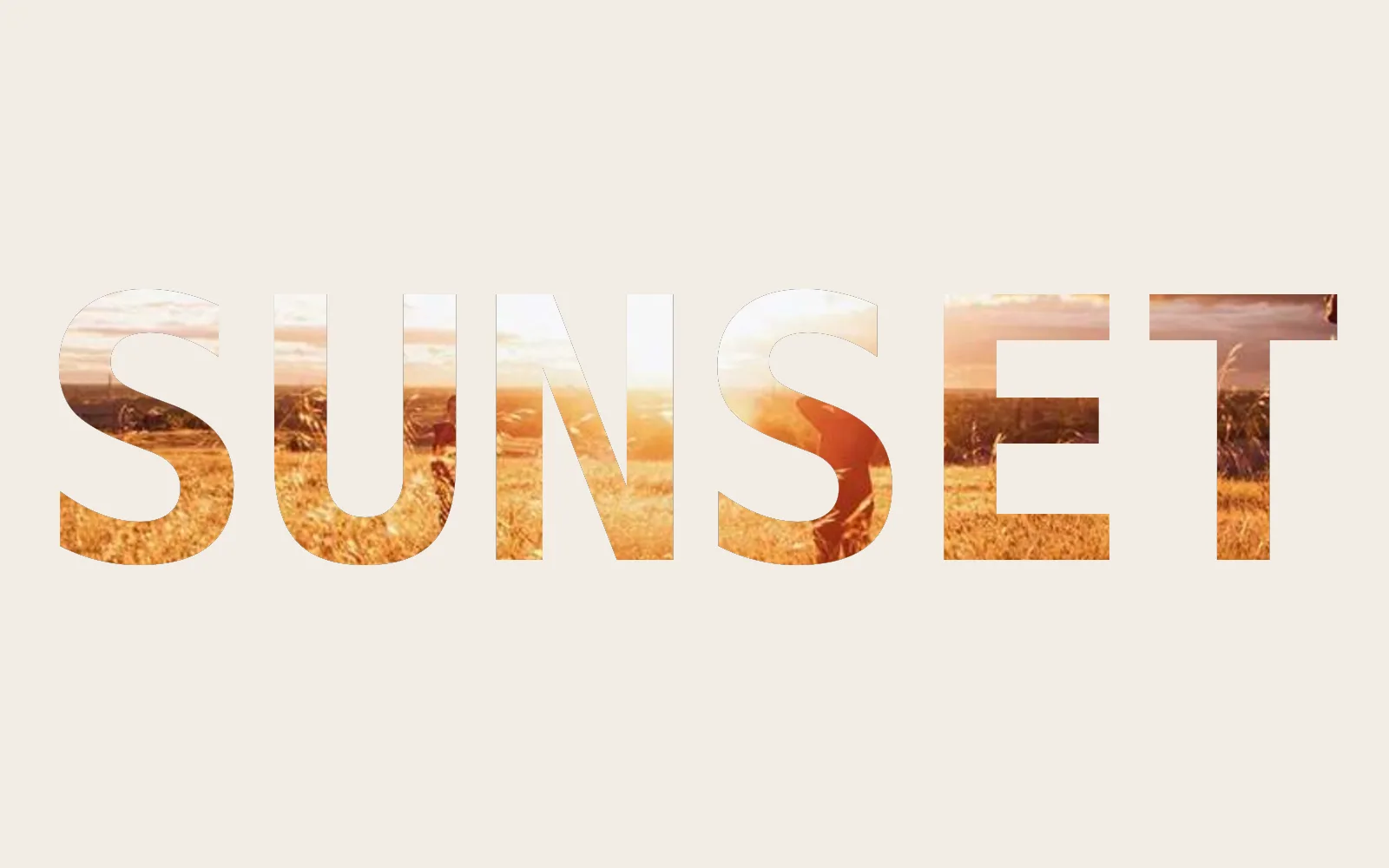
the word SUNSET cut from a photo of a field at sunset, on warm paper
SUNSET, cut from a photo
02Type

Set type.

Set headlines and body copy in your own TTF and OTF fonts, with tracking, line spacing and bold or italic words. Justify a column, bend a headline along a curve, or fill the letters with a photo.

  • Text on a path for a badge or a stamp, slid and bent with handles
  • Type turned into outlines, so the file looks the same on a machine without your font
  • Words extruded into 3D letters with a bevel
TextRenderToImageSvgTextSvgTextOnPathSvgTextOutline3DGeoTextExtrude
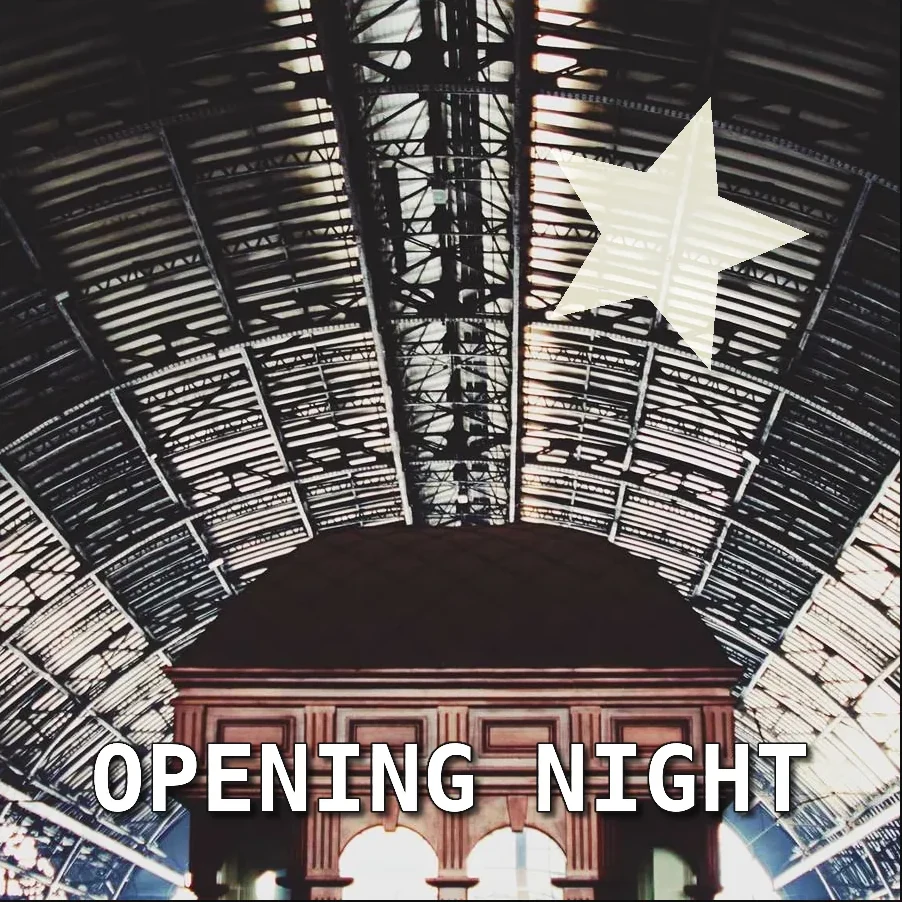
a poster: a star with a glow clipped inside it and a stroked, shadowed title over a station roof
layers, a clipped glow and a shadowed title
03Lay out

Lay out posters.

Place photos, logos and text as layers with blend modes and opacity, and clip one inside another. Drag guides off the rulers: edges and centers snap to them, to the frame and to each other.

  • Align and distribute three or more layers in one step
  • Anchor a logo to a corner so it keeps its place when the canvas changes
  • Place a label in perspective onto a box, or a picture onto a screen on a wall
InputImageFileImageCompositeImageSDFShapeImageCornerPinImageRGBCurves
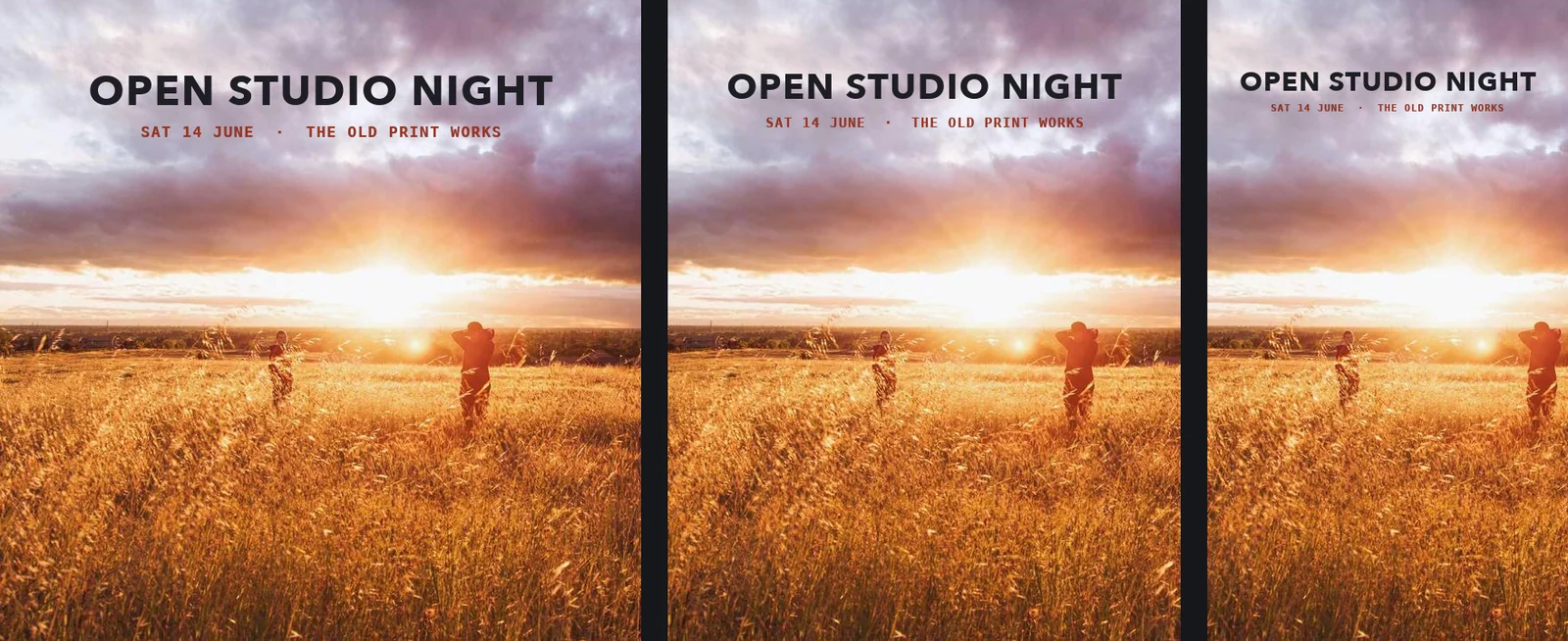
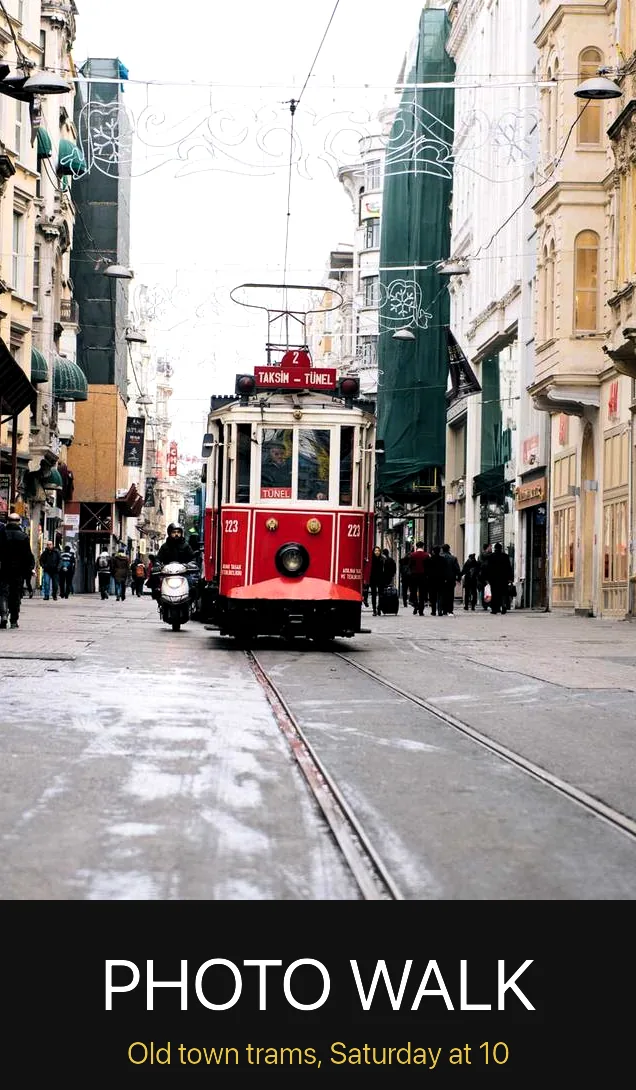
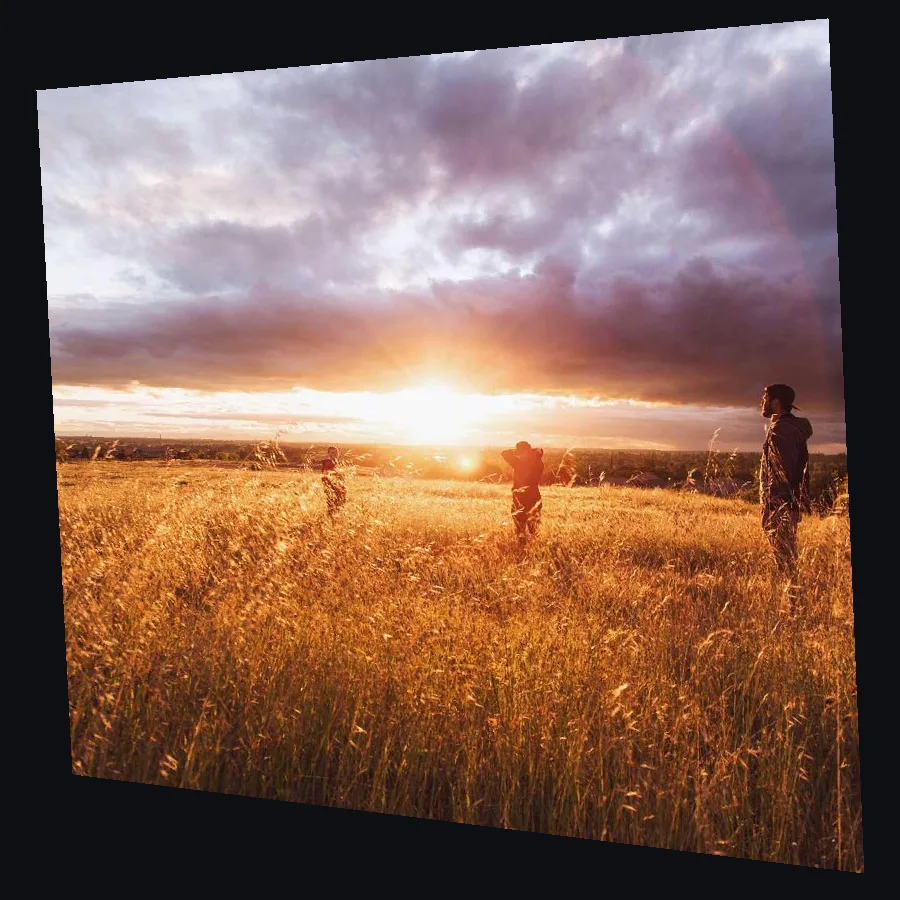
one sunset photo cropped square, 4:5 and 9:16, each with its own title and date line
one photo, three shapes, each with its own type
04Sizes

Make every size from one design.

Branch a new version off any step, crop it to its shape and give it its own line of text. Change the look once and every version follows.

  • Square, 4:5 and 9:16 posts from one photo, each saved under its own name
  • An A3 poster at 3508 by 4961 pixels, ready for the printer
  • Data merge: forty name badges or a card for every guest, from one design and a CSV table
ImageCropImageReformatImagePadTextRenderOverImageOutputImageFile
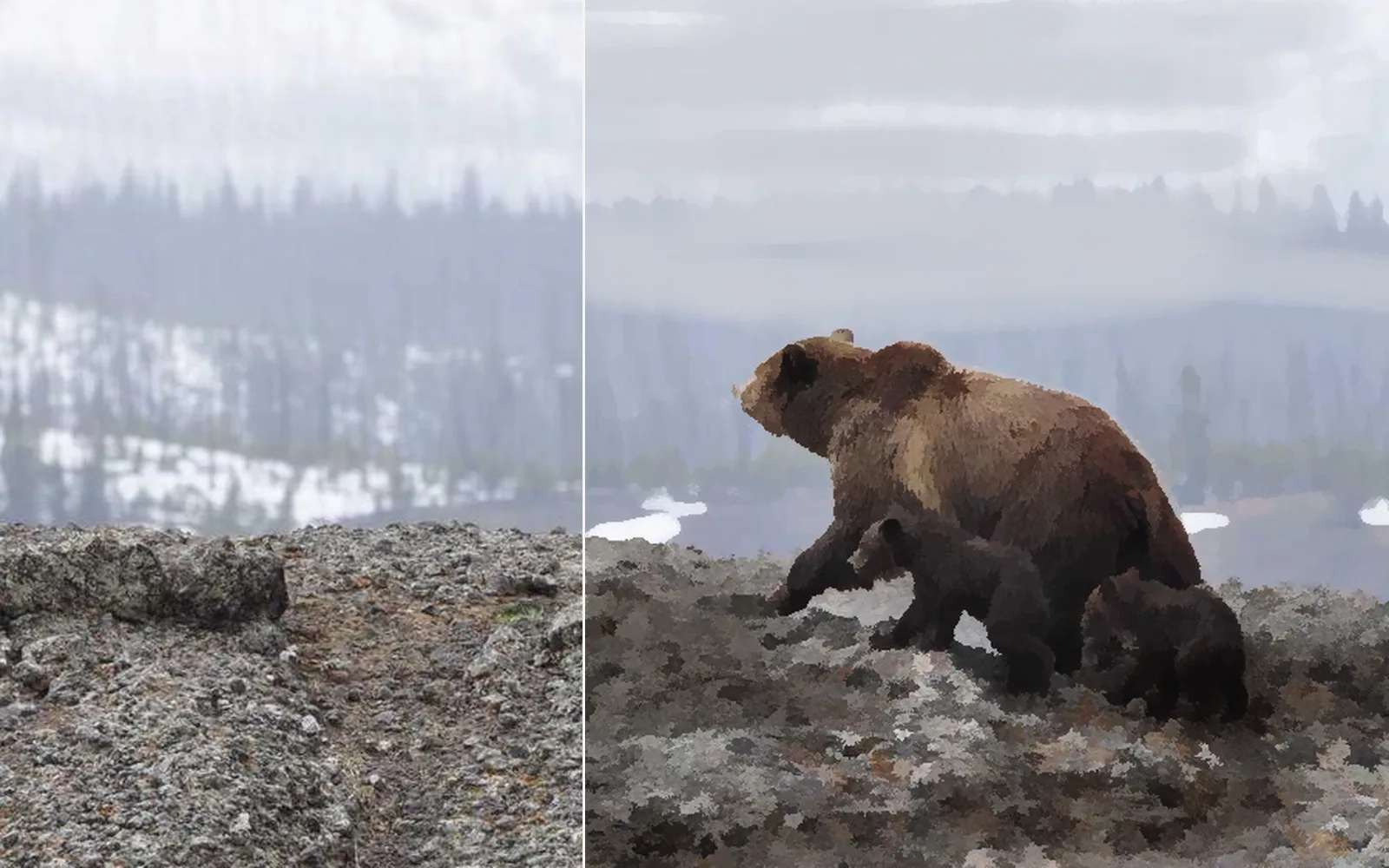
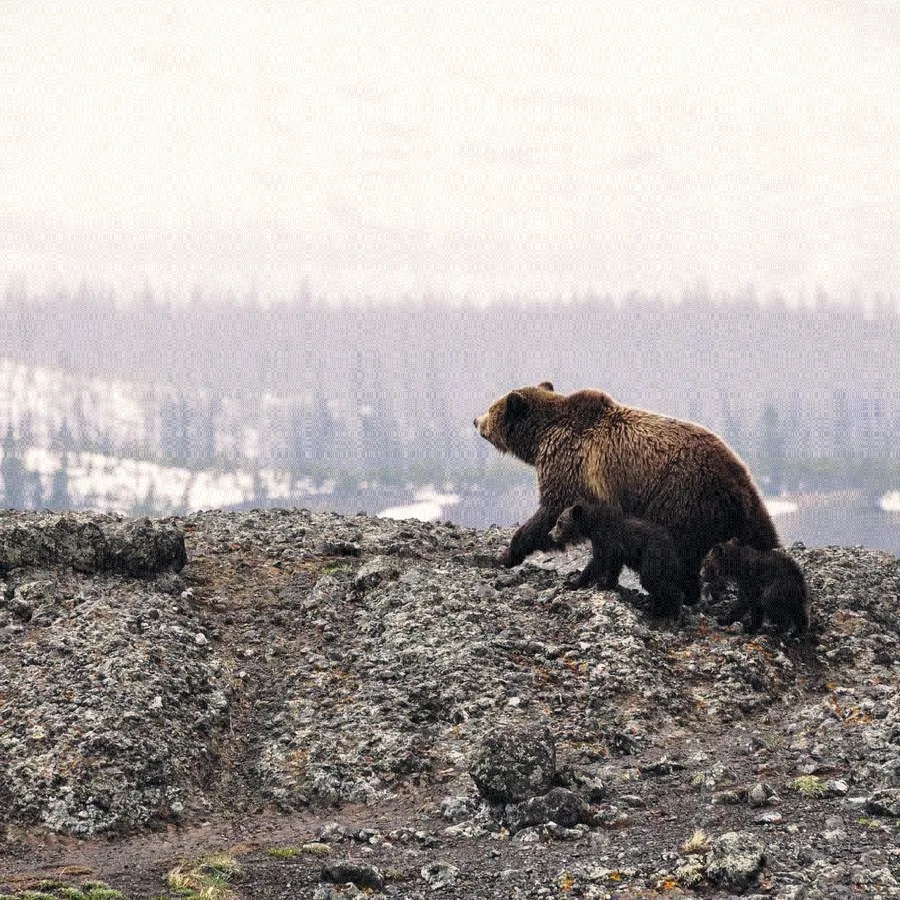
a bear photo on the left, painted over with soft strokes and brush marks on the right
a photo, painted over
05Illustrate

Paint and make patterns.

Paint with a drawing pen: pressure shapes the stroke, tilt flattens the brush and the eraser end erases. Paint on layers over a photo, or let a pattern grow from cells, circles and repeats.

  • Pick colors from the picture with the eyedropper, and shade with a Multiply paint layer
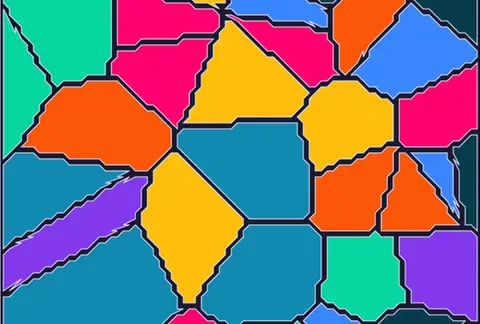
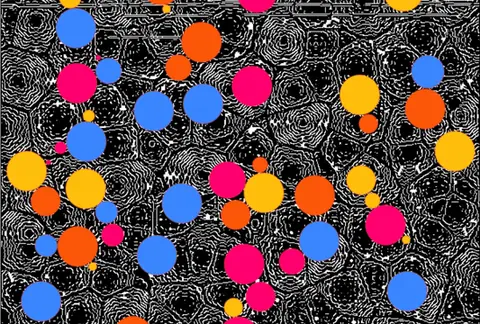
  • Voronoi cells and packed circles that change with a seed, and spirals and radial repeats
  • Flat toon color, halftone dots in one ink or four, and a filter that pulls a photo toward brush marks
ImagePaintImageKuwaharaSvgVoronoiSvgCirclePackingImageHalftone
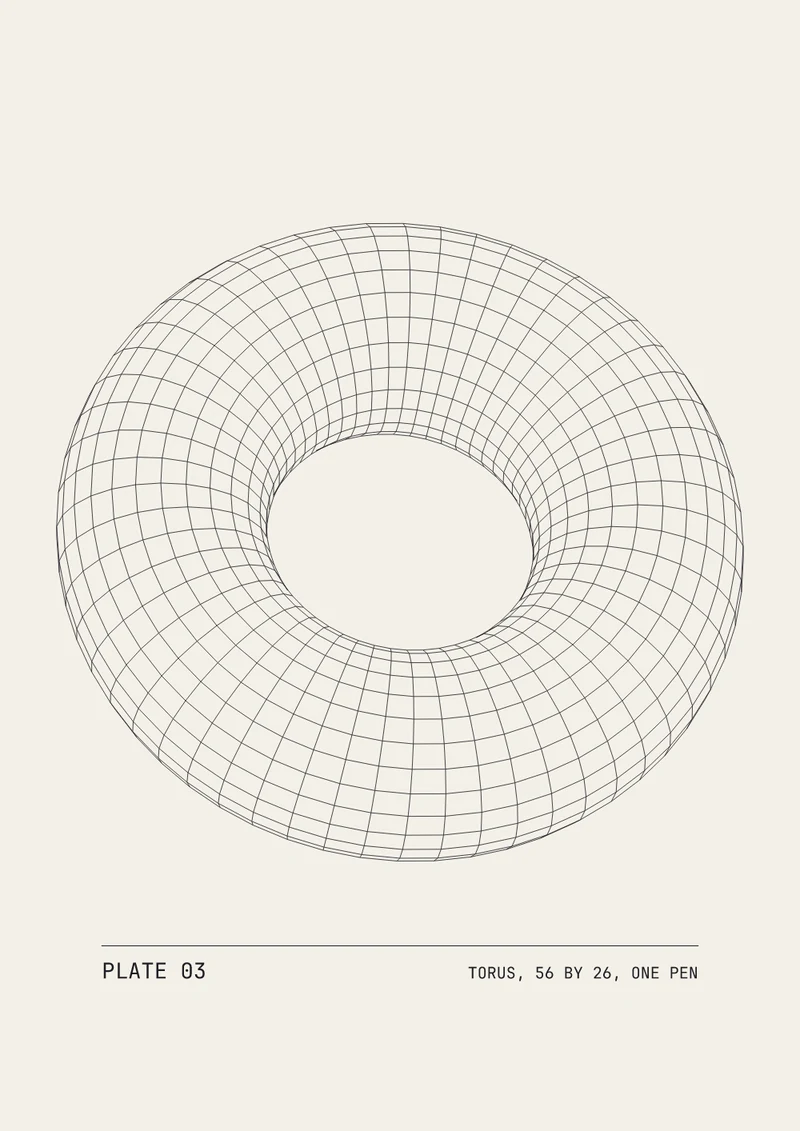
a plotter sheet: a torus flattened into thin ink lines on paper, its label below set in outlined type
a torus as plotter lines, its label in outlines
06Deliver

Save for print, the web and the plotter.

Save PNG, JPEG or 16-bit TIFF with the print size, your copyright and your name written into the file, in sRGB or Display P3. One press of Save writes a web JPEG and a print TIFF together.

  • Drawings save as SVG, and the colors copy out as a JSON list or as CSS variables
  • A 3D model flattens into clean lines for a pen plotter, with the type baked into outlines
  • One layout run over a whole folder of photos from the command line
OutputImageFileSvgToStringFileWriteGeometryToSvgSvgTextOutline
What you gain: motion

Animate your designs.

Any setting can move. Set keys on the timeline or type a short expression, and a logo draws itself on, a shape turns into another and the words slide along their curve. Then save it as a video or a numbered PNG sequence for the post.

  • Draw a line on, morph one shape into another, and run type along a path
    SvgStrokeDrawSvgPathInterpolateSvgTextOnPath
  • Keys on any number, shaped as curves in the keyframe editor, or an expression such as a slow, steady turn
    KeyframeParameterAnimation
  • A timeline on every graph, to scrub through and loop
  • Save H.264, H.265, ProRes or VP9 video, or a PNG sequence
    OutputVideoFileOutputImageFile
a logo drawing itself on, then filling
three shapes easing into new ones
two spirals turning against each other
What you gain: 3D

Take your type into 3D.

Extrude a headline or a logo into solid letters, light it and move the camera around it. Stick a label onto a model, draw a building in isometric view for an illustration, or flatten a 3D shape into lines for the plotter.

  • Type extruded with a bevel, set in your installed fonts
    3DGeoTextExtrude
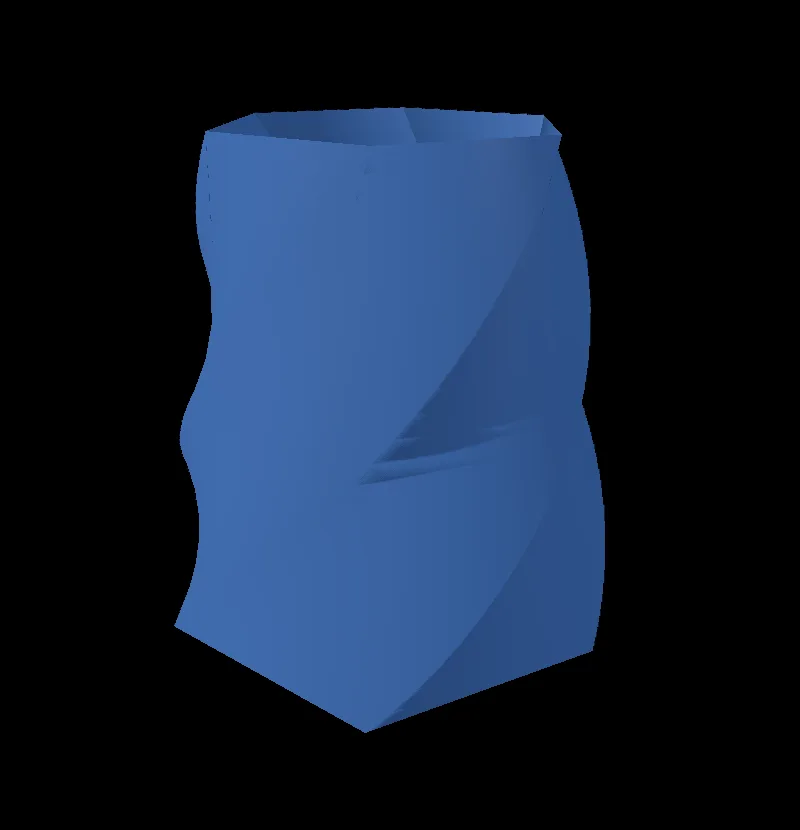
  • A drawing pushed out into a solid
    SvgToGeometry
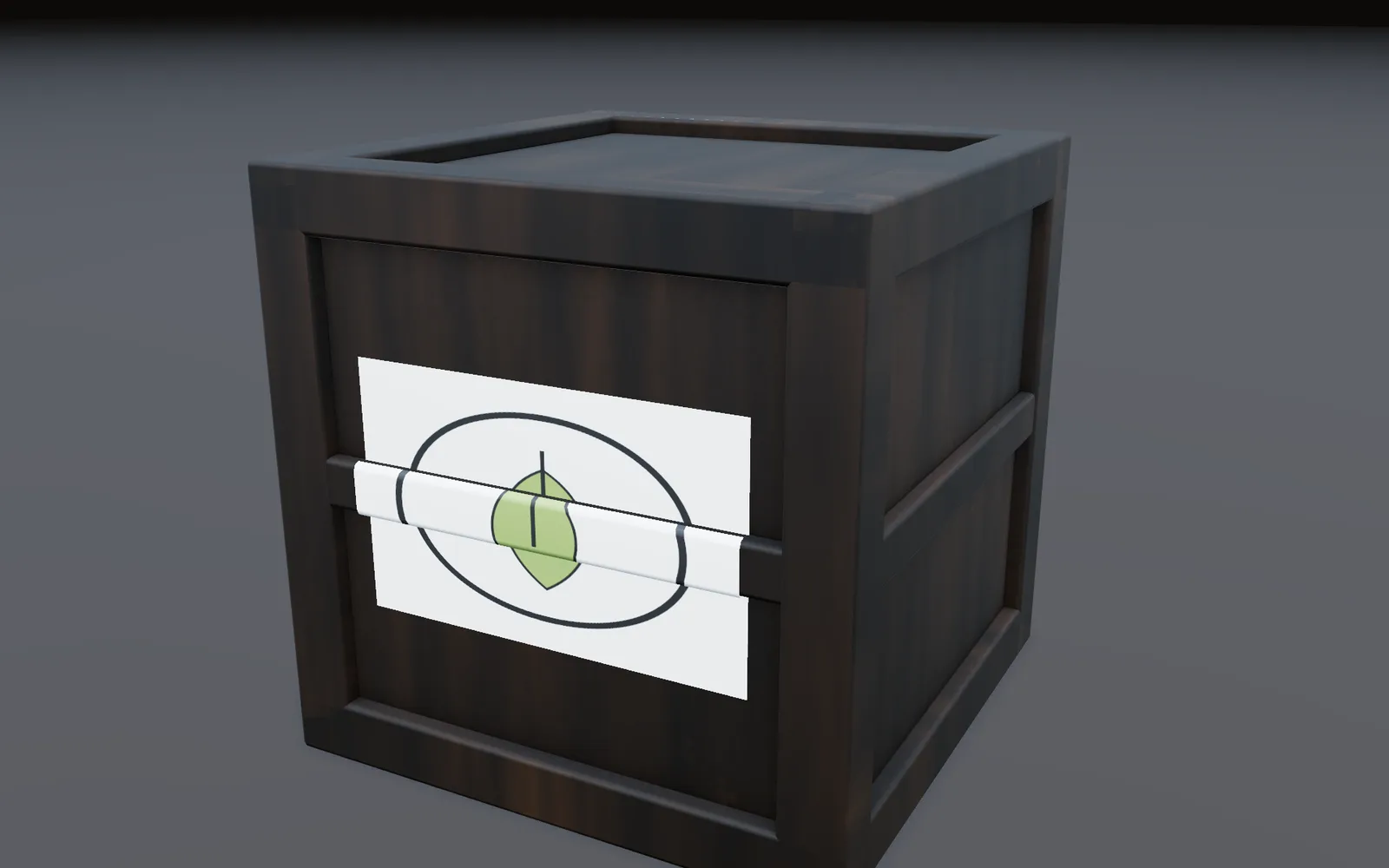
  • A logo stuck onto a model as a decal, and saved with it as glTF
    3DGeoDecal3DGeoExportGLTF
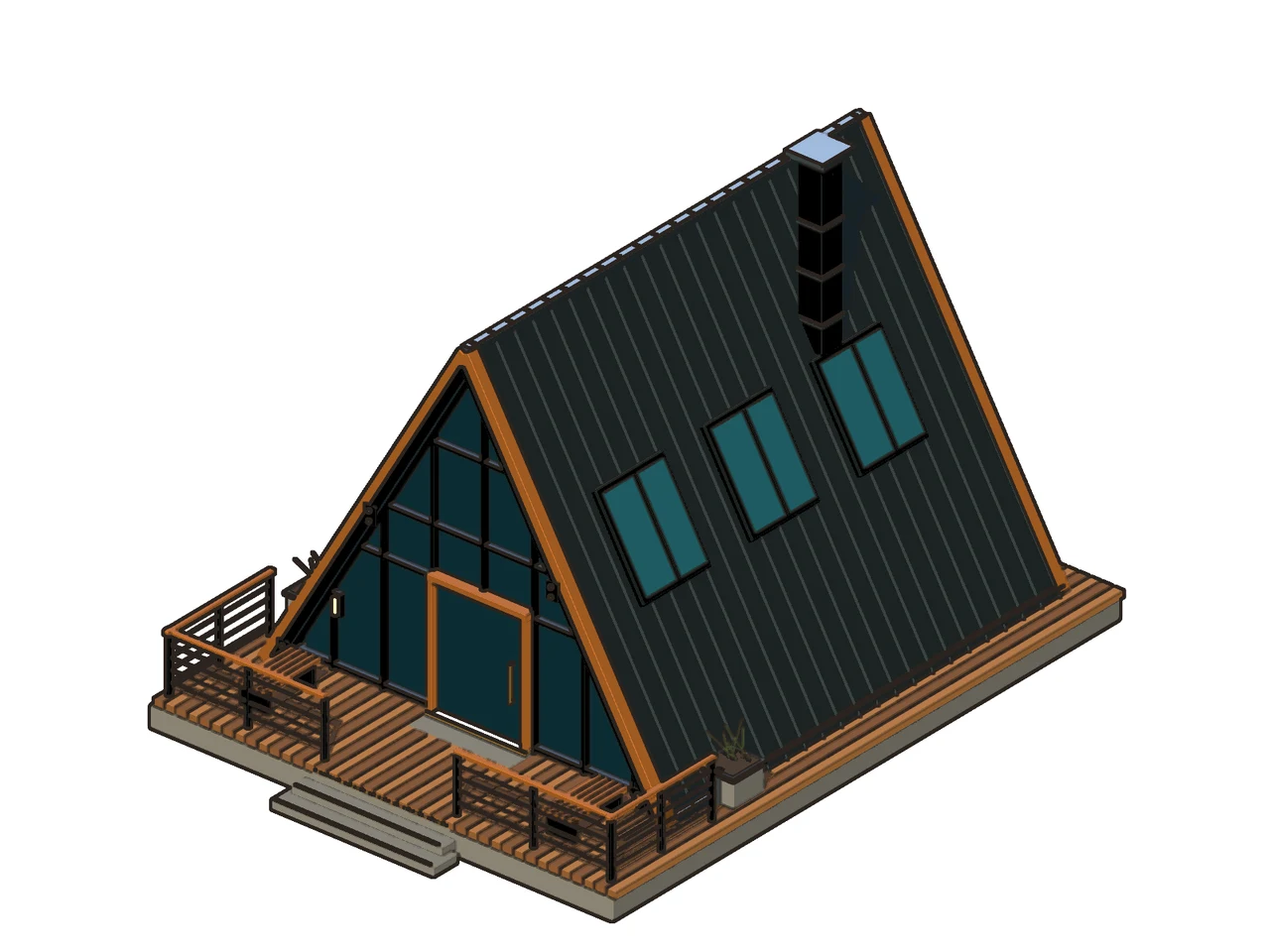
  • An orthographic camera for isometric views, inked with flat color and outlines
    3DGeoCameraCreateImageToonShade
the poster headline as 3D type
a leaf logo stuck on the front of a wooden crate as a decal
a logo on a crate, as a decal
an A-frame cabin in isometric view, flat color with dark inked outlines on white
a cabin in isometric view, inked
What you gain: walls and stages

Put it on a wall or a stage.

Send the poster to a projector and pin its corners to the wall, cut the windows out of a building front, or fit moving patterns to every panel of a set. Let a song set the size of a shape or the strength of an effect, then press F1 and the picture fills the screen.

  • Projection mapping with corner pins, masks, grid warps and soft seams between projectors
    ProjectionMapperImageHomographyImagePolygonMaskImageEdgeBlend
  • The beat or the loudness of a song can drive any setting
    AudioOnsetDetectAudioEnvelopeFollower
  • Perform Mode: the editor steps aside and the picture fills the screen
  • A picture played across a wall of lights over Art-Net or sACN
    ImageToDmxArtNetSendInterface
a spiral on the wall, the window left dark
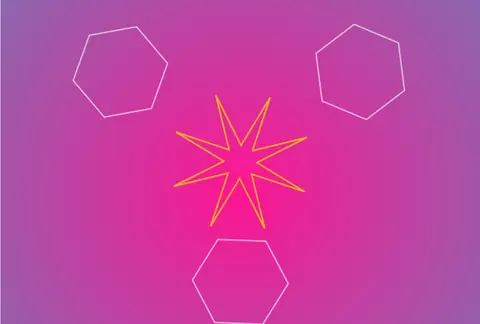
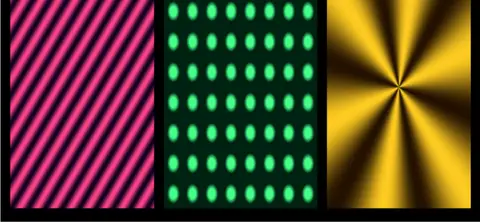
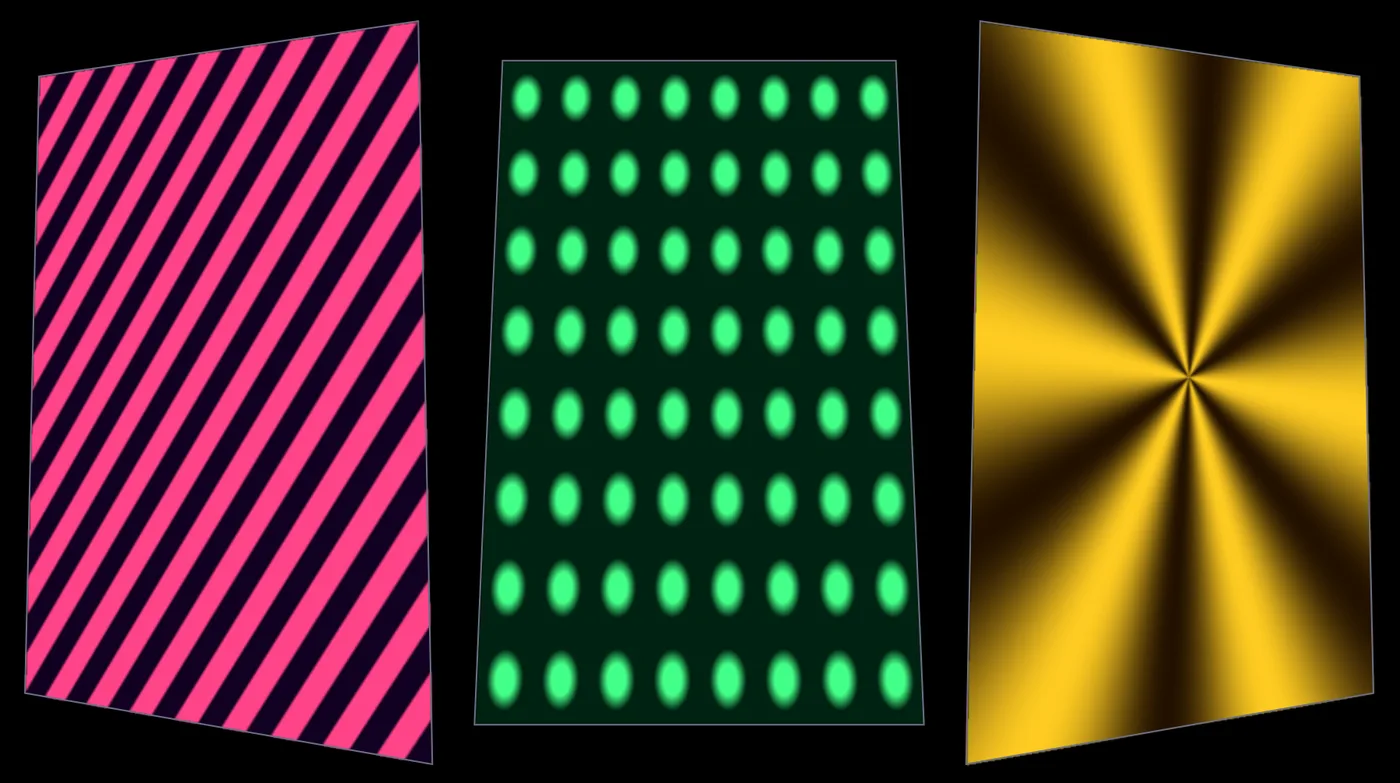
stripes, dots and a star, each fitted to its own tilted panel
three patterns, three panels
the background breaks up on each beat
How it fits

Your files, gear and tools.

Kinematic runs beside the apps you already use. SVG carries your drawings in and out, and pictures travel as PNG, JPEG, WebP and TIFF.

Beside your other tools
  • Your vector appOpen or paste its SVG and keep drawing on it. Save SVG back out, or copy the whole drawing or one path to the clipboard.
    SvgFromStringSvgToString
  • Your photo editorBring a look in as a .cube LUT. PNG, TIFF and EXR travel both ways, and layered EXR keeps the masks.
    InputImageLutFileImageLayerWrite
  • Your video editorSave MP4, MOV or WebM with picture and sound, in H.264, H.265, ProRes or VP9.
    OutputVideoFile
  • Your 3D appLogos and type leave as glTF, FBX, OBJ or USD meshes.
    3DGeoExportGLTF3DGeoExportFBX
Files
Opens
SVGPNGJPEGWebPTIFFEXR and HDRGIF, first frameTTF and OTF fonts.cube LUTsMP4 and MOV
Saves
SVGPNGJPEGWebP16-bit TIFFEXRPNG sequencesMP4, MOV and WebM.cube LUTsglTF, FBX, OBJ, USD

Print size, copyright and creator go into PNG, JPEG and TIFF files. PNG and TIFF keep 16 bits per channel, and EXR keeps full float.

Gear
Drawing tablets
Pressure and tilt on the brushes, the eraser end erases, and both pen buttons take any shortcut. Pressure is read on macOS, on Windows with Windows Ink, and on Linux under X11.
Pen plotters
Lines save as SVG, with the type baked into outlines so the plotter needs no font.
Screens and projectors
Send the picture full screen to a second screen or a projector, and line it up on the wall with corner pins.
Color
Color profiles in your photos are read when they open. OpenColorIO comes with the ACES config built in.
A hundred at once

Run one layout over a folder of photos, each saved under its own name. In the app, Data merge does the same from a CSV table: one badge, card or poster for every line of it.

terminal
$ kinematic run poster.kin --jobs 4 \
    --each photo.file_path='shoot/*.jpg' \
    --set out.file_path='posters/{stem}.png'
Where to start

Tutorials and demos.

Each tutorial stands alone and takes a few minutes. The demos come with the app: open one from Help, then Browse Demos, and take it apart.

Tutorials Demos to open first
Honest gaps

What it does not yet do.

Better to know now. Something missing that you need? Reach out.

  • PDF, EPS, AI and PSD filesThey do not open or save. SVG is the vector format in and out, and PNG and TIFF carry pictures.
  • CMYK and spot colorsFiles save in RGB, such as sRGB or Display P3. The CMYK halftone filter is a look, not a print separation.
  • Pages and spreadsEach design is a single frame, so a booklet or a magazine is still a job for a page layout app.
  • Boolean path operationsUnion, subtract and intersect are not in yet. A compound path with an even-odd fill cuts simple holes.
  • Animated GIF outA GIF opens as its first frame and does not save. Save an MP4, a WebM or a PNG sequence for motion.
  • Pen pressure under WaylandPressure is read on macOS, on Windows with Windows Ink and on Linux under X11. Elsewhere the pen paints at full pressure.
Your next poster

Download Kinematic.

Free. No account, no license key and no subscription, even for commercial use. macOS, Windows, Linux and Raspberry Pi, on every desk in the studio.

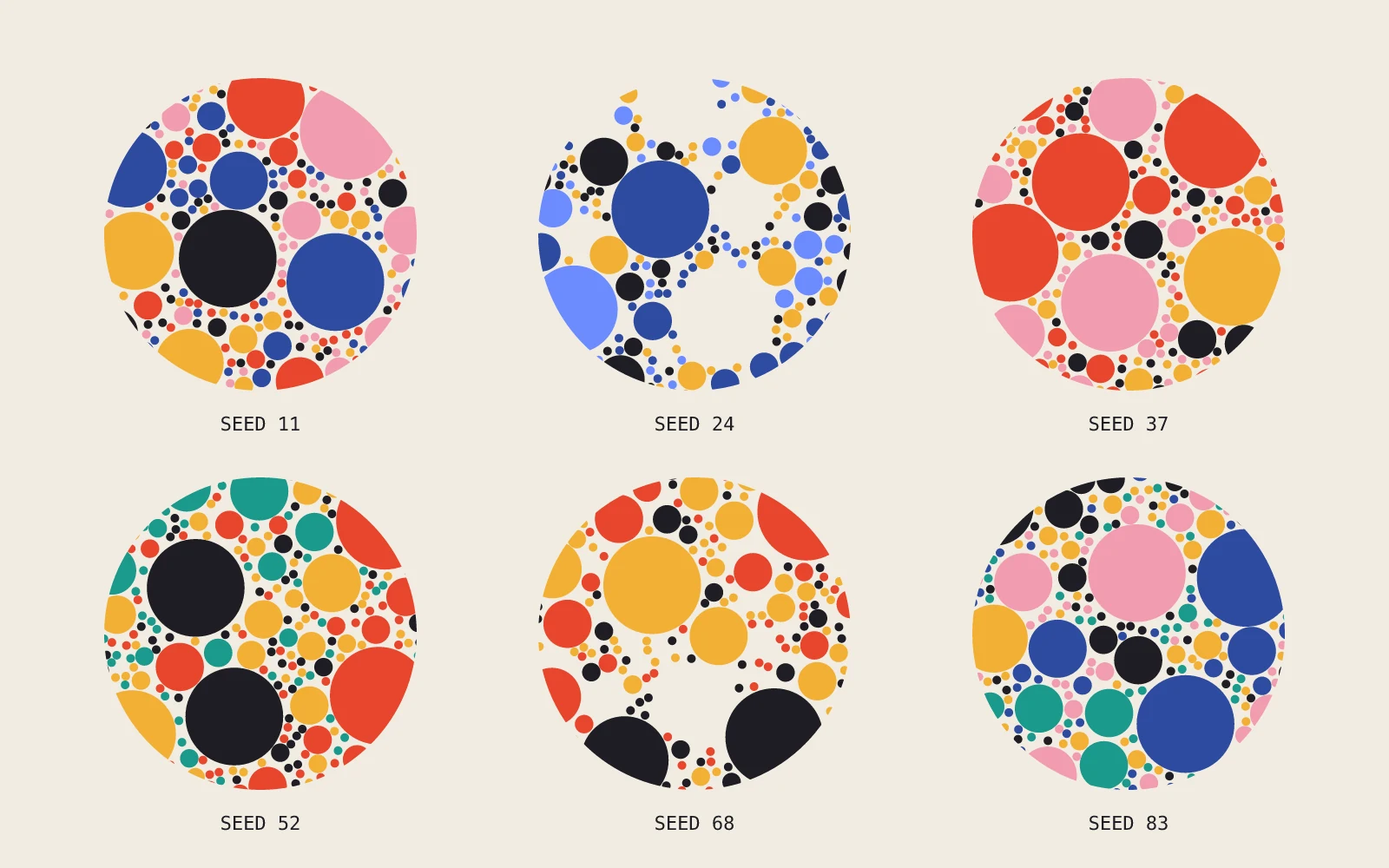
six discs of packed circles from one setup, each with its own seed and palette, labeled SEED 11 to SEED 83
one setup, six seeds