Model the form
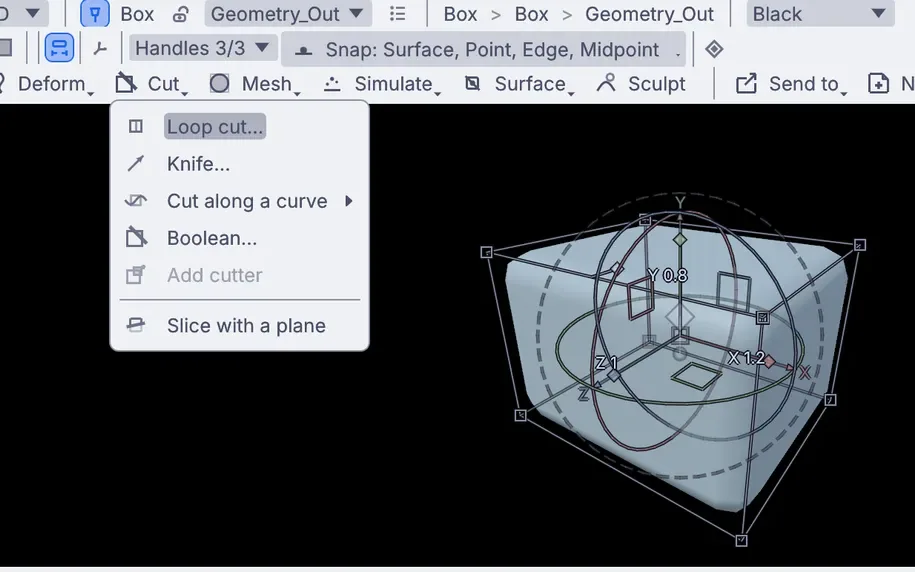
Draw a curve in the viewport and spin it into a surface, loft it through sections or sweep it along a path. Or start from a box and bevel, cut, boolean and mirror it. Type 80mm while you drag and the edge lands at 80 millimeters.
For product designers, industrial designers and packaging designers. Draw the profile and shape the form to the millimeter, try every color and finish, put the graphics on, and render the stills and turntables for the review and the launch page. Every tool you use adds a step, so the shoulder you drew on Monday still moves on Friday.


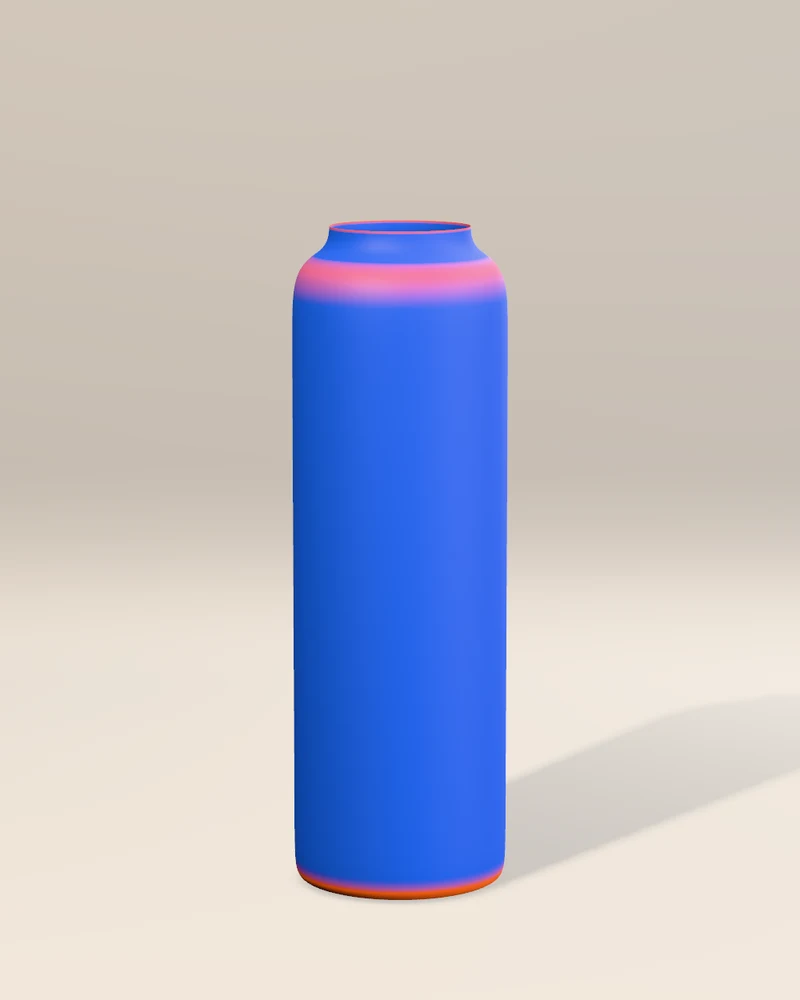
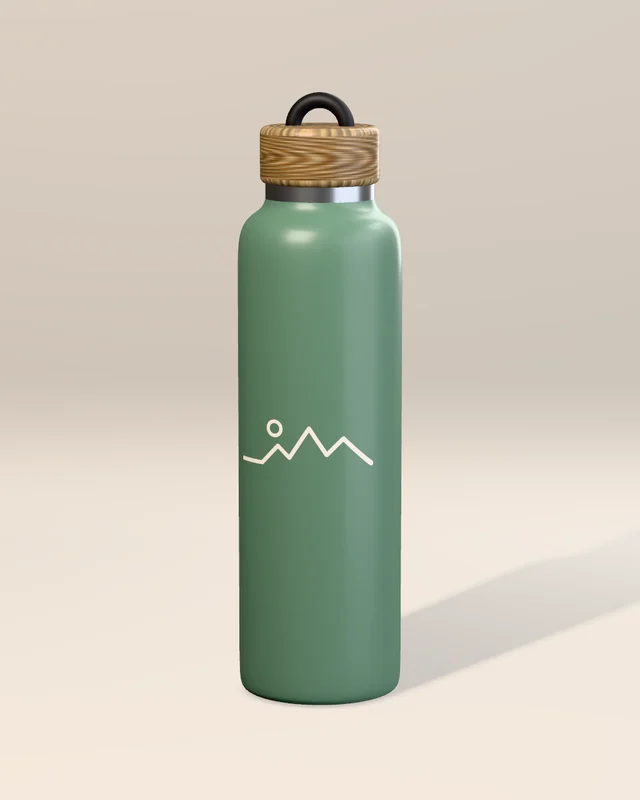
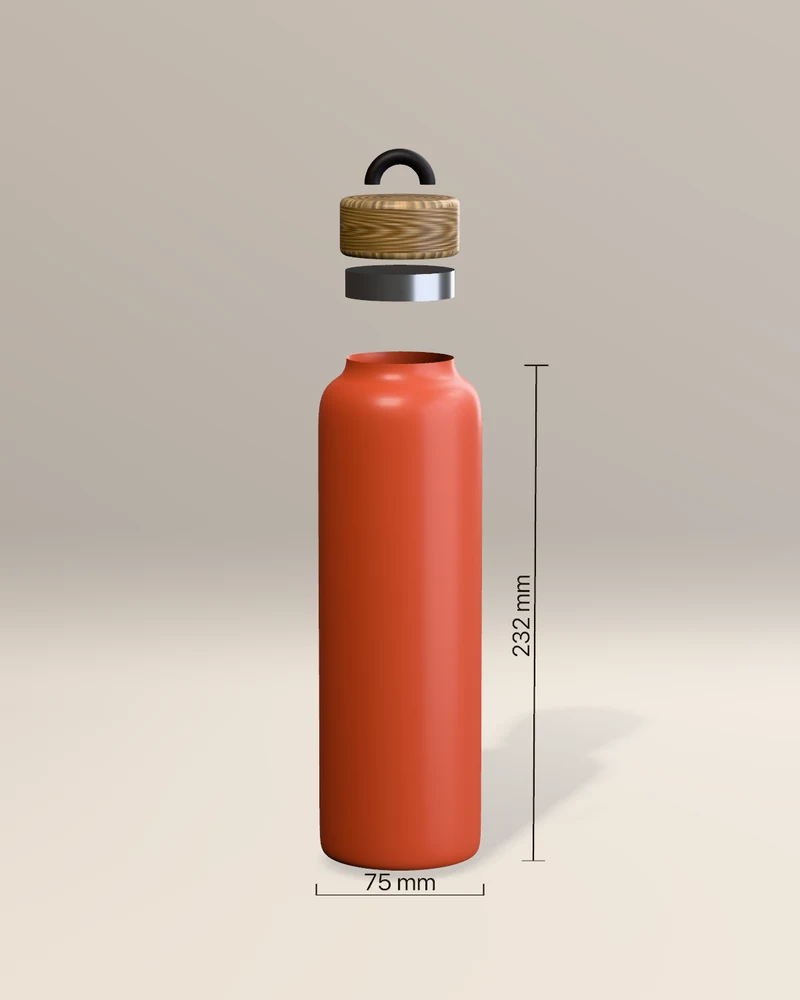
One bottle, drawn as a profile, revolved, finished and rendered in Kinematic. No other app in between.
From the first profile to the launch page, in one viewport. Each tool you use writes a step, so the fillet you set early is still there to change after the client has seen it.

Draw a curve in the viewport and spin it into a surface, loft it through sections or sweep it along a path. Or start from a box and bevel, cut, boolean and mirror it. Type 80mm while you drag and the edge lands at 80 millimeters.

NURBS curves and surfaces you pull by their control points and weights. Revolve, loft, sweep, bridge two curves or fill a round between them, then turn the result into a mesh as dense as the render needs.

Color the model by how sharply it bends and a lump in a fillet shows up long before the review. Measure in millimeters or inches, keep a measurement as a dimension that follows the model, and pull the parts apart in an exploded view.

Powder coat, brushed or polished metal, frosted glass, gloss lacquer, soft-touch rubber and fabric. Materials follow OpenPBR: a clear coat, sheen and fuzz for textiles, thin film, glass with its real index of refraction, and light that travels under the surface.

Lay a logo or a print on the surface as a decal and slide it into place. Draw the artwork with the pen, set type in your own fonts, or open an SVG from your layout app.

Area lights work as softboxes, a studio HDR fills the reflections and a curved backdrop hides the floor line. Right-click where the shine belongs and the light moves to put it there. PBR Neutral tone mapping keeps the material colors true.
The files a client, an engineer or a print shop asks for.

Full float with its passes for retouching, or finished pictures that carry their print size and your copyright.
The product turns once and the frames land in a video file, with no window open.

Meshes, materials and the scene tree, for the web, a game engine or another 3D app.

Cut the mesh down to a weight the slicer likes and give open shells a real wall, then save it.
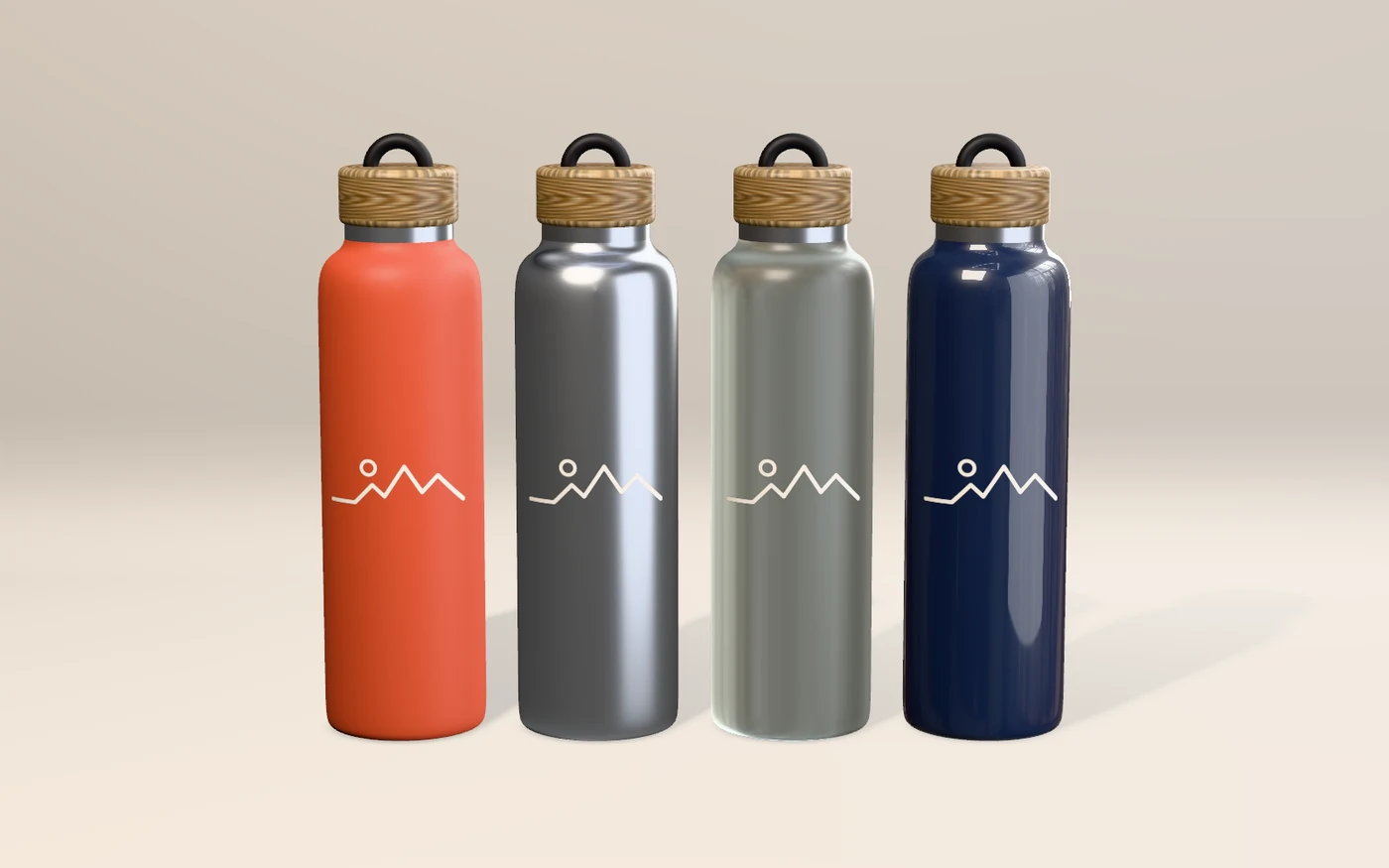
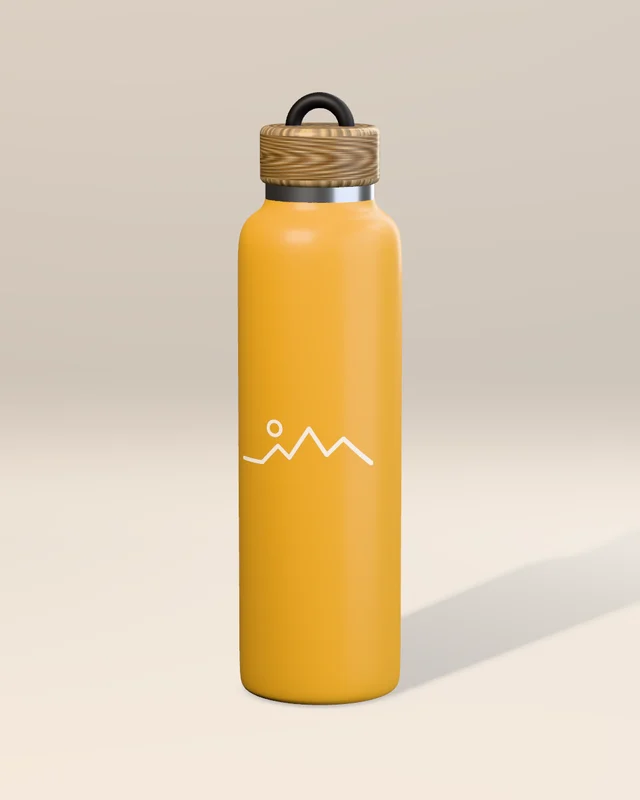
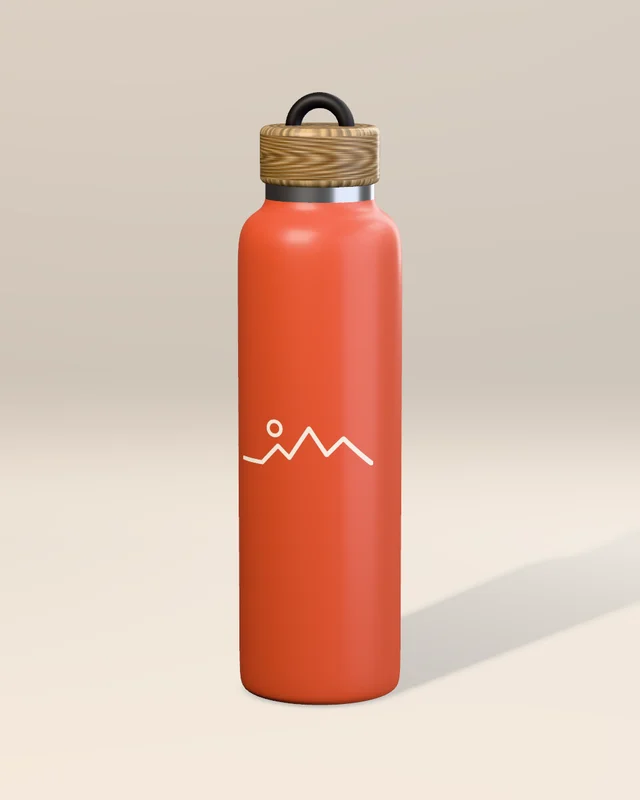
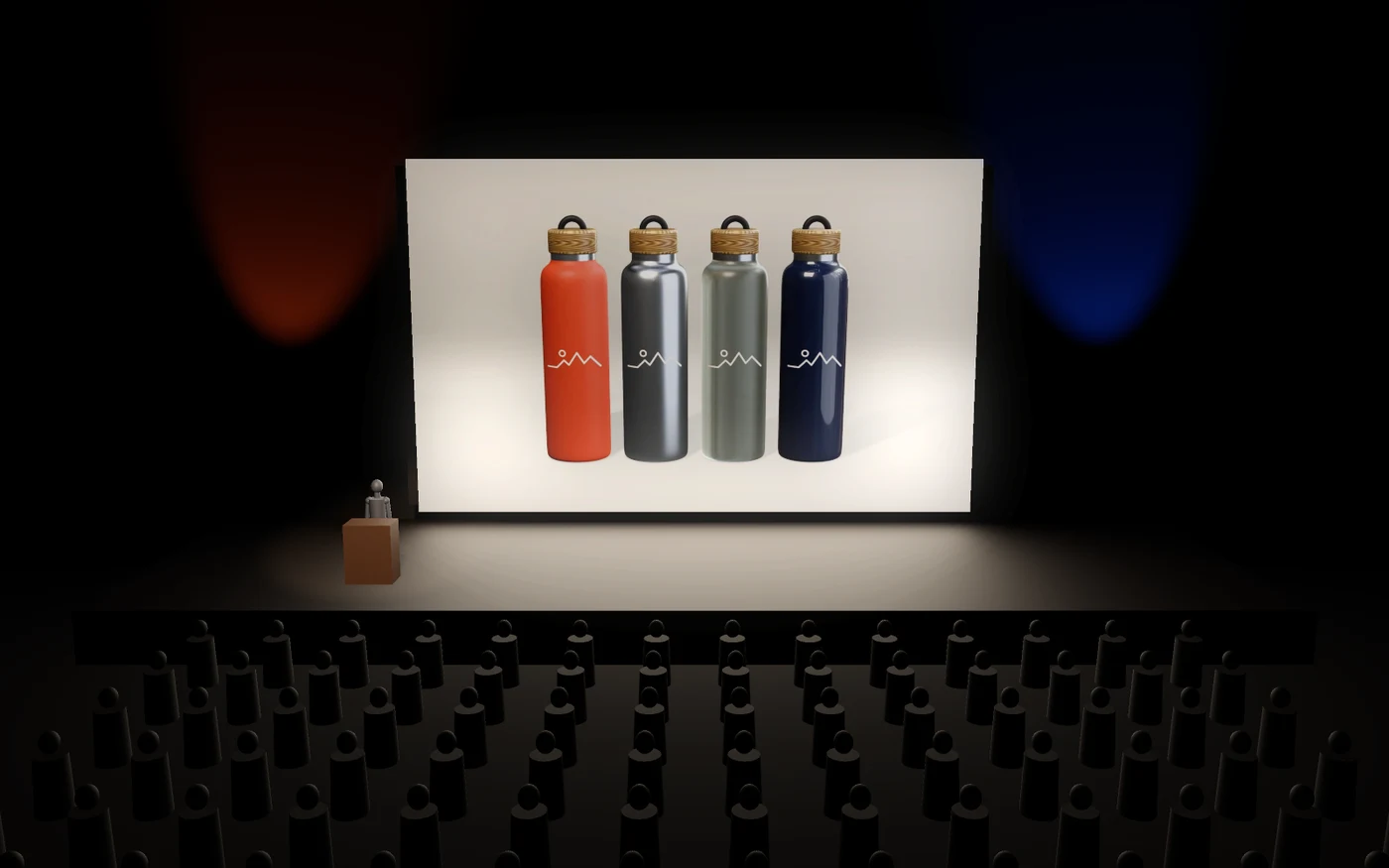
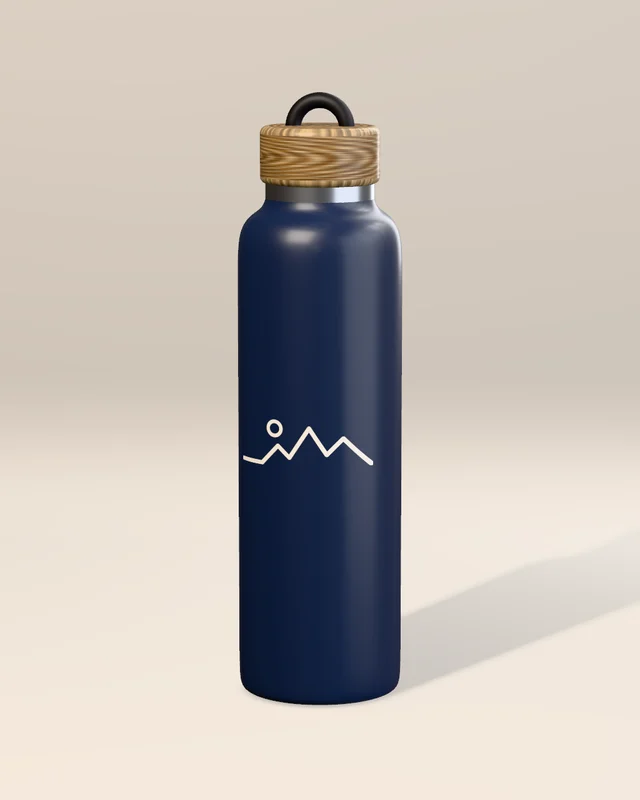
Keep one file for the product and change what varies from the command line: the body color, the finish, the camera. Each of these four pictures came from one of the four lines below, with no window open.
For a whole range, loop it in your shell, or script it in Python inside the app.


$ kinematic render bottle.kin -o terracotta_{frame}.png --frames 1 --set body.base_color=#C8553D $ kinematic render bottle.kin -o sage_{frame}.png --frames 1 --set body.base_color=#5E7F6B $ kinematic render bottle.kin -o mustard_{frame}.png --frames 1 --set body.base_color=#D9A23A $ kinematic render bottle.kin -o navy_{frame}.png --frames 1 --set body.base_color=#1F2A44

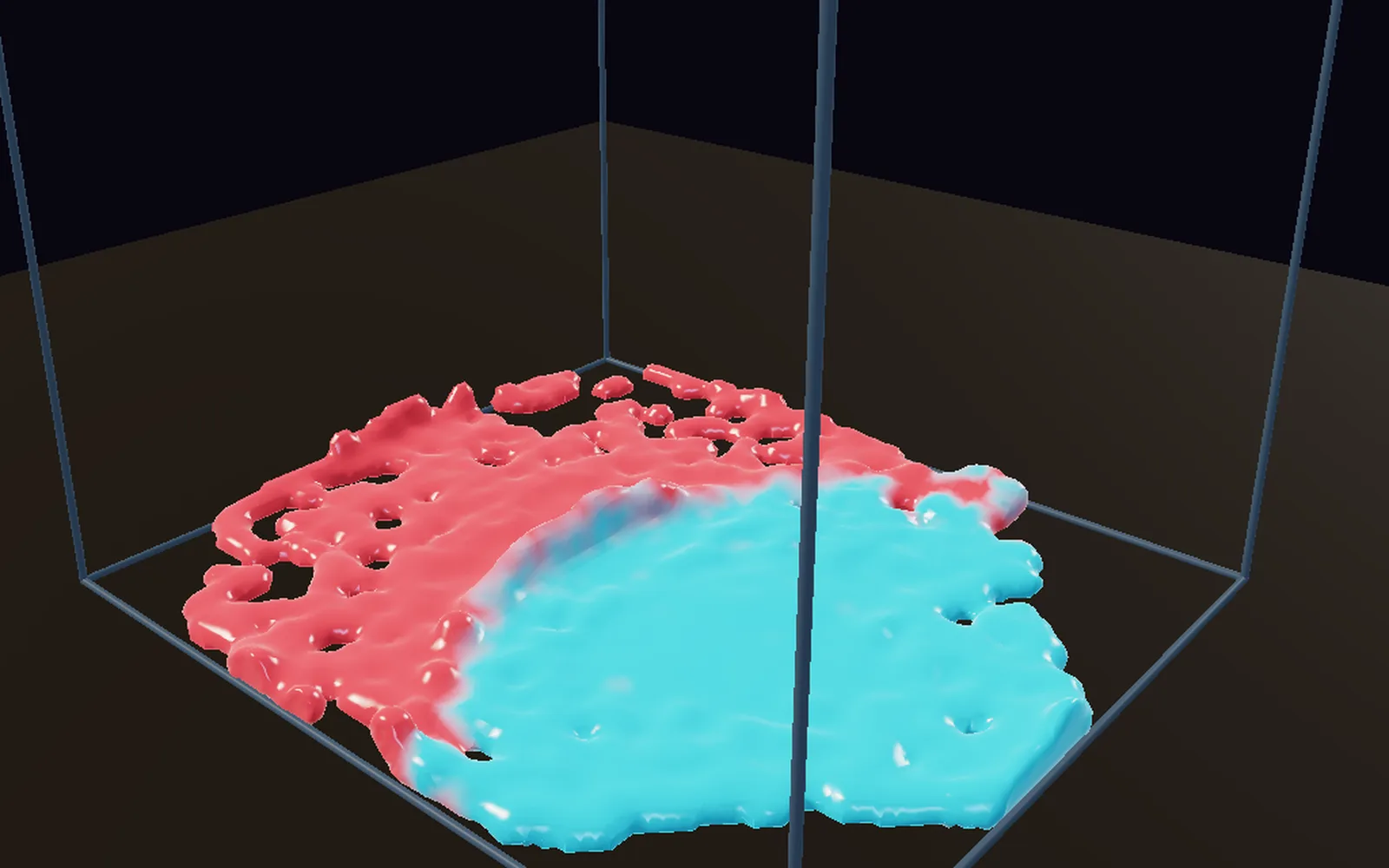
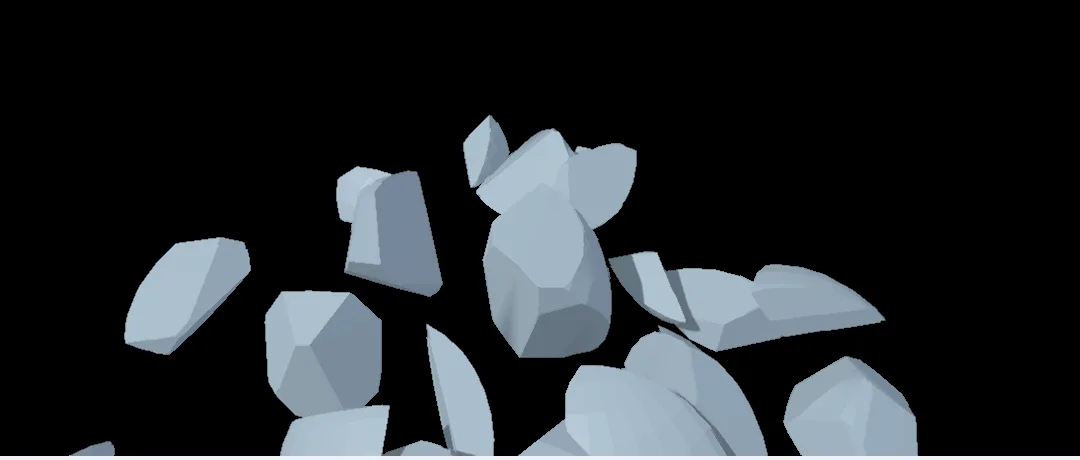
Pick the part and open the Simulate menu. Make dynamic drops it on a floor, Break into pieces cracks it, Softbody turns it into cloth or a balloon, and Liquid from this pours water from it.
The sim sits beside your model, materials and lights in one file and renders with them, so the in-use shot comes from the same file as the catalog still.
Open Gaussian splat captures from PLY, SPZ, SOG or .splat files: a foam model, a material sample, or the shelf the product will sit on. Cut the object out of the place it was shot, take its baked light out and move a sun around it, or grade it with a color table.
Give it a solid surface that other things can rest on, and save it back out as a splat or a glTF.

Preview the stage in 3D with your renders on its screen. Then press F1: Perform Mode clears the editor away and the picture fills a projector, an LED wall or a stream while it runs, with nothing to export in between.
Drag a song's level onto any number and the product moves with the music. Map a projector onto a set piece, and run the room's lights over Art-Net or sACN, with more than 1,500 fixtures ready to patch.
Parts come in from your CAD app as meshes, and models, renders and line drawings go out in the formats the next person reads. Sizes read in millimeters or inches.
Send parts over from your CAD app as OBJ, STL, FBX, glTF or USD. Every format is on Works with.
Lengths you type take units and simple sums. A dimension you keep is tied to the points you measured, so it follows the model when the shape changes.
Renders run on your graphics card, and the heavy simulations can too.
Pick the Blender or Maya axis preset on an FBX and the model stands up at the right size. Looks come in as .cube files, inside OpenColorIO with ACES built in.
A 3D model can flatten into an SVG line drawing, for an instruction sheet or a pen plotter.
Each lesson takes about ten minutes. The demos come with the app: open one from the Demos browser, press Play, then take it apart on the canvas.
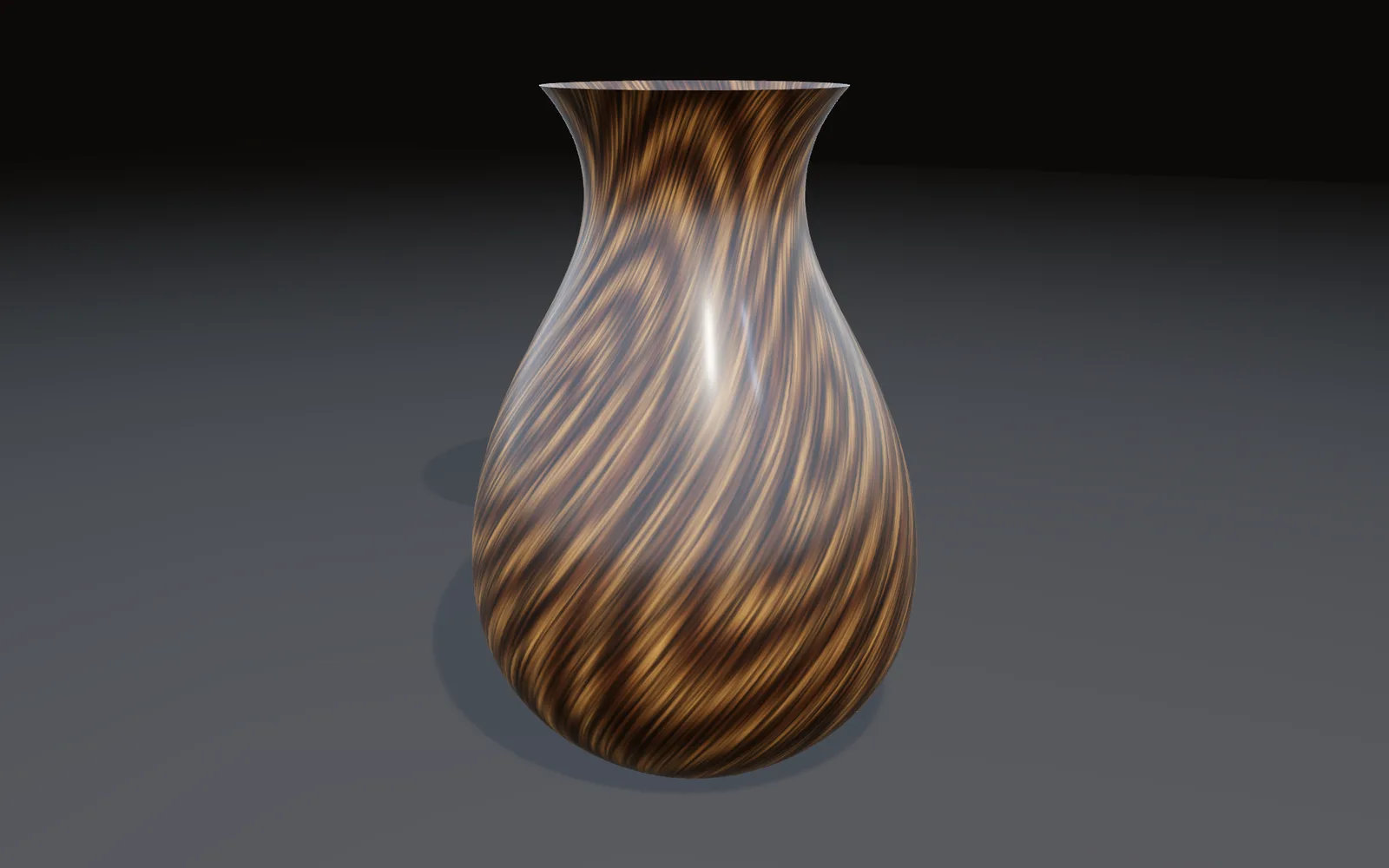
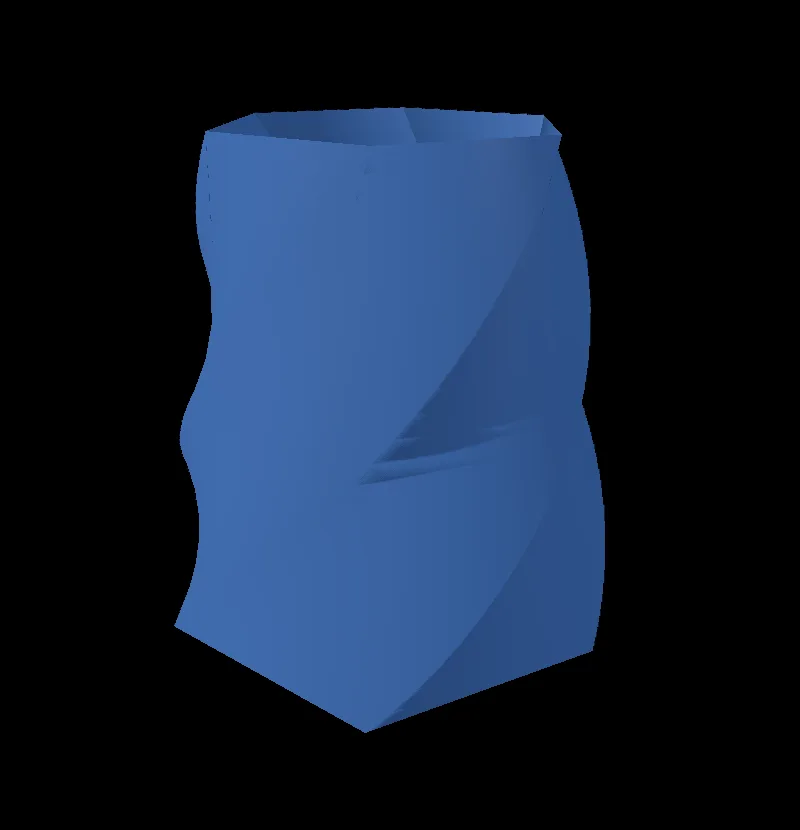
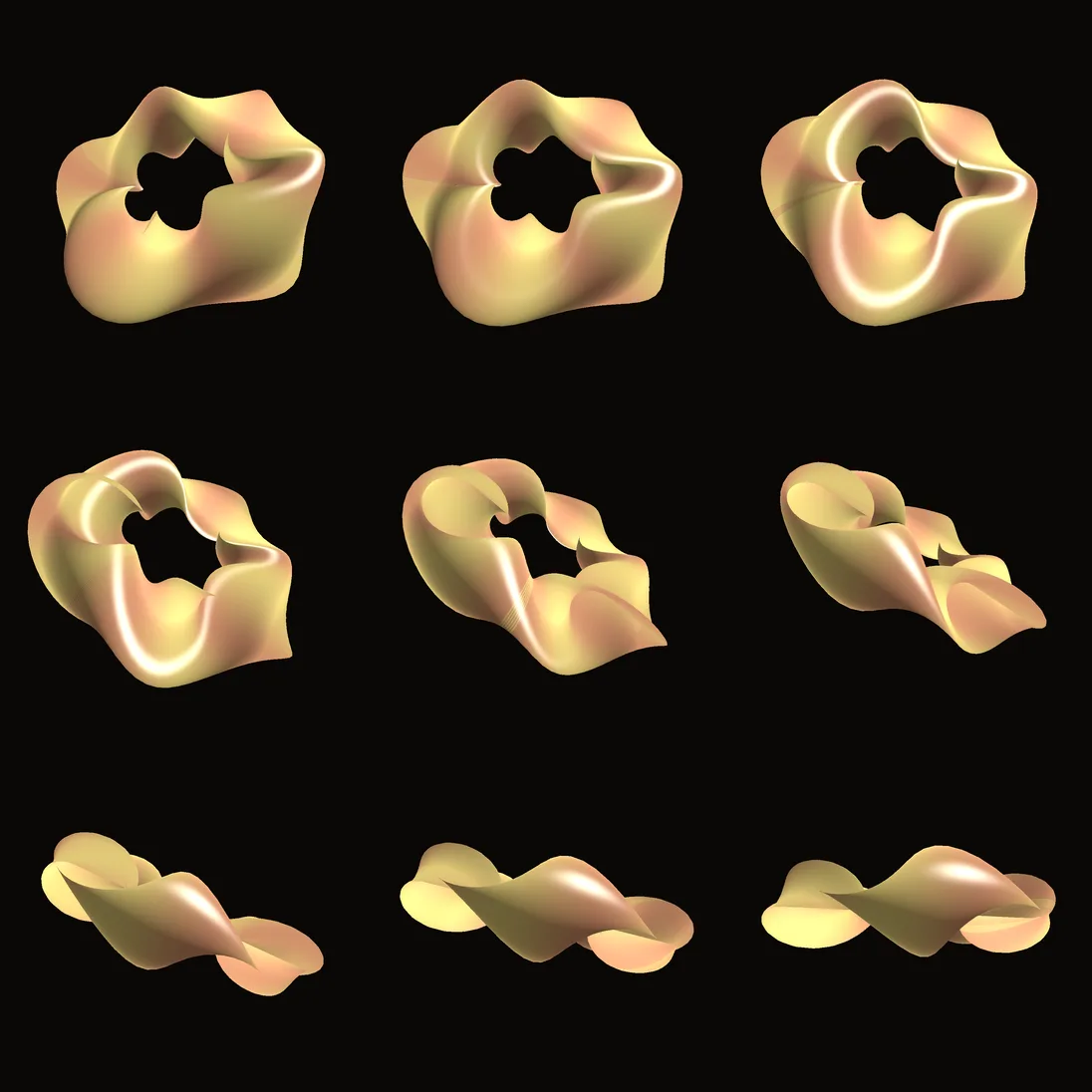
10 min · 7 stepsMake a twisted vaseA six-sided vase with a deep opening, narrowed at the top and twisted a third of a turn.Open the lesson →
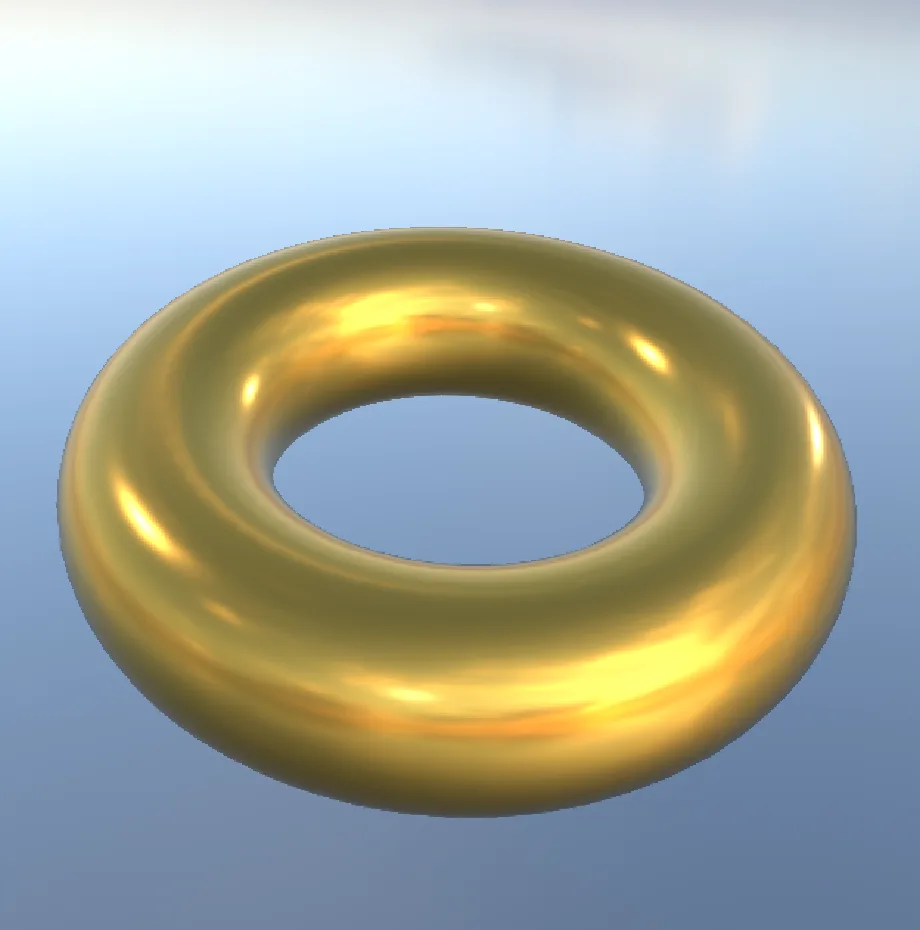
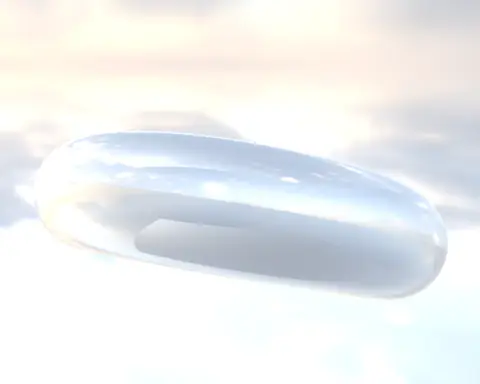
8 min · 7 stepsTurn a chrome ring into goldA polished ring in a real sky, with the sky turned so the light falls where you want.Open the lesson →
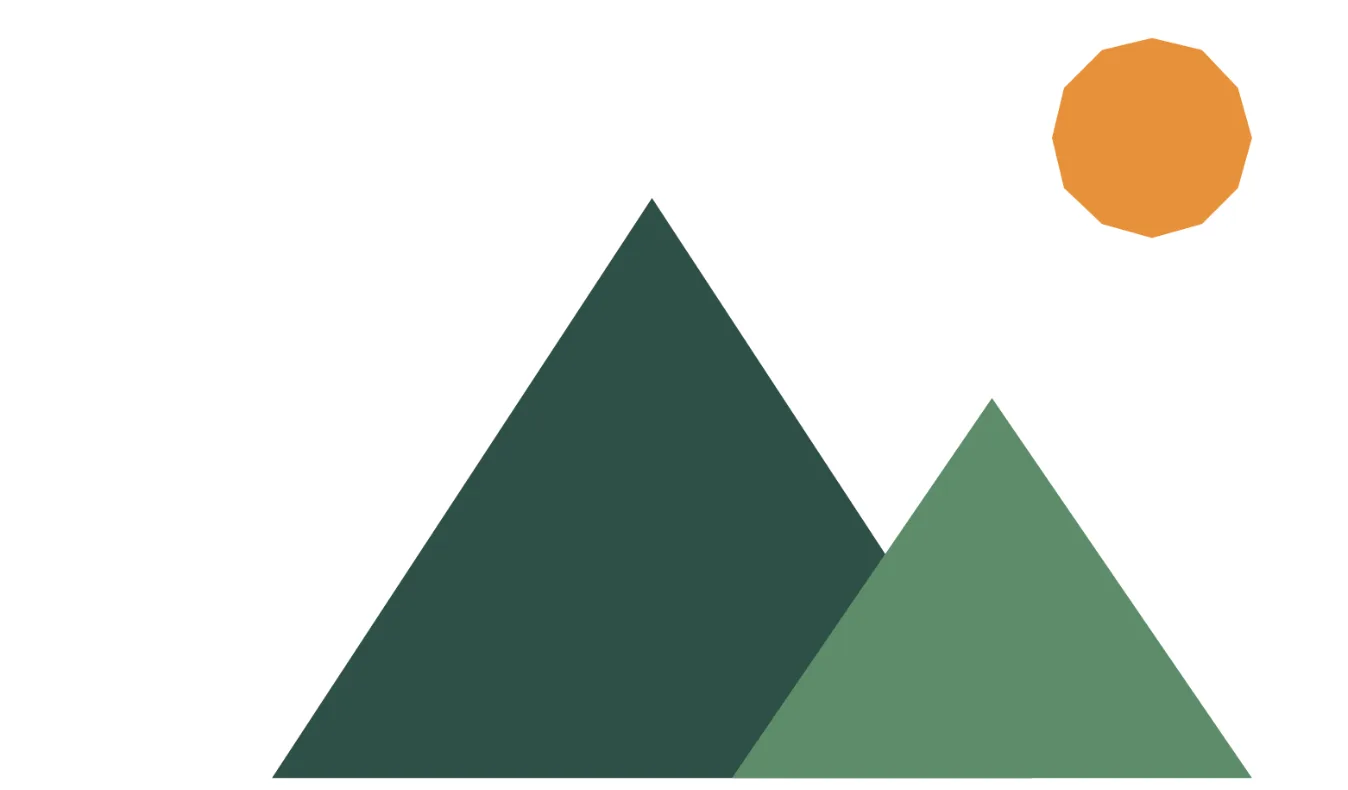
8 min · 7 stepsDraw a mountain logoTwo green peaks and an orange sun, drawn with the pen on a white page.Open the lesson →
10 min · 7 stepsRender a demo to pictures from the terminalA folder of numbered frames from one command, with no window open.Open the lesson →
6 min · 7 stepsShatter a ball into piecesA ball cracks into two dozen shards that fly apart, tumble and settle on the floor.Open the lesson →
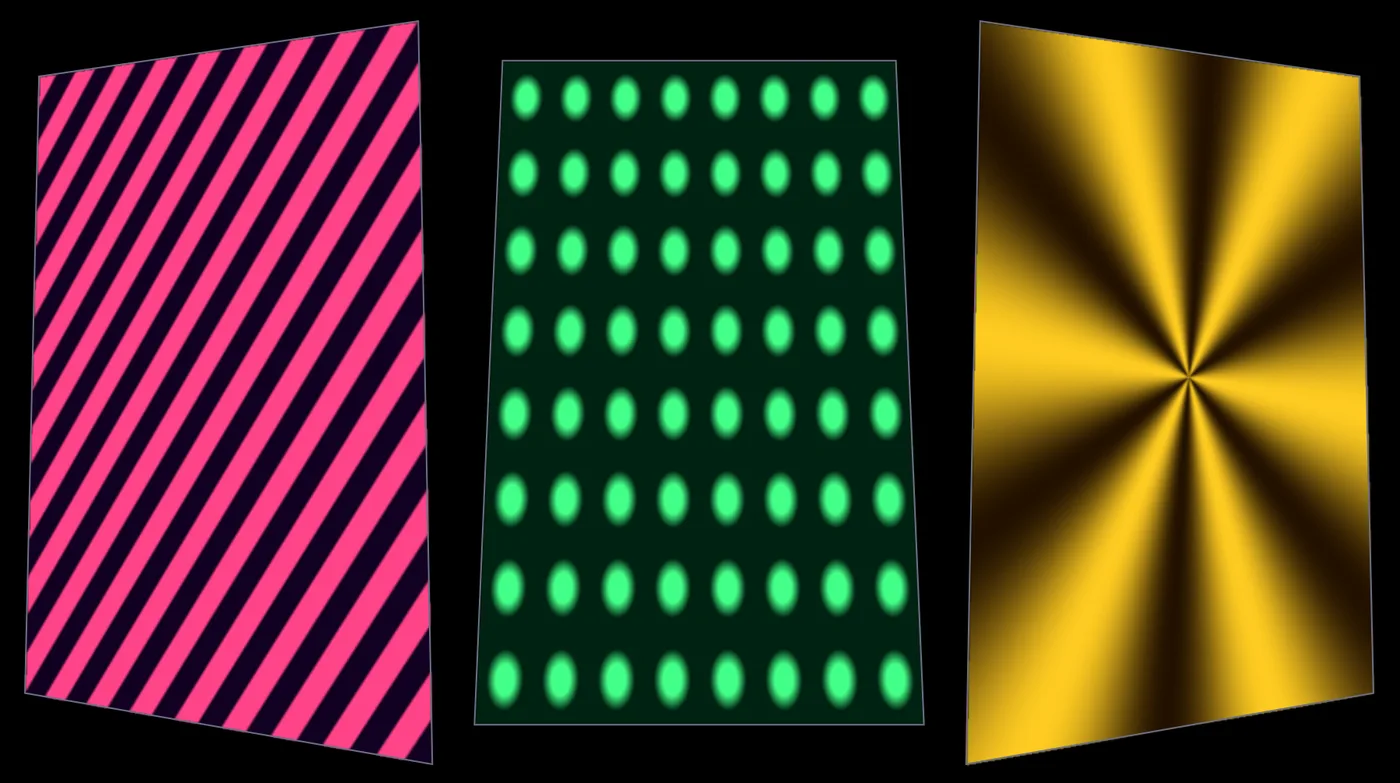
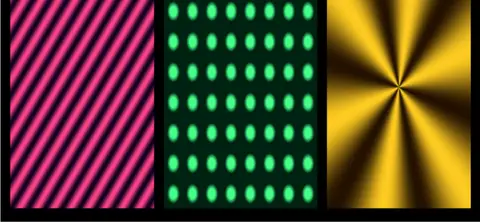
10 min · 7 stepsMap moving patterns onto three panelsThree moving patterns, each fitted to its own panel of a set, the way a projector sees them.Open the lesson →
Chrome torus lit by a real skyA chrome ring lit and reflected by a real HDR sky.In the Demos browser
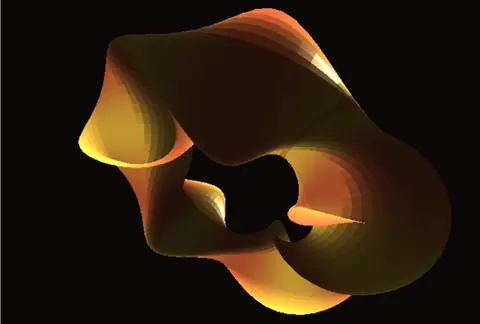
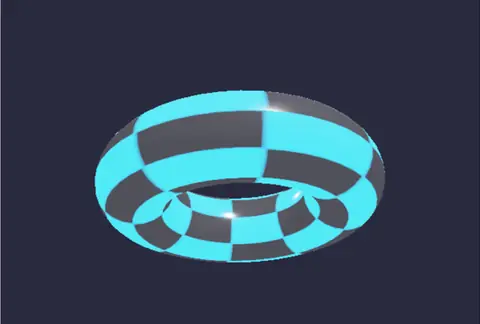
Twisted torusCopper to gold stripes that follow a twist, with a metal highlight.In the Demos browser
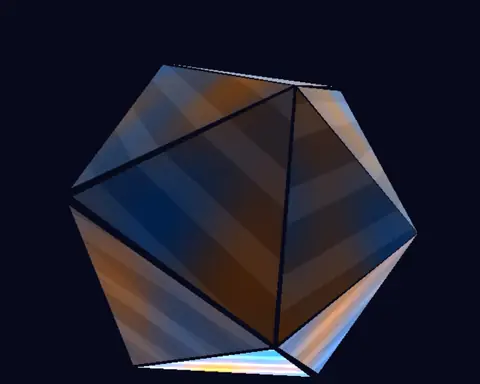
Triplanar crystalVeins that flow across the folds with no seams, from a short material shader.In the Demos browser
Glowing torusA glowing ring, bright enough that only its hottest parts bloom.In the Demos browser
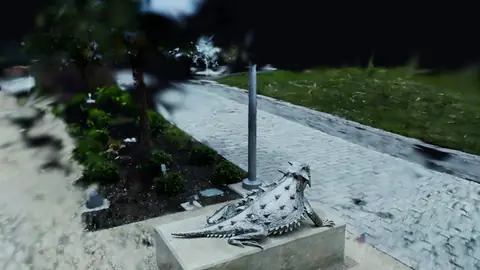
Splat turntableA scanned lizard statue turning on the spot. Scan by Niantic Labs, MIT license.In the Demos browser
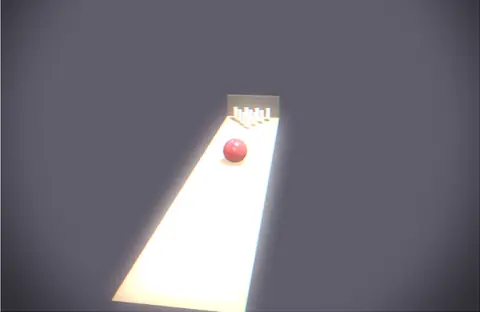
BowlingA ball rolls down a lane and knocks ten pins flying.In the Demos browser
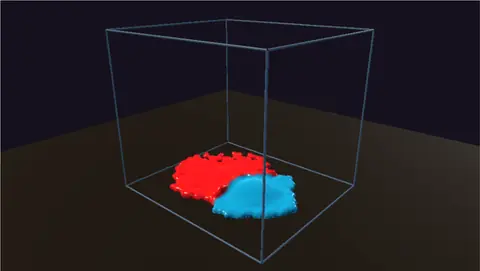
Paint splashTwo paints drop into a tray, collide and marble together.In the Demos browser
Projection mapper multi-textureThree moving patterns, each mapped to its own panel.In the Demos browserFree. No account and no license key, even for commercial use. macOS, Windows, Linux and Raspberry Pi.