Kinematic 0.5.0 is out. Modeling and sculpting in the viewport, a timeline on every graph, photo and sound editing. What's new
Kinematic / Create / Animate

Animate characters and objects.

Hops, walks, dances and falls. Key it by hand, borrow a motion, or perform it yourself.

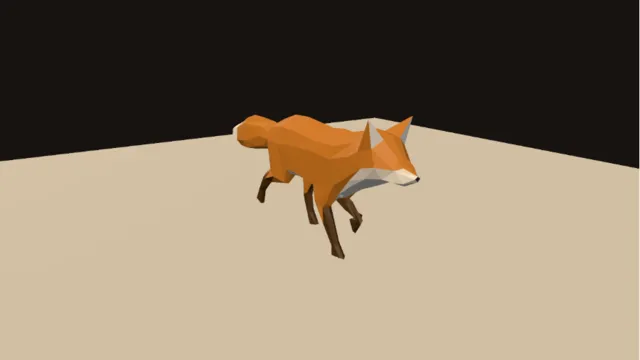
a rigged fox walking, live in the viewport
01

Make a crate hop

Four keys, a visible arc, and a higher hop with one drag.

  1. Stop the graph, move the playhead and drag the crate.
  2. Press Key at each landing.
  3. Turn on motion paths and drag the top of the arc up.
Timeline→KeyframeParameterAnimation→3DGeoTransform
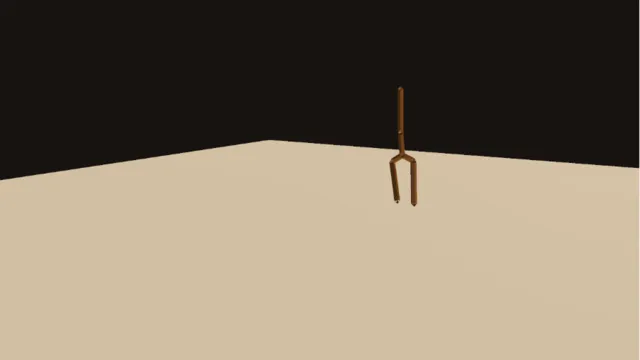
a keyed wooden crate hopping across the floor in two arcs
02

Blend two walks together

Two walks melt together, and the feet never skate.

  1. Load two walk clips.
  2. Blend between them.
  3. Lock the feet to the floor.
3DGeoRigClipFromFile→3DGeoRigClipBlend→3DGeoRigPlantLock→3DGeoRigDeform+3DGeoRigClipFromFile
two walks blended
two walks blended
03

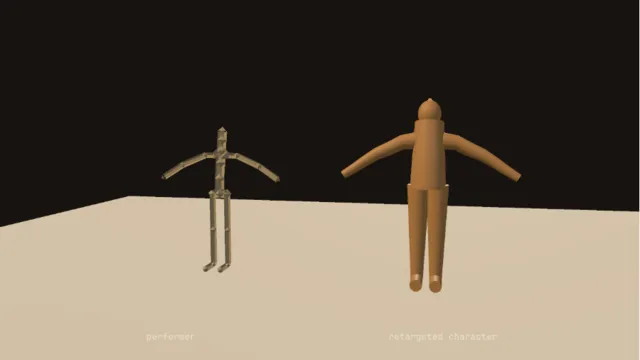
Put your dance on a character

Your webcam, your moves, their body. No suit, no markers.

  1. Turn on the webcam and step back.
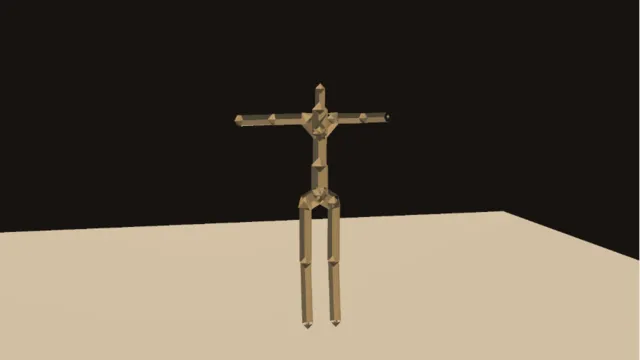
  2. Your pose becomes a skeleton.
  3. Retarget it onto the character.
LocalAIImageToBodyPose→3DGeoRigFromPoints→3DGeoRigSmoothMotion→3DGeoRigRetarget
a webcam performance on a built character
04

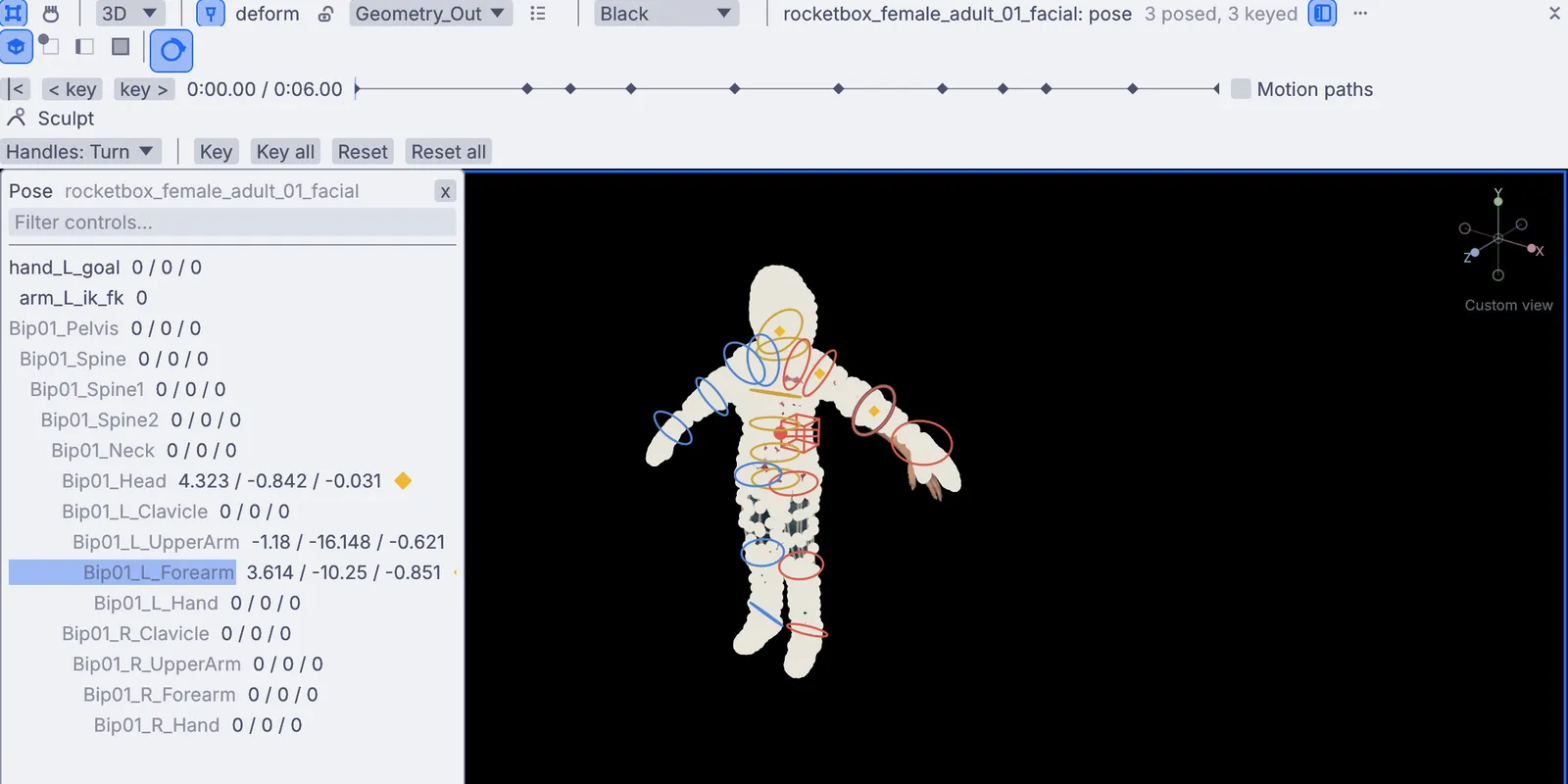
Build a pose library

Pose once, save it, put it on anyone, even mirrored.

  1. Pose a character with the pose tool.
  2. Save it to the pose shelf.
  3. Apply it to another character, mirrored if you like.
3DGeoRigPoseBank→3DGeoRigPose→3DGeoRigMirror
posing joint by joint
05

Knock a fox over

It walks, takes a hit, and crumples to the floor.

  1. Play a walk.
  2. Set up a ragdoll from the same skeleton.
  3. Hand it over to physics at the moment of the hit.
3DGeoRigClipEvaluate→3DGeoRigRagdollConfigure→3DGeoRigRagdollSolve→3DGeoRigDeform
a fox going limp
a fox going limp
06

Make a figure dance to a song

Arms swing with the music, the head trails behind.

  1. Load a song.
  2. Drag its level onto the swing of the spine and arms.
  3. Let the head follow through.
InputAudioFile→AudioEnvelopeFollower→3DGeoRigPose→3DGeoRigSecondaryMotion
a figure dancing to a track
Take it further

It all connects.

Every part of Kinematic works with the others. Wire one into the next.

Keep going

Free and open. Yours, forever.

No account, no license key. macOS, Windows, Linux and Raspberry Pi.

Download Kinematic 0.5.0