Logo stings, title cards, social cuts and music visuals. Copies, stagger, keys and type render while you work, a song can drive any value, and the same file writes ProRes or plays on an LED wall. Free, even for commercial use.
The jobs that fill a motion designer's week, and how each one comes together here. Every picture on this page comes from the app.
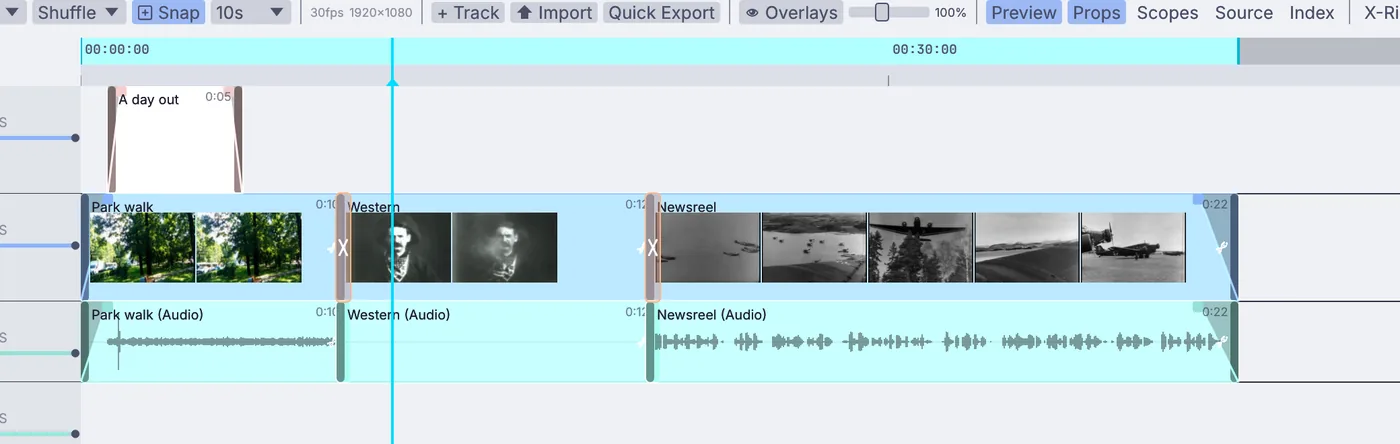
a logo mark writing itself on, then off
Logo sting
Draw a logo on, stroke by stroke
Bring the logo in as an SVG file or draw it with the pen. SVG draw-on writes each stroke on, a driver on its progress sets the timing, and SVG morph turns one shape into another. It stays vector until the last step.
an extruded title in polished gold, lit by a studio sky
Title card
Set a title in gold
Extrude your own .ttf or .otf with a bevel, give it gold or chrome, and light it with an HDR sky so the highlights roll across the letters as it turns. Lay type along a path, or pull the outlines out as curves.
A name bar and a tag that fade in on a fader, over a live feed or a clip. Need one for every speaker? Render the same file once per name and change the text from the command line.
Set the size once in Project Settings and every node set to Project follows it. Tall and square sizes are presets on the video output, and the command line renders any size without opening the file.
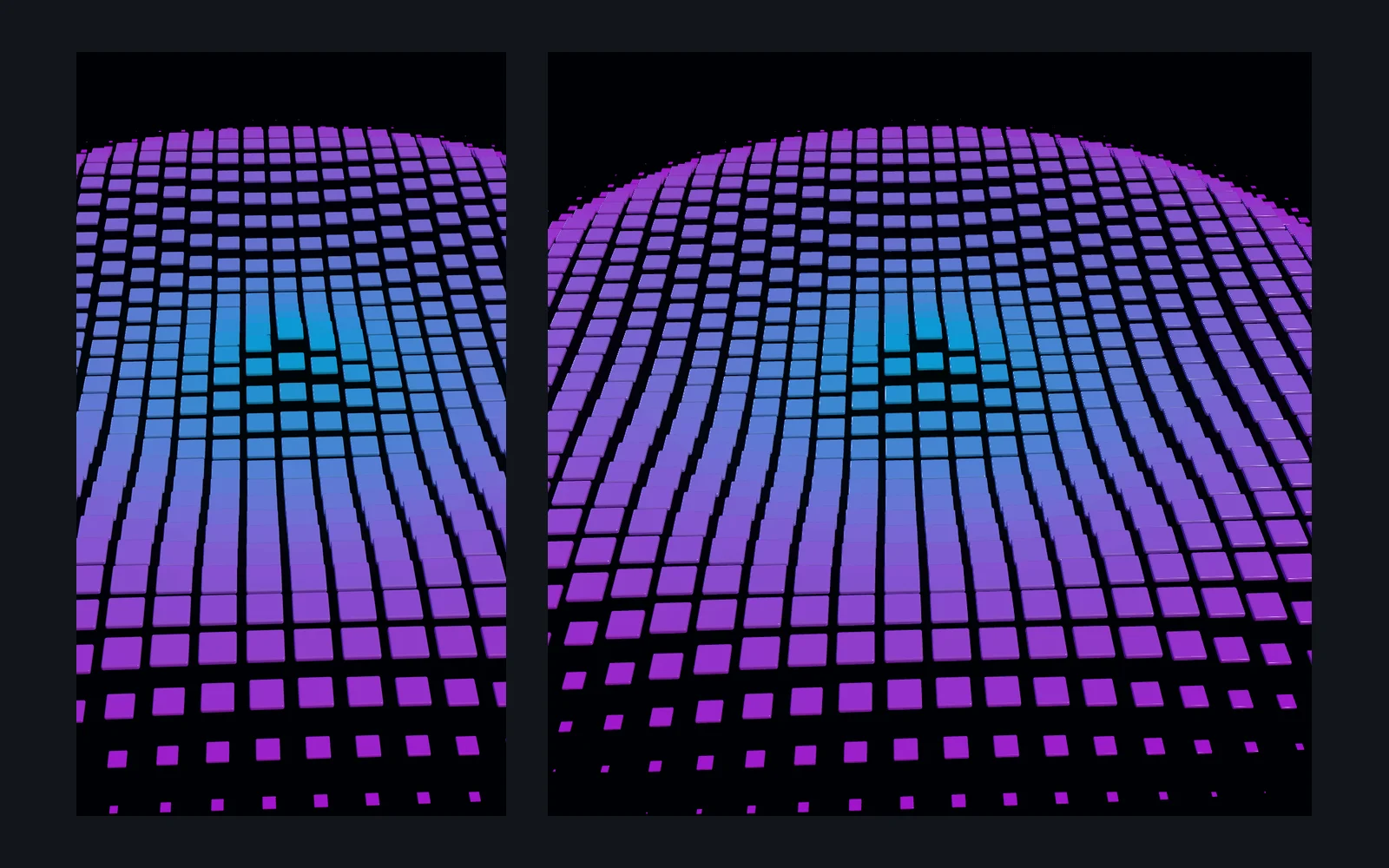
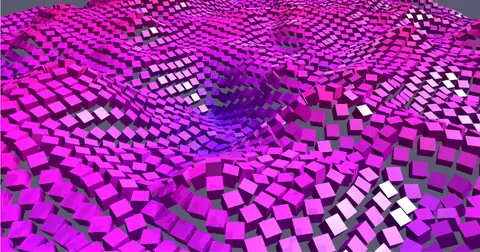
ground raised by the bass, mids and treble of a song
Music visual
Fly over a song
Split a track into bass, mids and treble and give each one a job: the bass lifts the mountains, the treble roughens the ground. Nothing is baked to keys, so a new mix needs no new animation.
the camera circling a painted model in one full turn
Product spin
Turn it on a turntable
The camera circles, the frames land in an MP4. PBR materials, HDR light and shadows, with depth, normal, ID and motion passes beside the color when the comp needs them.
The moves you build every day, each one a node you can open again later. Nothing gets baked or made editable.
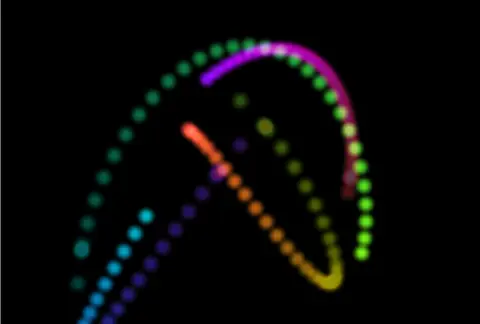
the keyframe editor10,000 cubes on a noise fieldsparks dragging ribbons of light
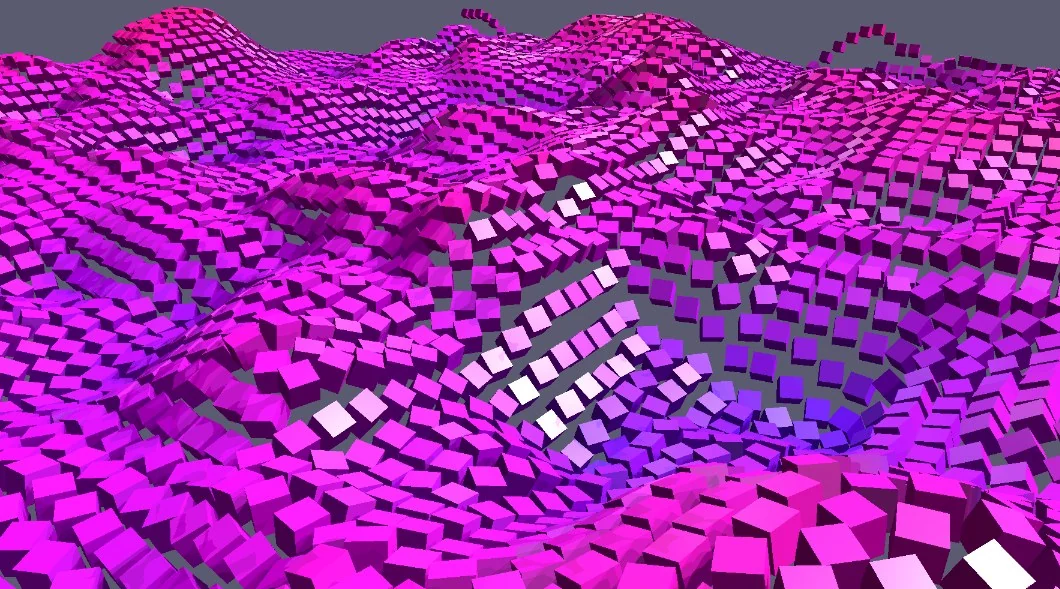
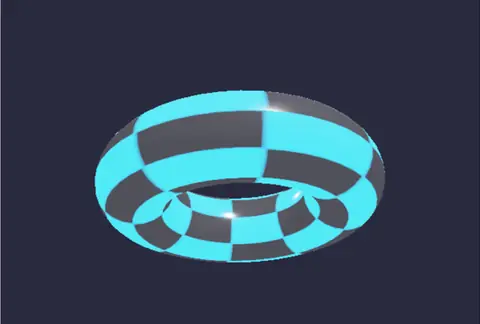
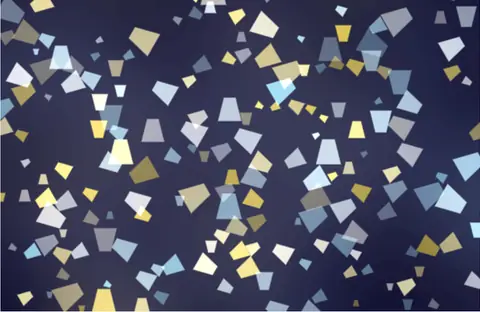
Copies on points. Put a copy on every point, along a curve or scattered over a surface, and let noise or random numbers give each one its own size, turn and color.
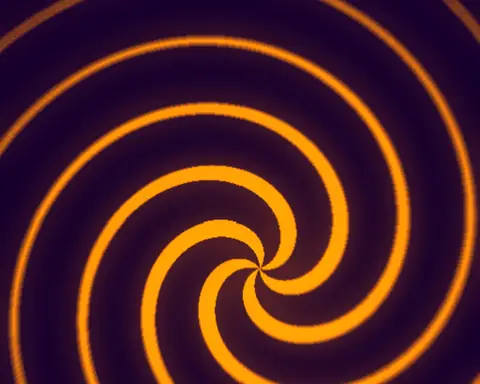
Stagger. Attribute phaser gives every copy its own short move as one progress value runs from 0 to 1, in order of distance, index or any value you write. The loop at the top of this page is two of them.
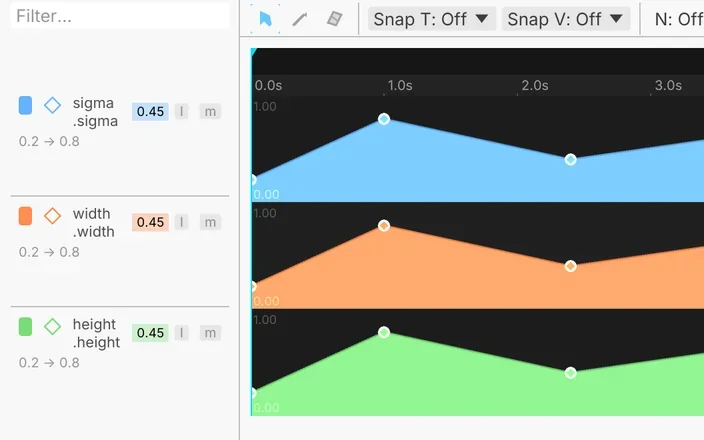
Keys and curves. Right-click a handle in the viewport and choose Animate with Keyframe. Shape the curves with bezier handles, or draw one freehand and let it settle into a few clean keys.
Expressions. Give any number a driver like sin(time), or let it read another node's value, and it moves as you work.
Fire, smoke, liquids, cloth and rigid bodies sit in the same graph as your type and copies, and so do 3D scans. No round trip to another app for the hero shot.
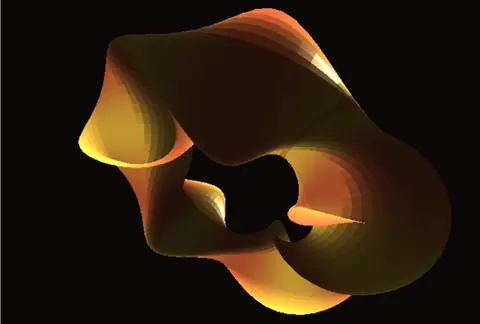
a ring catching firetwo paints marbling in a trayscan by Marc (superspl.at), CC BY 4.0
Set it alight. Pick any shape, open Simulate and choose Fire from this. The nodes land on the canvas, ready to tune.
Change it while it runs. Push the buoyancy or the wind mid-sim, then scrub back through it on the timeline.
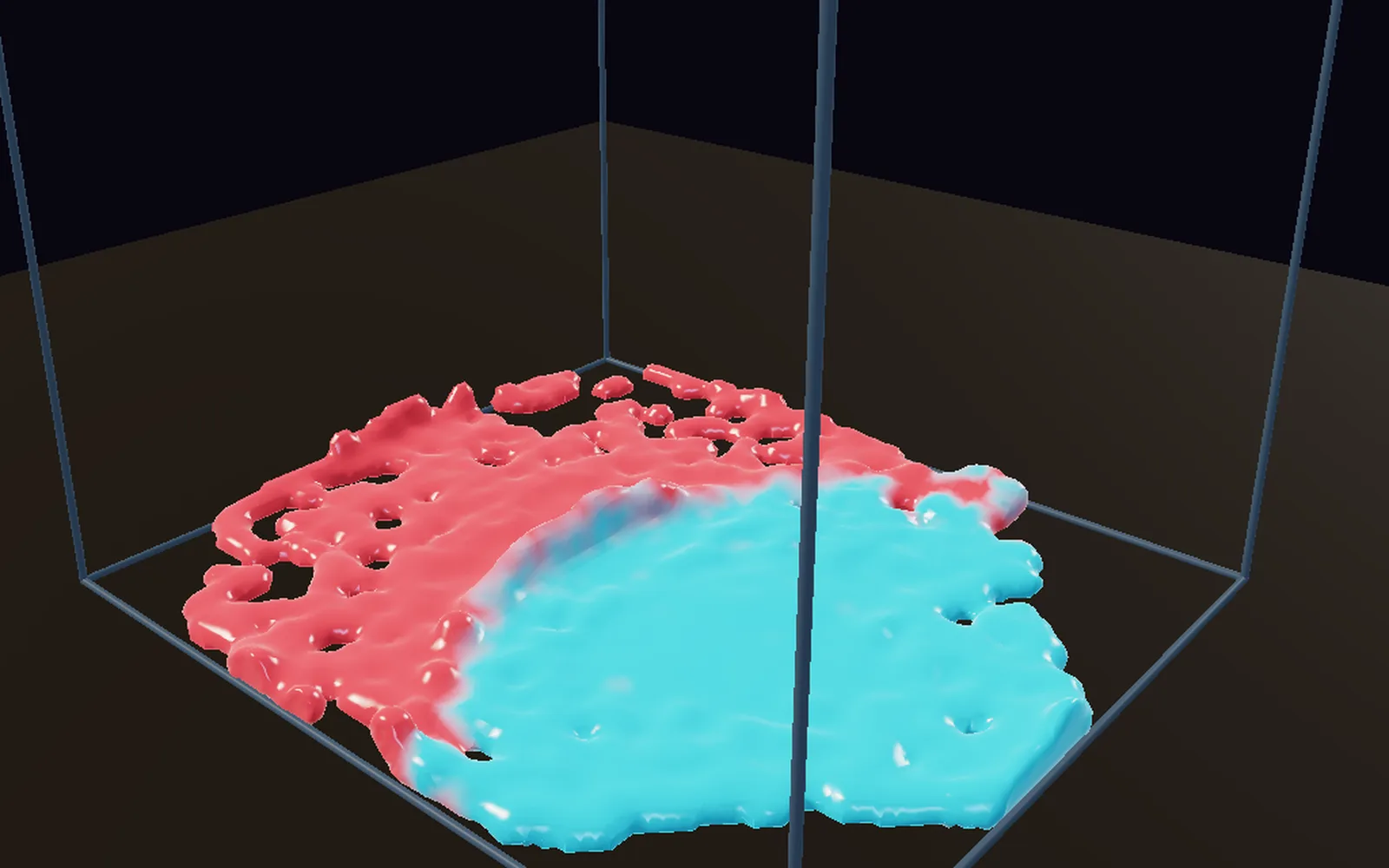
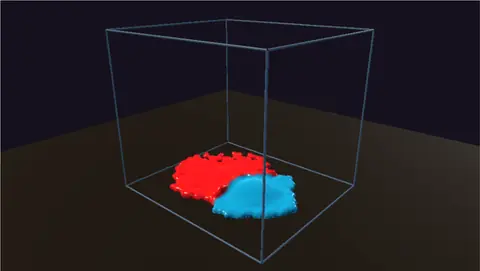
Liquids and cloth. Marble two paints in a tray, drape a cloth, drop a soft toy. Each starts as one node with presets.
Scans too. Gaussian splat scans render beside your meshes, and a cage squashes one like any other shape.
The loop does not have to end as a file. The graph that renders it can also play it on a screen, a projector or a wall of lights, while you change it.
a projector on a building front, previewed in 3Da live render, out over NDIa pattern on 640 RGB lights
Press F1. Perform Mode clears the editor away and the picture fills the screen.
Send it. NDI to a vision mixer or OBS on any platform, Syphon to another app on a Mac, or a live stream to YouTube or Twitch.
Map it. Pin it onto a set or a building front with the Projection Mapper, and blend two projectors into one picture.
Light it. Sample each frame onto LED fixtures and send it out over Art-Net or sACN. Map a MIDI controller's knobs to any setting, and put cues on a Stream Deck.
Scenes, type and art come in from the apps you use now. Renders go back out in the formats your editor and compositor read, or straight to a screen.
Into Kinematic →
FBXcameras, lights, instancingAlembicUSDglTFOBJSVGpaths to draw on or extrudeFonts.ttf and .otfEXR and HDRskies to light withImage sequencesMP4, MOV, MKV, WebMWAV, FLAC, MP3.cube LUTs
← Back out
H.264 and H.265ProRes10-bitVP9 and AV1PNG, TIFF, EXR framesnumberedLayered EXRcolor, masks, depth, IDsSVGFBX, Alembic, USD, glTFOpenVDBfire and smoke
↔ Live, as it plays
NDIevery platformSyphonon a MacRTMPYouTube, TwitchArt-Net and sACNLED walls, lights
↔ Apps and gear
MIDI controllersnine with a ready map, any knob by learnStream Deckcues on the keysAbleton Livetempo, beat and barOBS and Resolumeover NDI or SyphonPhones and tabletsOSC, TouchOSCWebcamstracking and keying
Every file type, protocol and device is listed on Works with.
Render with no window open.
Run the render from the command line. It steps the timeline one frame at a time and waits for every node, so no frame is dropped however heavy the graph. A numbered name writes a picture sequence instead of a movie.
Better to know before the first job. Missing something you rely on? Reach out.
After Effects projects and Lottie.aep files do not open, and there is no Lottie export for the web or apps. Hand renders over as ProRes or numbered frames.
Movies with transparencyVideo files are written without an alpha channel, so there is no ProRes 4444 yet.
GIF outGIF files open but do not save. Render MP4 or WebM for the web.
A path tracerRenders are live, with PBR materials, HDR light, shadows, bloom and fog. There is no path tracer for slow, physically exact finals.
Cinema 4D files.c4d scenes do not open. Bring them over as FBX, Alembic, USD or glTF.
Spout on WindowsSharing frames with other apps on Windows is on the roadmap. NDI works on every platform today.
Download Kinematic.
Free. No account, no license key. macOS, Windows, Linux and Raspberry Pi.