Kinematic 0.5.0 is out. Modeling and sculpting in the viewport, a timeline on every graph, photo and sound editing. What's new
Kinematic / Who it's for / Character and creature artists

Sculpt, rig and animate characters.

Sculpt with your pen and dynamic detail, rebuild it in clean quads, then unwrap, bake and paint. Give it bones and a face, and pose it by hand or perform it with your own face and body.

  • Character artists
  • Creature designers
  • Riggers
  • Texture painters
  • Technical artists
Free, even for commercial useNo account or license keymacOS, Windows, Linux
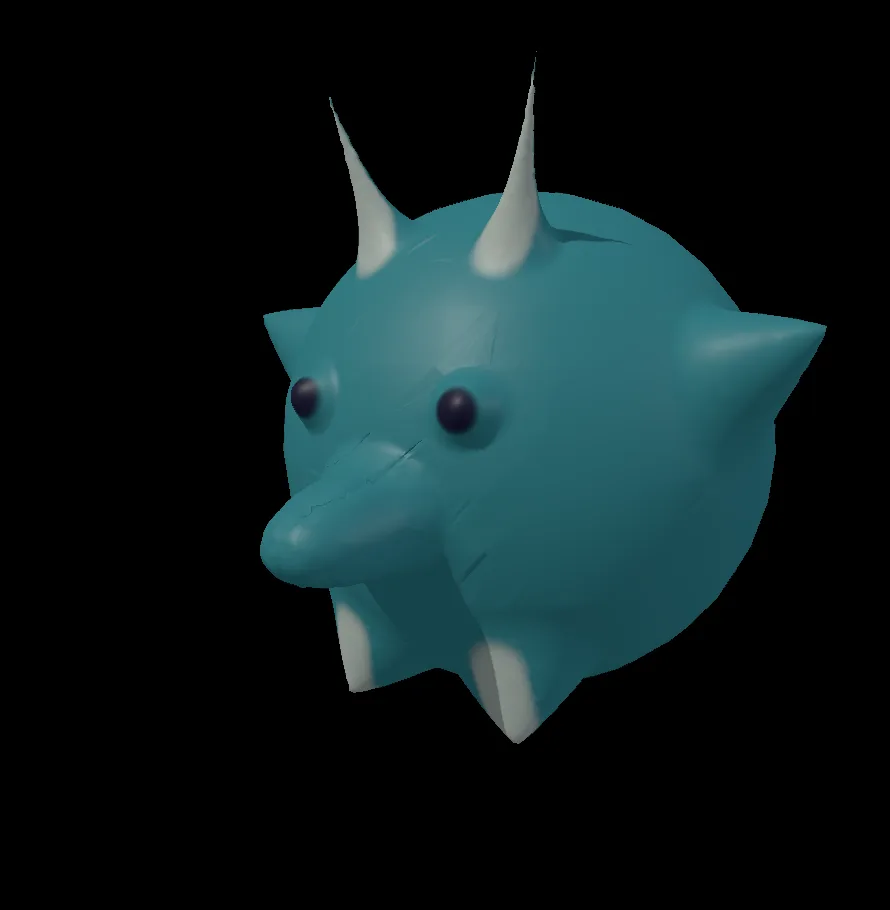
a creature sculpted from a ball, then painted
The work

Sculpt, paint, rig and pose.

A character from the first ball of clay to the files you hand over. Each step is a node on the canvas, so the third pass is still there to change after the tenth.

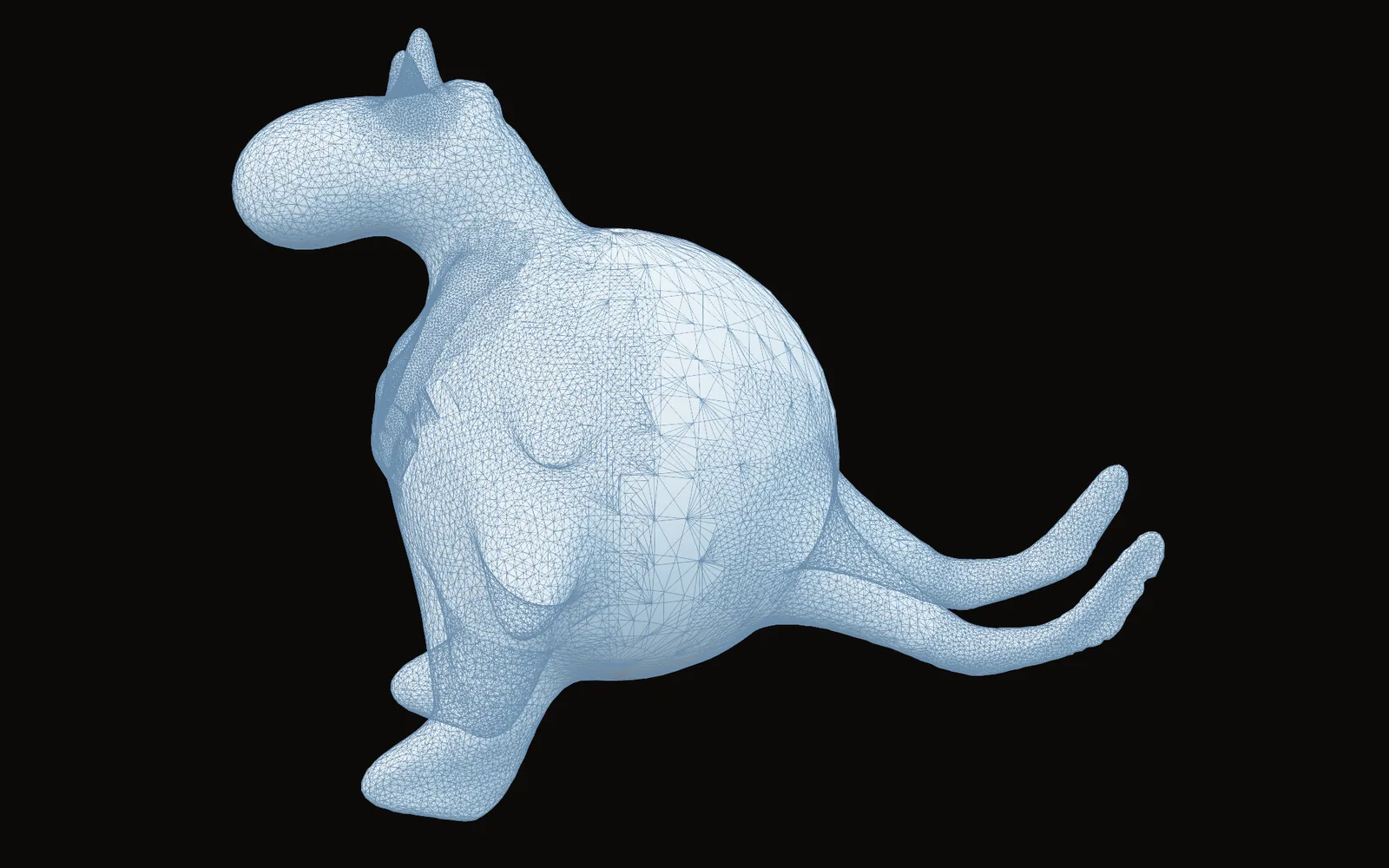
a creature pulled out of a ball, its mesh dense only where the brush added detail
01Sculpt

Sculpt the creature

Pull the big shapes out of a ball with clay, inflate and snake hook. Dynamic detail adds triangles only under the brush, and a sculpt level below holds the wrinkles. Lift a helmet or armor off as its own shell.

You hand overA sculpt for the review

3DGeoDynamicSculpt3DGeoSculpt3DGeoExtractShell
How to make it →
the painted dragon bust rebuilt as an even quad mesh
02Retopology

Rebuild it in clean quads

A quad remesh lays even quads over the sculpt in one step. Then redraw the loops around the eyes and mouth by hand, where the face has to bend.

You hand overA light mesh that bends well

3DGeoQuadRemesh3DGeoRetopo
How to make it →
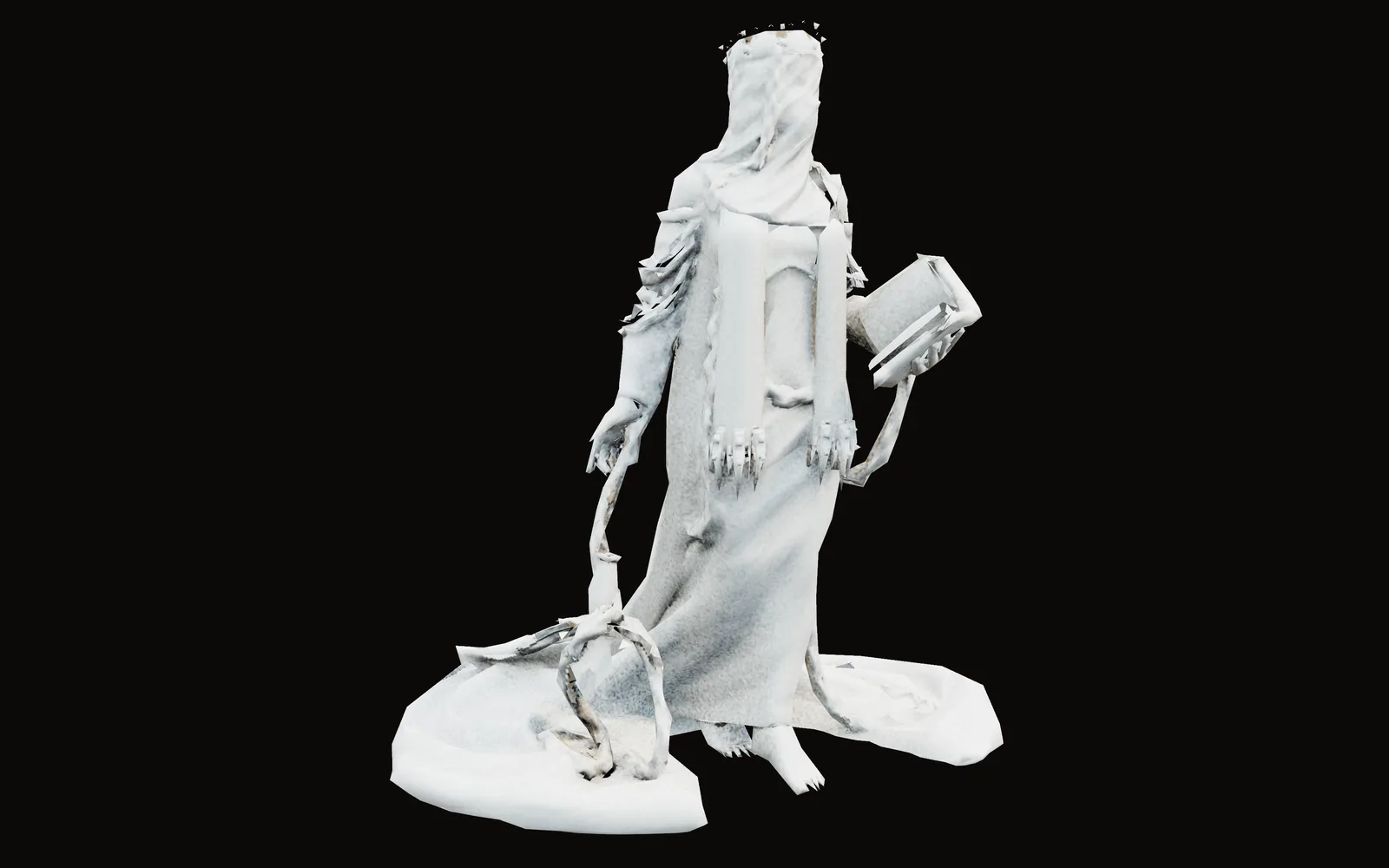
a scanned statue cut down to a light mesh, its detail baked into maps
03UVs and bakes

Unwrap it and bake the detail

Mark seams or let them be found, unwrap, relax the stretch and pack. Bake normal, occlusion, curvature and height maps from the sculpt, and paint the cage out where horns and spikes stick past the low mesh.

You hand overMaps for the game material

3DGeoUVAutoseam3DGeoUVUnwrapAtlas3DGeoUVRelax3DGeoBakeMaps
How to make it →
a sculpted dragon bust with its colors painted on
04Texture paint

Paint the skin

Paint color, roughness and height in one stroke, in layers you can mask. Project a photo through a stencil, and bring painted UDIM tiles in as one texture.

You hand overTextures for the material

3DGeoTexturePaintInputImageUDIMPbrMaterial
How to make it →
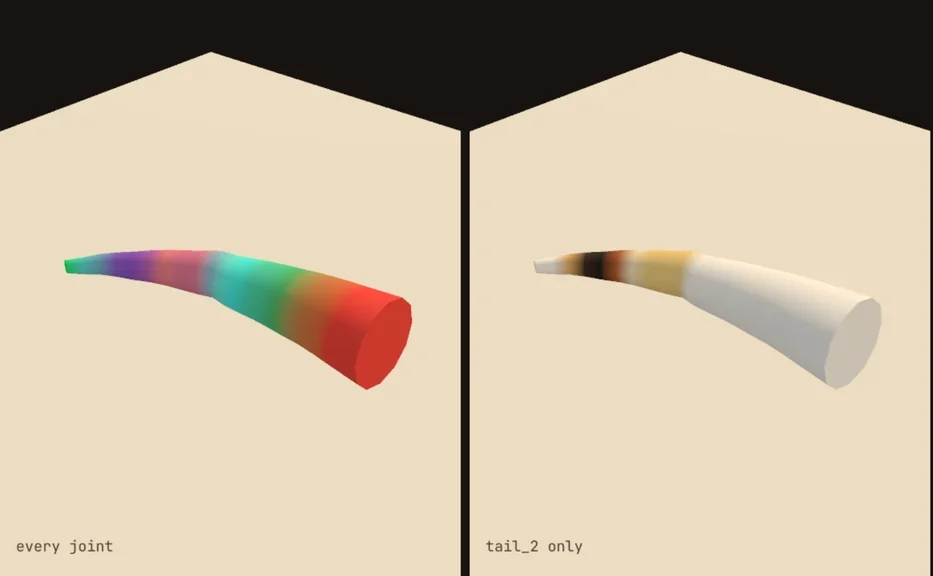
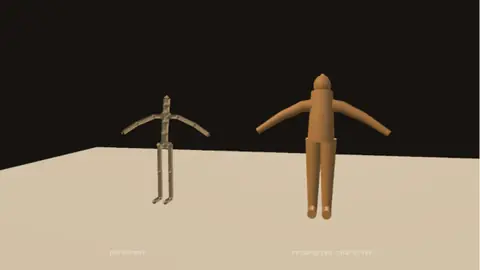
weights on a tube creature: every joint in its own color, then one joint alone
05Rigging

Give it bones

Fit a skeleton from the mesh, with templates for a person, a four-legged animal, a bird or a serpent, or place every joint yourself. Bind the skin through the body, paint the weights where the shoulder pinches, and mirror them.

You hand overA skinned character

3DGeoMeshRigFit3DGeoRigCaptureVoxel3DGeoRigWeightPaint3DGeoRigWeightsMirror
How to make it →
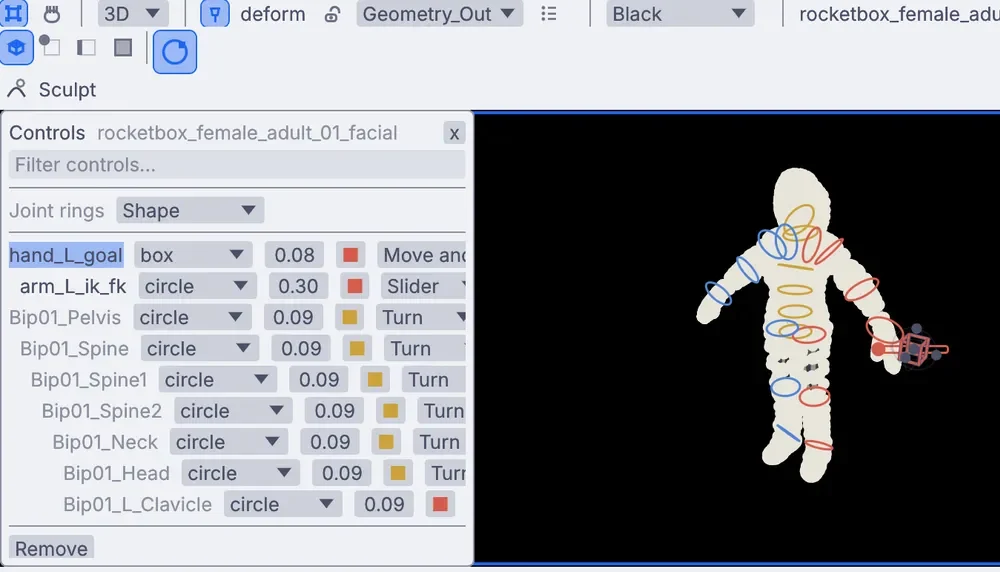
a control on every joint, with an IK and FK switch on the arm
06Controls

Set up controls for the animators

A control on every joint worth grabbing, a shape for each, an IK and FK switch on the arms, feet that roll through heel, ball and toe, and spaces to switch between.

You hand overA rig an animator can pick up

3DGeoRigControls3DGeoRigControlShapes3DGeoRigIkFkSwitch3DGeoRigReverseFoot
How to make it →
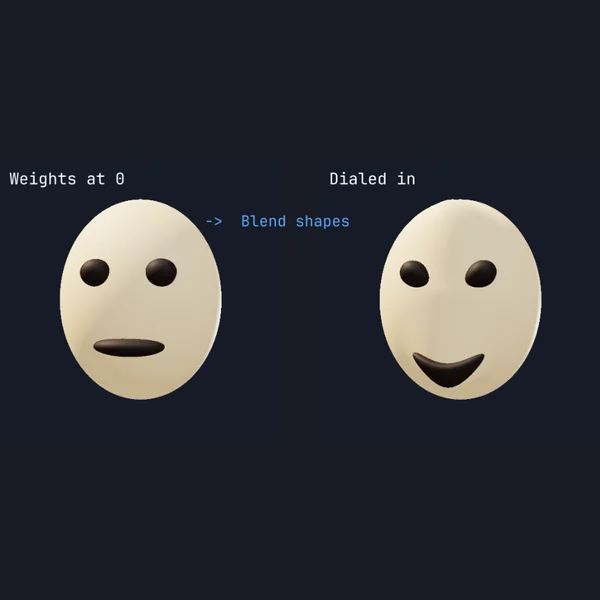
a smile dialed in on a face
07Face

Shape the face

Sculpt a blink, a smile or a jaw open as named shapes, with in-betweens and combination shapes. Drive them from your own face on a webcam, or bring a corrective in as the elbow bends, read straight off the pose.

You hand overShapes the engine reads too

3DGeoRigBlendShapesPack3DGeoRigBlendShapes3DGeoRigPoseReader3DGeoRigPoseDriver
How to make it →
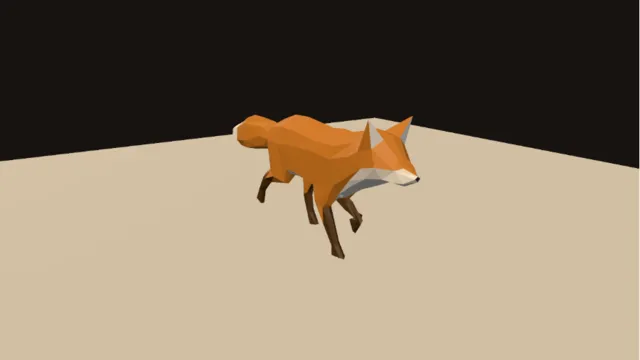
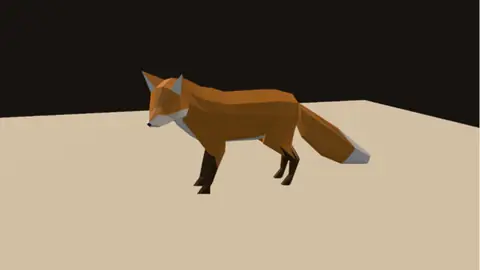
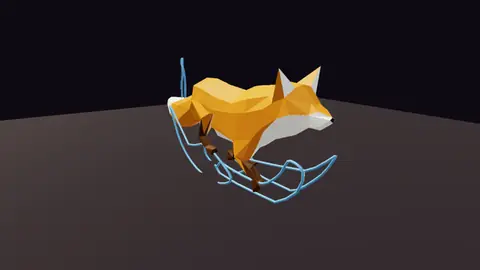
a rigged fox walking in the viewport
08Posing

Pose it and walk it

Save poses to your library and apply them to any character that shares the control names, mirrored if you like. Layer one clip over another, hold the feet where they land so they stop sliding, and let a tail lag, jiggle or spring.

You hand overPoses and a motion test

3DGeoRigCharacterPose3DGeoRigClipBlend3DGeoRigPlantLock3DGeoRigSecondaryMotion
How to make it →
the finished creature on a turntable
09Turntable and hand-off

Turn it and hand it off

Render a turntable, or a folder of frames from the terminal with no window. Send the character on as FBX, glTF, USD or VRM with its weights, shapes and takes, or to a printer as STL.

You hand overA turntable and the files

3DGeoSceneRenderToImage3DGeoRigCharacterExport3DGeoExportSTL
How to make it →
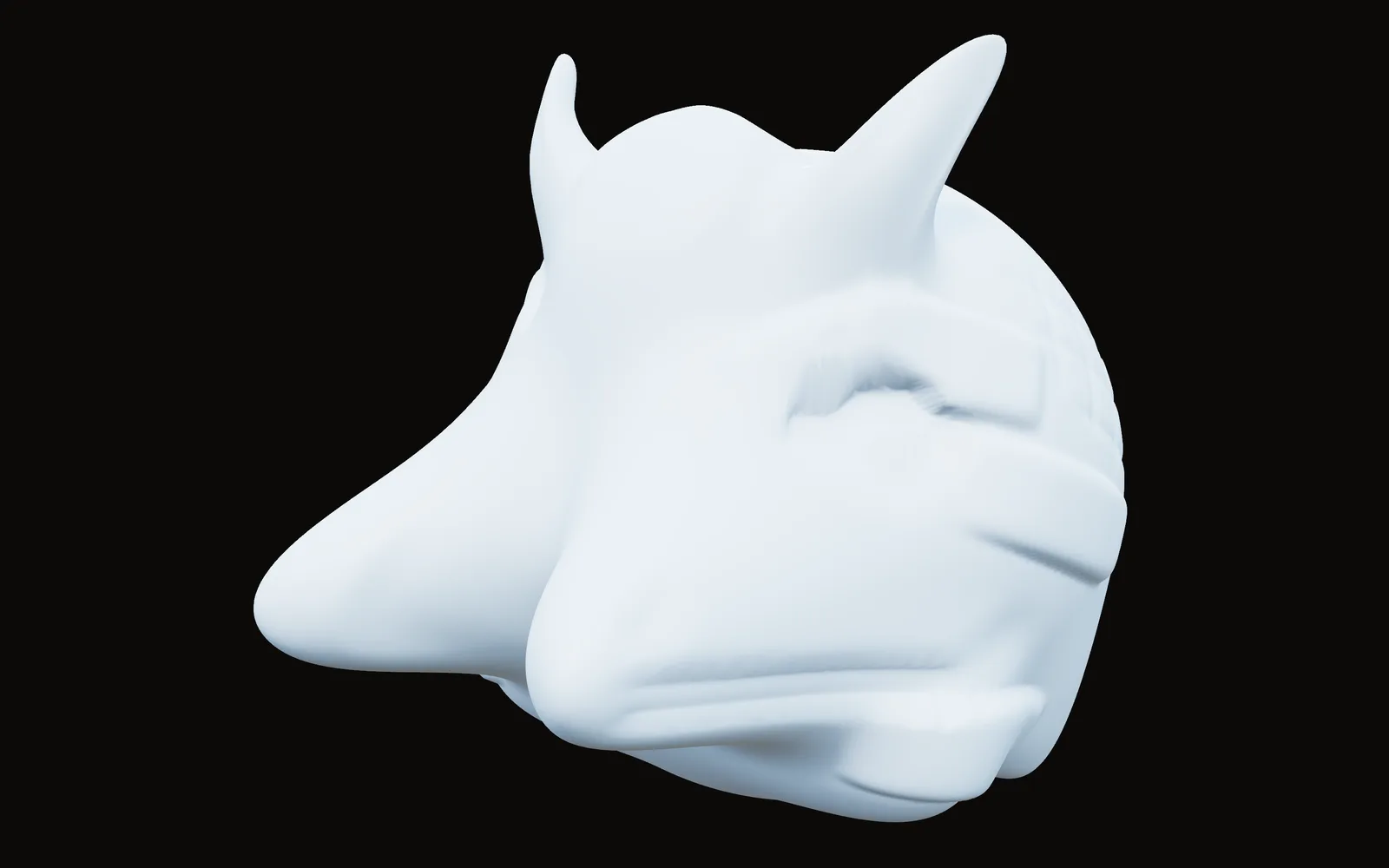
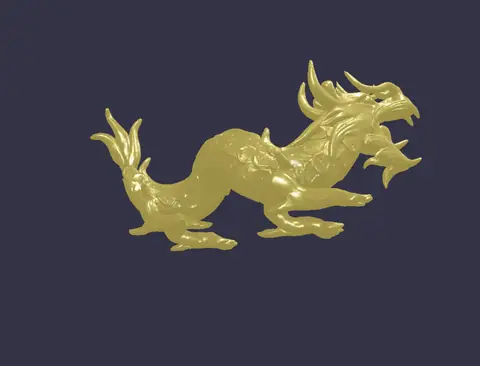
A dragon head sculpted from a ball, brow, eyes and snout built up stroke by stroke
a dragon head, built up stroke by stroke
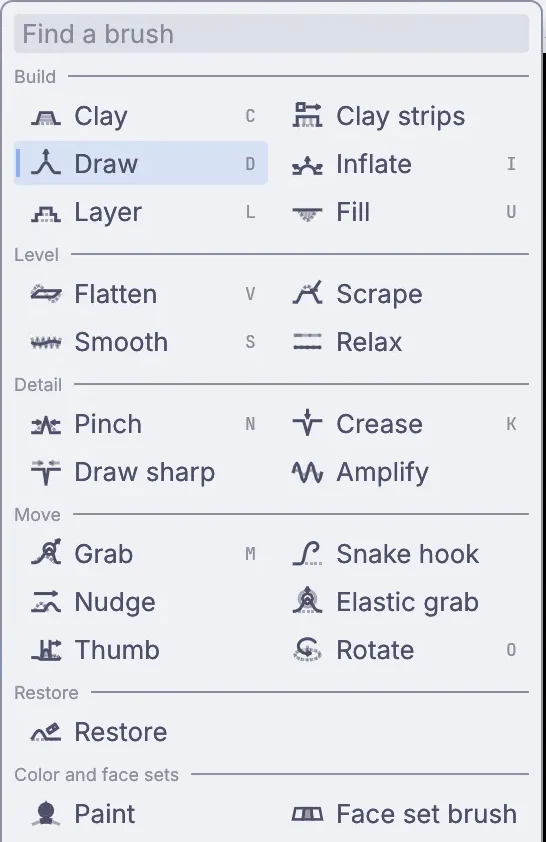
The brush list: clay, draw, inflate, flatten, smooth, pinch, crease, grab, snake hook and more
The work you know

Sculpt with a pen.

Pen pressure drives strength, size or both, through a curve you pick. Tilt leans the brush so it cuts along the pen, and the eraser end carves. A random turn on an alpha goes a long way for pores and skin.

Rough out the form, then add a sculpt level below for wrinkles; big changes on the lower level carry the detail along. Every stroke is its own undo step, and a sculpt cache saved beside the file opens big sculpts without replaying them.

Pressure curvesTiltEraser endAlphas and stencilsX, Y and Z symmetryMasksSculpt layersSculpt levelsDynamic detail
terminal
$ kinematic cache check creature.kin
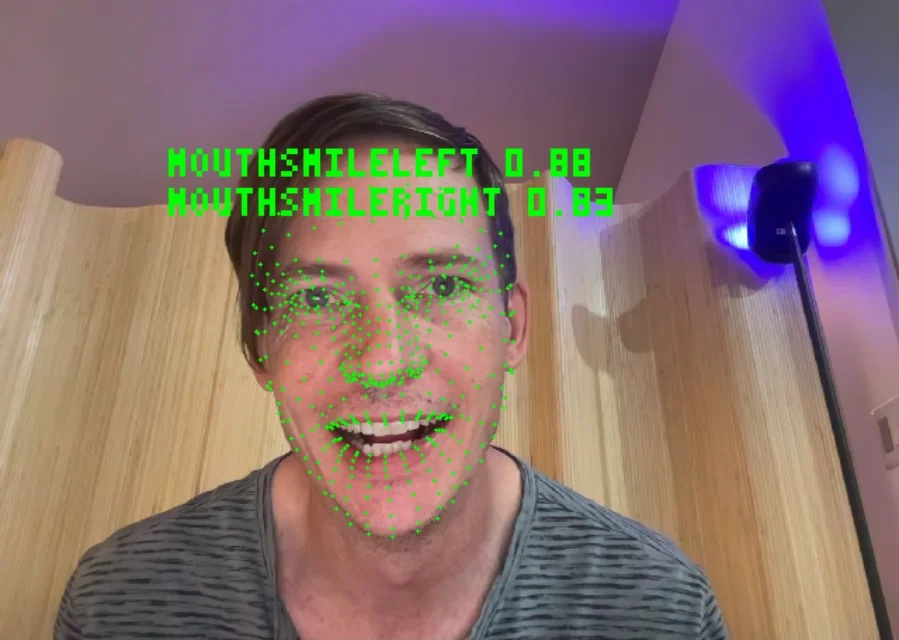
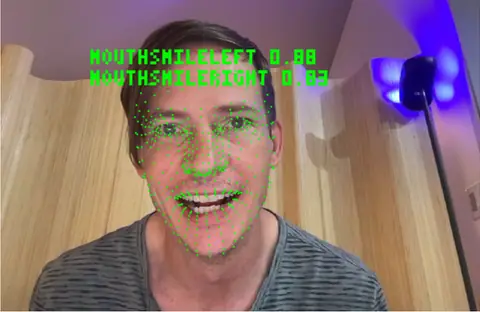
A webcam face read as 52 sliders, the smile values printed over it
a webcam reading 52 face sliders
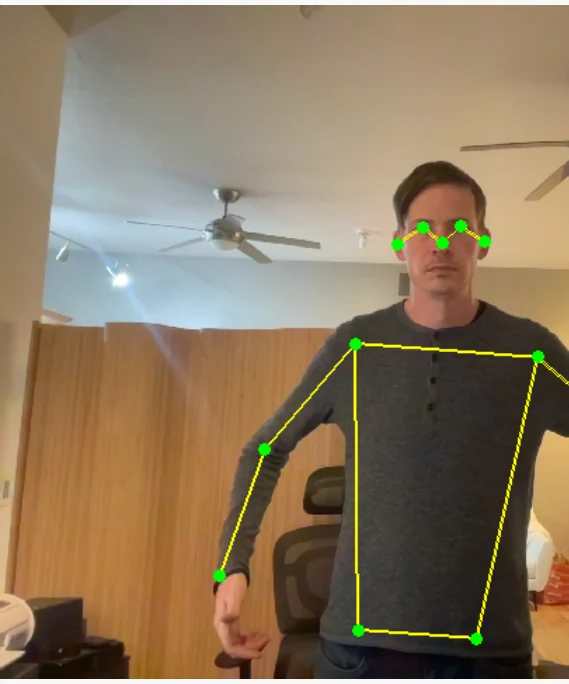
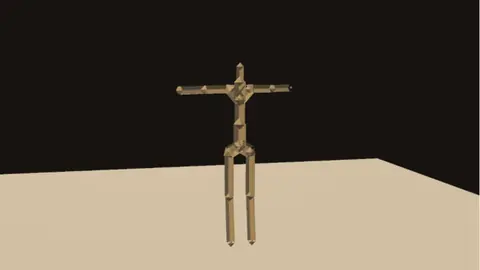
The same webcam reading a body pose
and a body pose
What Kinematic adds

Animate with your face and body.

A plain webcam reads 52 face sliders, a full body and both hands, with the models running on your own machine. Retarget the motion onto your character by joint name and record takes with timecode, saved as BVH, FBX or GLB.

Phones do faces too: Live Link Face, iFacialMocap, Facemotion3D, VTube Studio and MeowFace stream straight in, and VMC brings a performer from a tracking app. A voice can move the lips, live from a microphone or from a sound file, with blinks on top.

Then take it live: Perform Mode fills a projector or a screen with the character, and VMC sends it to VTuber apps and engines as you move.

LocalAIImageToBlendshapes3DGeoRigAudioToFace3DGeoRigRetarget3DGeoRigStreamSend
a scanned soldier, rigged and walking · scan by Erant (superspl.at), CC BY 4.0
a scanned robot on a hand-built skeleton · scan by Seeget3D (superspl.at), CC BY 4.0
What Kinematic adds

Rig a 3D scan.

Bring in a Gaussian splat of a person, a creature or a figurine. Splat rig fit stands a skeleton inside it in the pose it was scanned in, with fingers, toes and face joints when you want them. Bind it, and Splat skin turns the splats with the bones, their shape and color included.

Pose it, play a clip on it, or drive it live from a webcam. When you need a surface, build a solid from the scan to export or to collide with.

3DGeoImportSOG3DGeoSplatRigFit3DGeoRigCaptureProximity3DGeoRigCaptureTransfer3DGeoSplatSkin3DGeoRigRetarget
a stuffed teddy, dropped and settling
A walking fox going limp as a ragdoll
a walk handed to a ragdoll
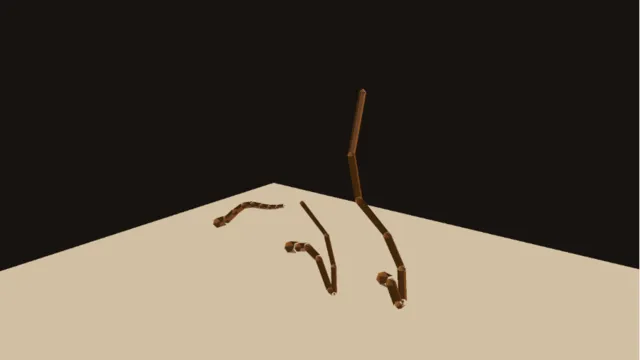
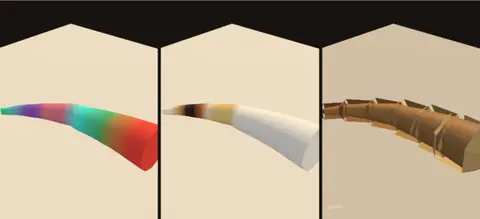
Three tails following a body three ways
lag, jiggle and spring
What Kinematic adds

Cloth, hair and soft bodies.

One solver runs cloth, hair and soft bodies on your GPU. Drop a garment onto the body before frame one and stitch its seams, hang strands from curves, or let a stuffed toy squash and settle.

Bones get physics too: a tail lags, jiggles or springs, and a walking character can hand itself to a ragdoll at the moment of a hit. All of it sits in the same file as the rig, the lights and the camera.

PBDSimDrapePBDSimStitchPBDSimHairConfigure3DGeoRigRagdollSolve
How it fits

Files, gear and other apps.

A rigged character comes in and goes out in one step: mesh, weights, skeleton, shapes and takes. Your tablet, your phone and your webcam plug straight in.

Files

Opens
glTF and GLBFBXUSDVRMOBJPLYSTLAlembicBVHC3D markersSplats: PLY, SPZ, SOGUDIM tilesEXR and HDR
Saves
glTF and GLBFBXUSD and USDZVRMOBJPLYSTLAlembicBVHSplats: SOG, SPZEXR and PNG maps

Gear

Drawing tablets
Pressure on the sculpt, texture paint and weight paint brushes, tilt on the sculpt, and the eraser end on all three.
Webcams
Face, body and hands from an ordinary camera. The models run on your own machine.
Phones
Live Link Face, iFacialMocap, Facemotion3D, VTube Studio and MeowFace drive the face.
Tracking apps and VR trackers
VMC in and out: take a performer from a tracking app, send your character to one, or drive a VR avatar's body trackers.
Mocap stages
Labeled C3D markers from Vicon, Qualisys and OptiTrack.

Other apps

Unreal and Unity
Rigged characters save as FBX with the axes set for each.
Maya, Blender and Houdini
Trade through FBX, USD, glTF and Alembic. Pick the axis preset and models come in standing up, at the right size.
VTuber apps
VRM avatars go to VRoid Hub and VSeeFace.
Omniverse and Apple devices
Rigged characters pack into one USDZ file.
Where to start

Tutorials and demos.

The first tutorial sculpts and paints a little creature from a ball in about twelve minutes. The demos come with the app: open one from the Demos browser, press Play, then take it apart on the canvas.

Tutorials

Demos See every demo →

Rig playbackA rigged fox comes in from a glTF file with its skin weights and its animation, and plays on its own clock.In the Demos browser
Motion arcsA running fox with the paths of its head, tail and paws drawn as loops, the arcs you check by eye.In the Demos browser
Weight paint showcaseA tube creature bound by proximity, then fixed with four weight-paint strokes. Three views side by side.In the Demos browser
Full body reachHands stay on two drifting balls while the spine and chest twist in to help and the feet stay planted.In the Demos browser
Live mocap retargetA webcam performance moved onto a character built in the graph. A built-in performer runs it with no camera.In the Demos browser
Blendshapes avatarYour face as live controls: jaw open, smiles, blinks and brows, streaming out by name. Needs a webcam.In the Demos browser
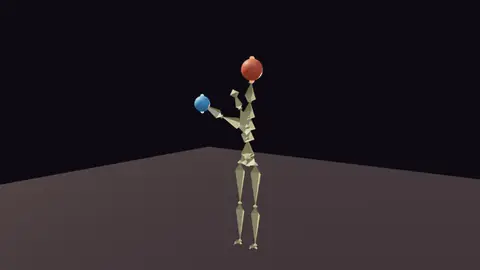
Audio danceA bone figure dancing to a track. The music swings the spine and arms, and the head trails behind.In the Demos browser
Million-poly dragonA dragon of about 250,000 triangles, lit by a key and a fill as the camera circles it.In the Demos browser
Honest gaps

What it does not yet do.

Better to know now. Missing something you need? Reach out.

  • A path tracerKinematic renders live, with PBR materials, HDR light and shadows. Final frames are not path traced.
  • Hair groomingStrands simulate from curves, but there are no brushes to comb, cut or clump fur.
  • A tight UV packerThe packer is quick, not tight. For a hand-tuned atlas, lay it out in another app and bring it in.
  • Other apps' scene filesZBrush, Maya and Blender files do not open here. Bring the mesh across as OBJ, FBX, USD or glTF.
  • Pen pressure everywherePressure is read on macOS, on Windows with Windows Ink, and on Linux under X11. Elsewhere a stroke uses full pressure.

Download Kinematic.

Free. No account, no license key. macOS, Windows, Linux and Raspberry Pi. Questions about your pipeline? Reach out.

Download for macOS 0.5.0