Kinematic 0.5.0 is out. Modeling and sculpting in the viewport, a timeline on every graph, photo and sound editing. What's new
Kinematic / Create / Texture

Paint textures on your models.

Worn crates, painted planets, brick walls and hand-written materials.

a sculpted dragon bust with its colors painted onto the surface
01

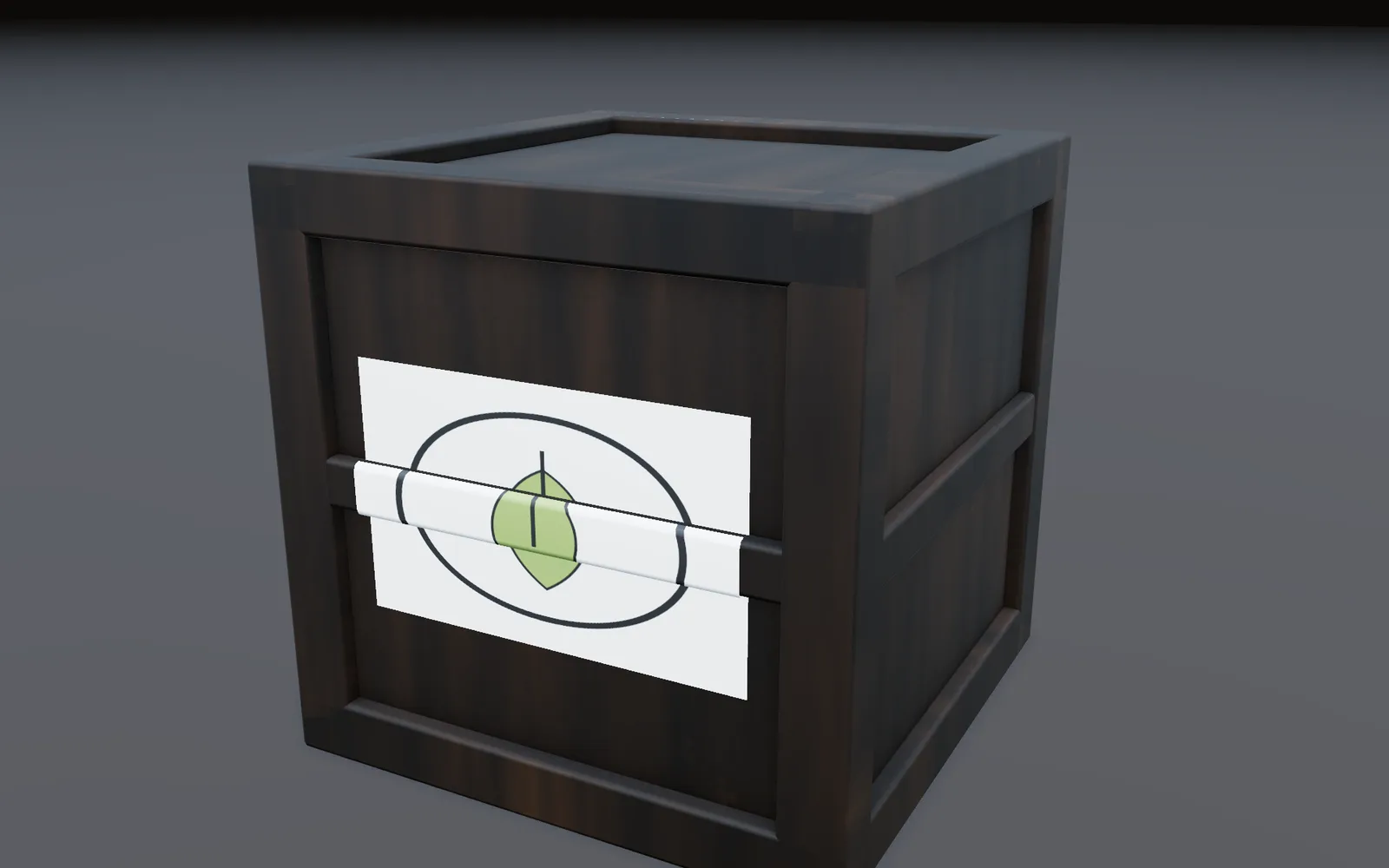
Paint a dirty old crate

Paint the wood, with dirt that only lands in the dents.

  1. Paint a base layer over the wood.
  2. Add a dirt layer on top.
  3. Mask the dirt to the dents, or project a photo through a stencil.
3DGeoTexturePaint→PbrMaterial→3DGeoMaterialAssign→3DGeoSceneRenderToImage
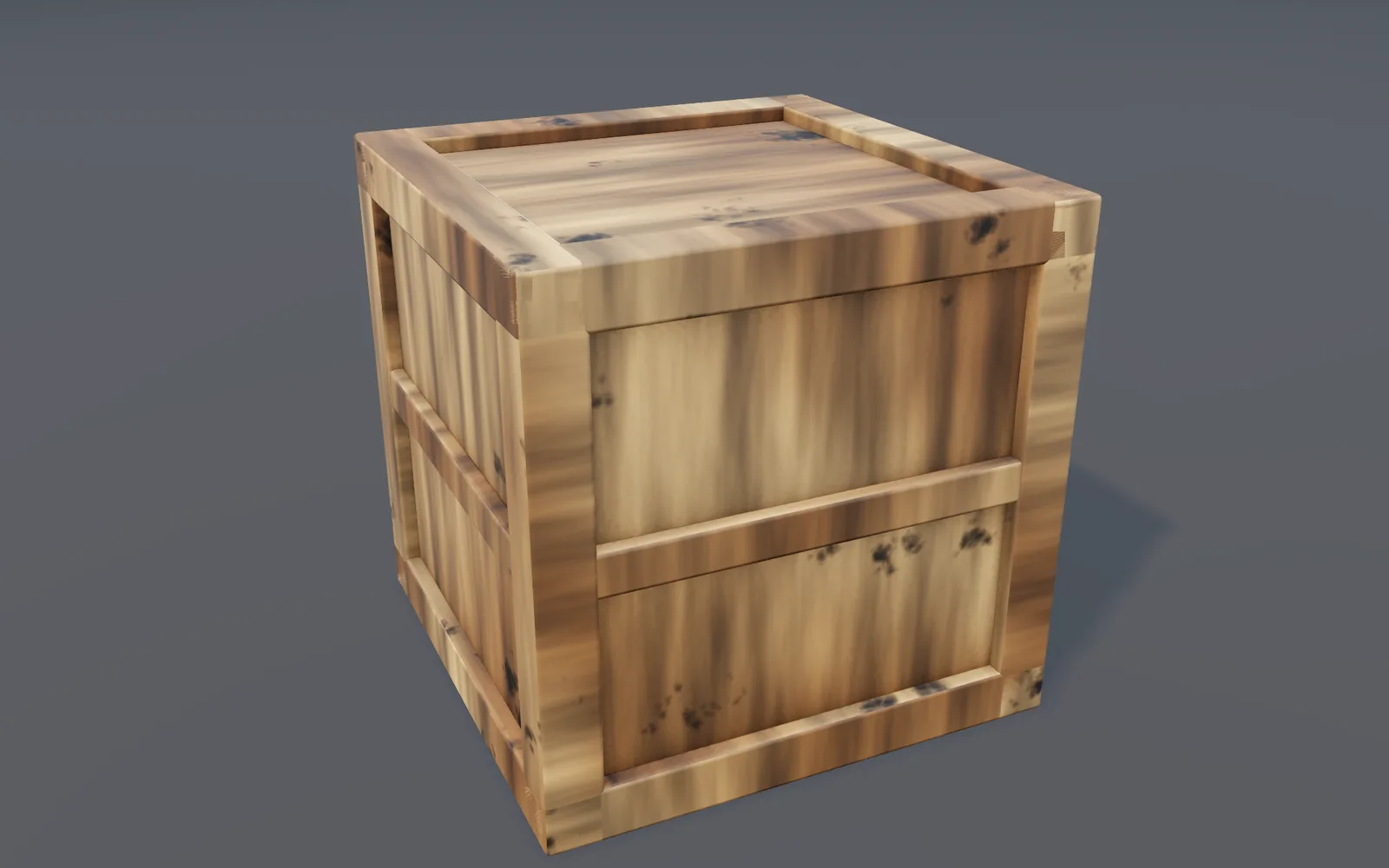
a wooden crate painted with a wood layer and a dirt layer, darker where the corners meet
02

Paint dents that catch the light

One stroke paints color, roughness and height at once.

  1. Pick the color layer and press Paint all channels.
  2. Tick roughness and height and give each a value.
  3. Paint. One undo takes the whole stroke back.
3DGeoTexturePaint→ImageNormalMap→PbrMaterial
a red painted panel whose dents catch a raking light
03

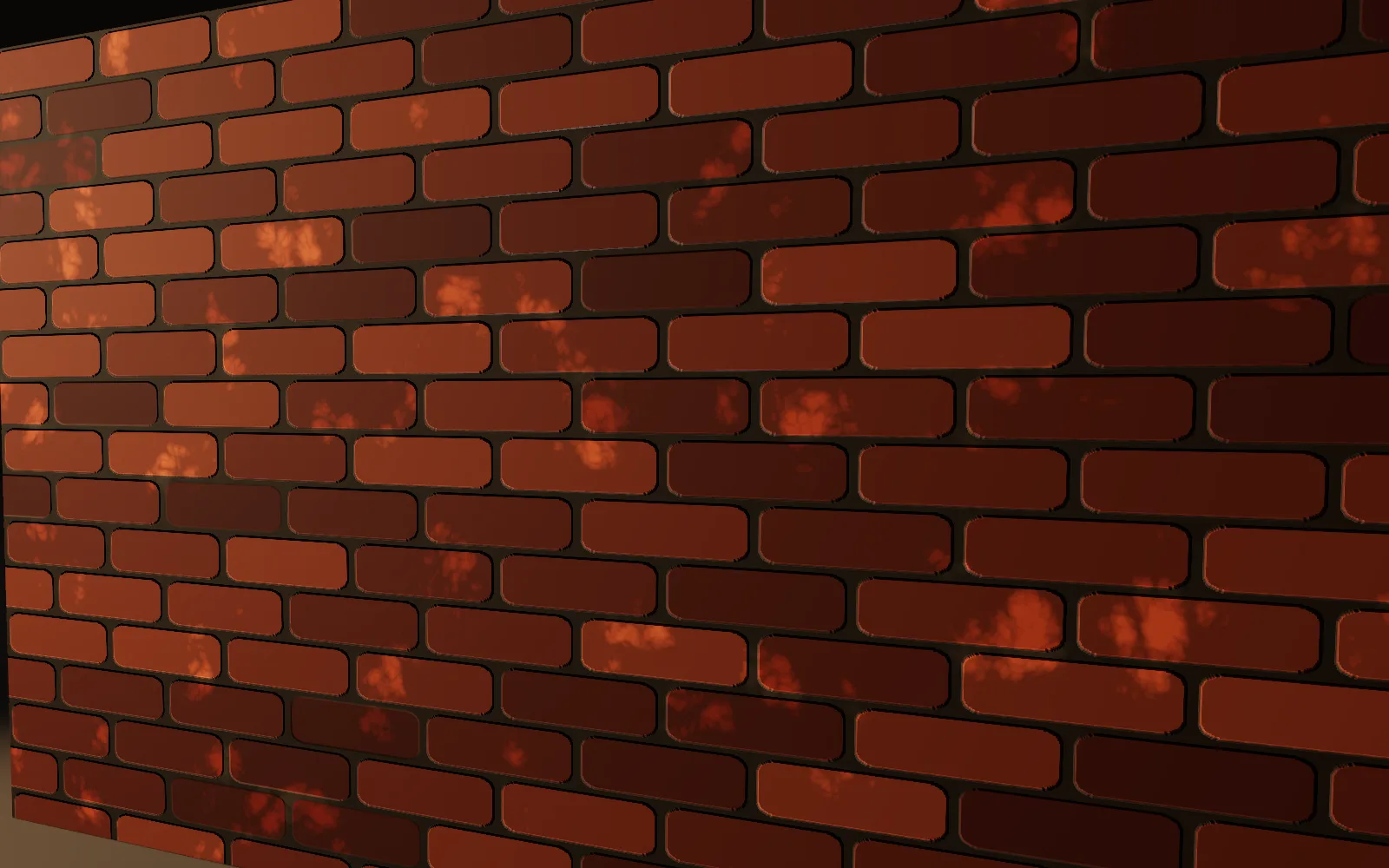
Make a brick wall texture

Bricks you can resize, wear and recolor, that tile forever.

  1. Start a brick pattern and set the size.
  2. Add grime and color variation.
  3. Use it for color and height in a material.
ImageBrickPattern→ImageGrunge→PbrMaterial
a procedural brick wall used for color and relief in a material, lit from the side
04

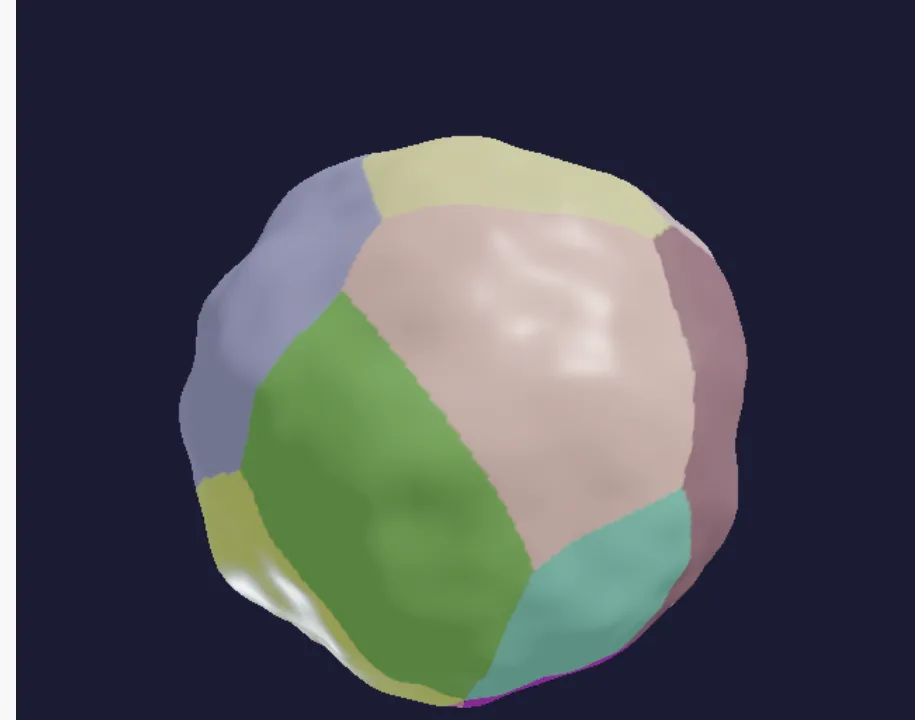
Paint a planet

Continents from noise, colored land, shiny seas.

  1. Push a sphere into continents with noise.
  2. Color it with a cell pattern.
  3. Use a second noise for how rough it is.
3DGeoNoise→ImageVoronoi→PbrMaterial→3DGeoSceneRenderToImage
a textured planet
a textured planet
06

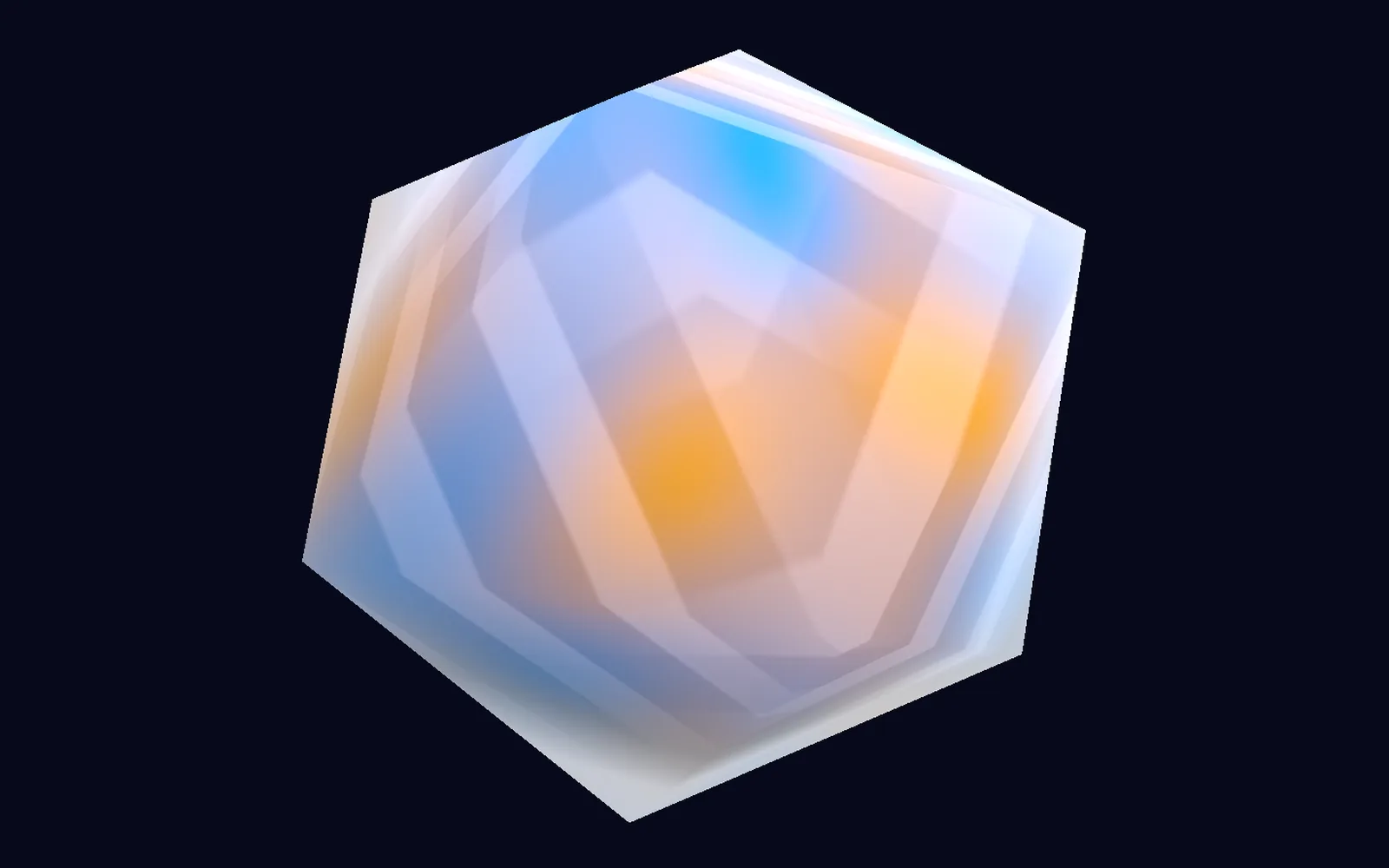
Make a crystal with a shader

Sharp facets and a bright rim of light, from a short piece of shader code.

  1. Start from a material template.
  2. Fake the facets in the vertex code.
  3. Add a bright rim and a tight highlight.
ShaderMaterial→3DGeoMaterialAssign→3DGeoSceneRenderToImage
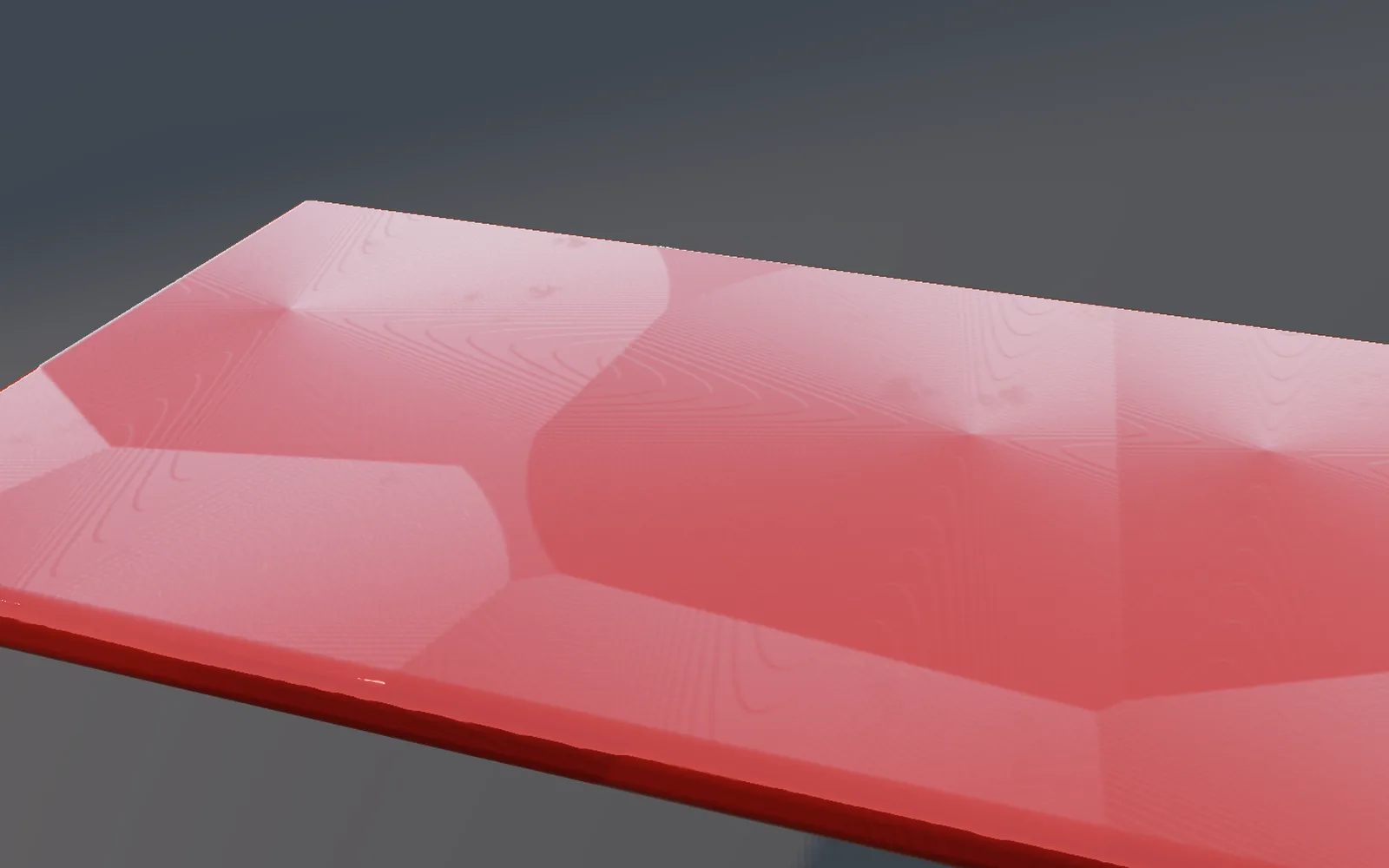
a faceted crystal shaded by a material written in a few lines of code
Take it further

It all connects.

Every part of Kinematic works with the others. Wire one into the next.

Keep going

Free and open. Yours, forever.

No account, no license key. macOS, Windows, Linux and Raspberry Pi.

Download Kinematic 0.5.0