Kinematic 0.5.0 is out. Modeling and sculpting in the viewport, a timeline on every graph, photo and sound editing. What's new
Kinematic / Create / Model

Model in the viewport.

Machined parts, furniture, railings and whole set dressing, modeled right in the viewport. Every step stays open to change.

an A-frame cabin, modeled in the viewport
01

Model a machined part

A metal housing with rounded edges, two cut-outs and a mirrored half.

  1. Start from a box and round off the edges.
  2. Add two cutters from the Cut menu. They cut in one go and keep the faces clean.
  3. Mirror it, so you only ever model one half.
3DGeoBox→3DGeoPolyBevel→3DGeoBoolean→3DGeoMirror→3DGeoWeightedNormal
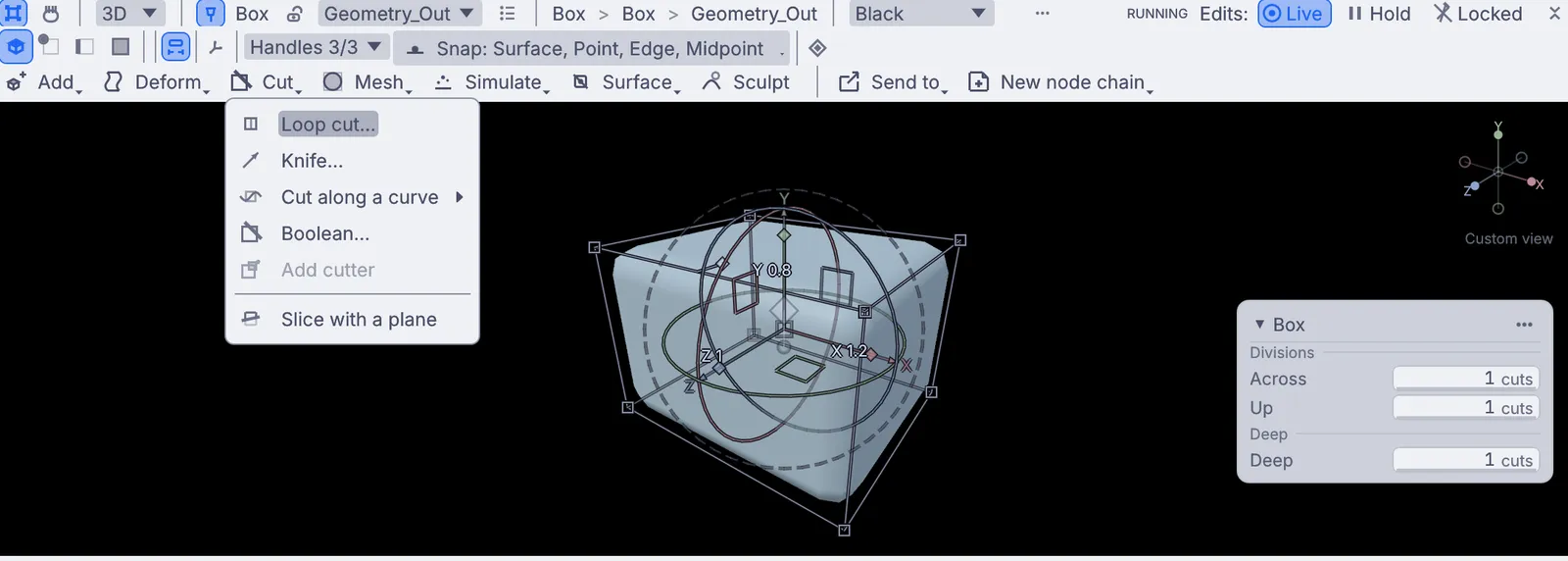
the Cut menu: loop cut, knife, boolean, slice
02

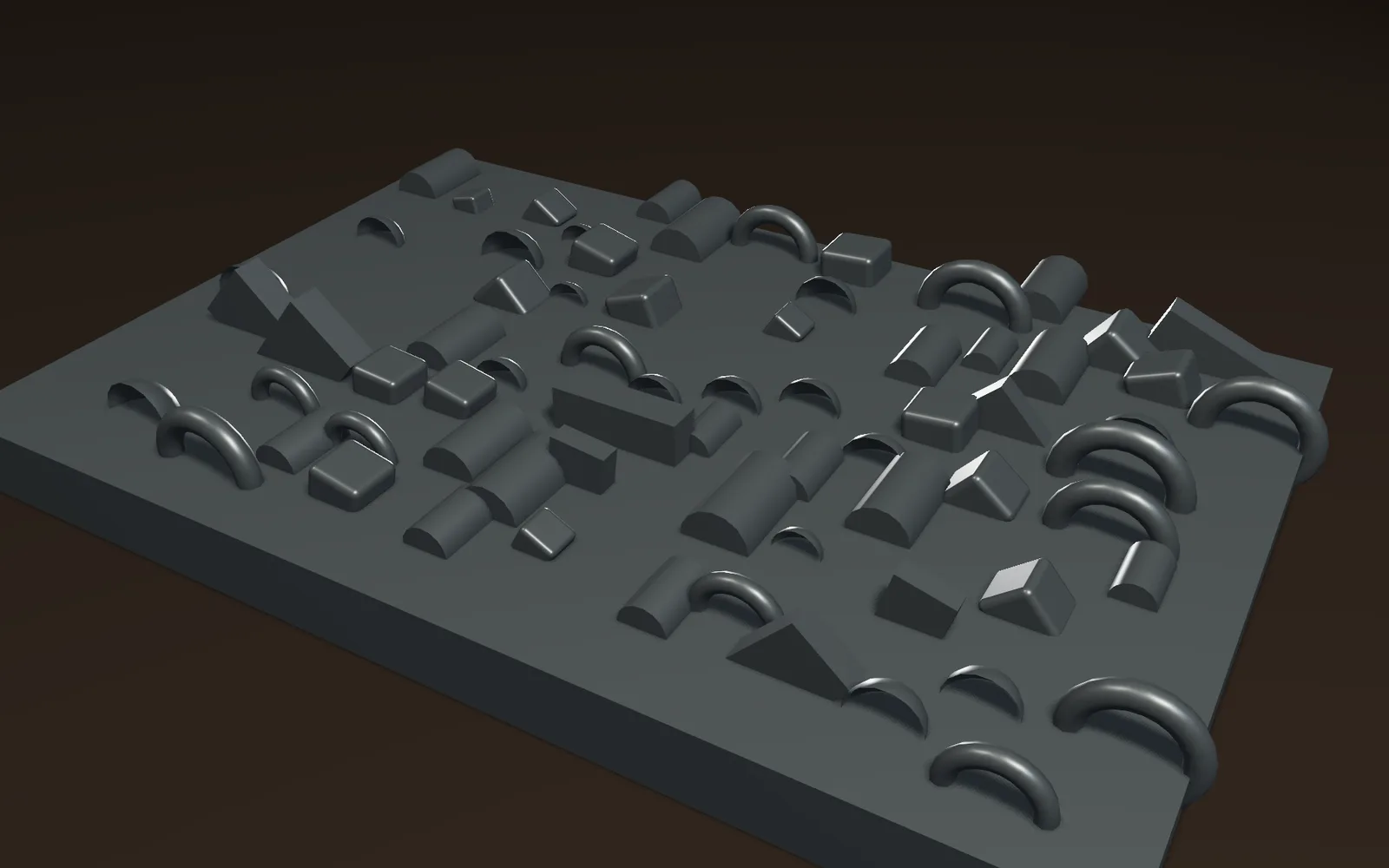
Kitbash a spaceship hull

Click detail pieces onto a hull plate until it looks built.

  1. Model or import a handful of detail pieces.
  2. Click on the hull wherever a piece should go.
  3. Let each copy vary a little in size and turn.
3DGeoPlacePoints→3DGeoInstanceOnPoints→3DGeoInstanceNoise→3DGeoSceneRenderToImage
vents, tanks, domes and pipes scattered over a hull plate, each turned and sized a little differently
03

Shape a curved table edge

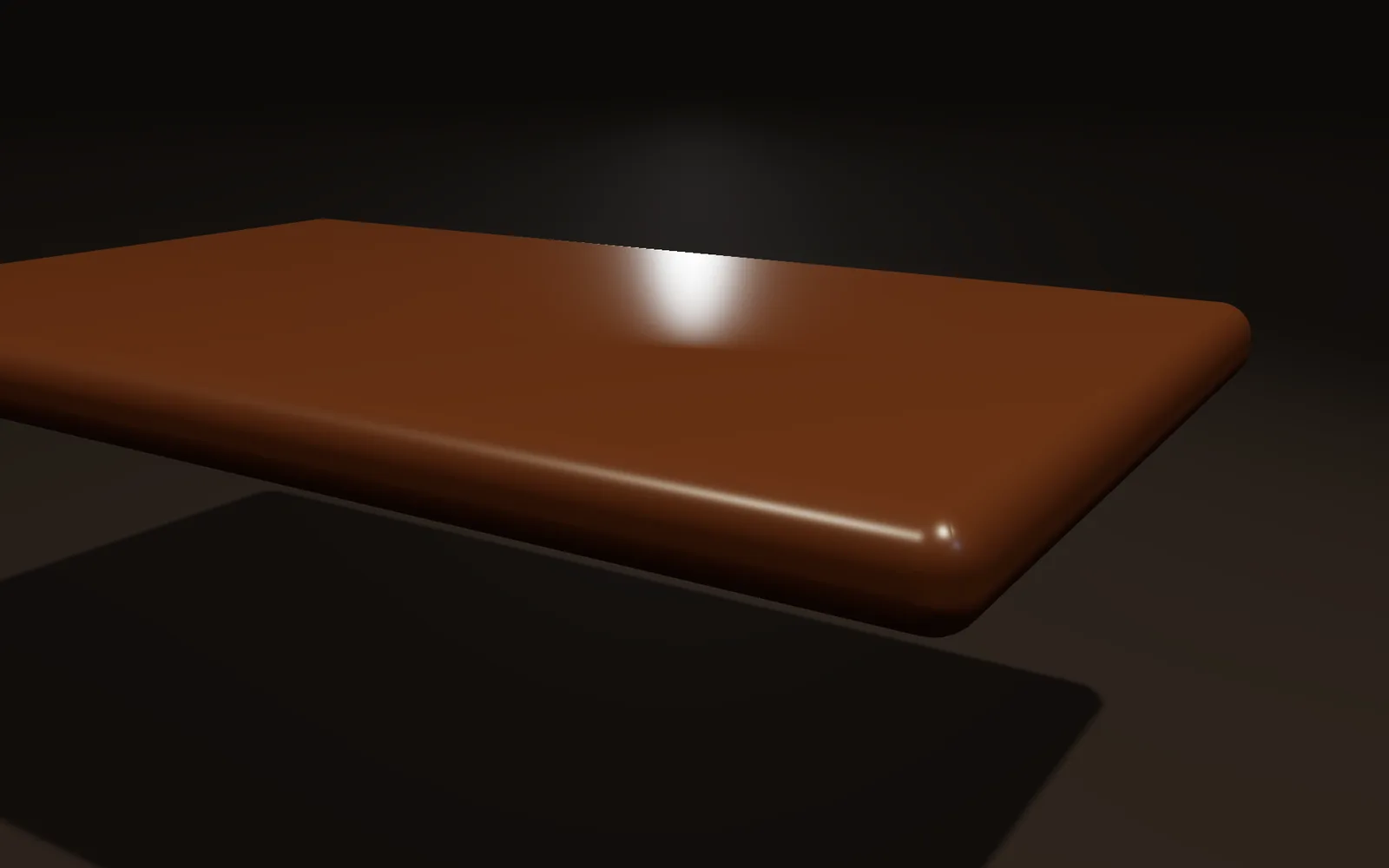
A table top with a classic curved edge you draw by hand.

  1. Model the top as a simple slab.
  2. Open the bevel and draw the edge shape as a curve.
  3. Drag the curve. The edge follows while you drag.
3DGeoBox→3DGeoPolyBevel→3DGeoSceneRenderToImage
a walnut table top with a rounded edge shaped from a drawn profile
04

Build a railing along a path

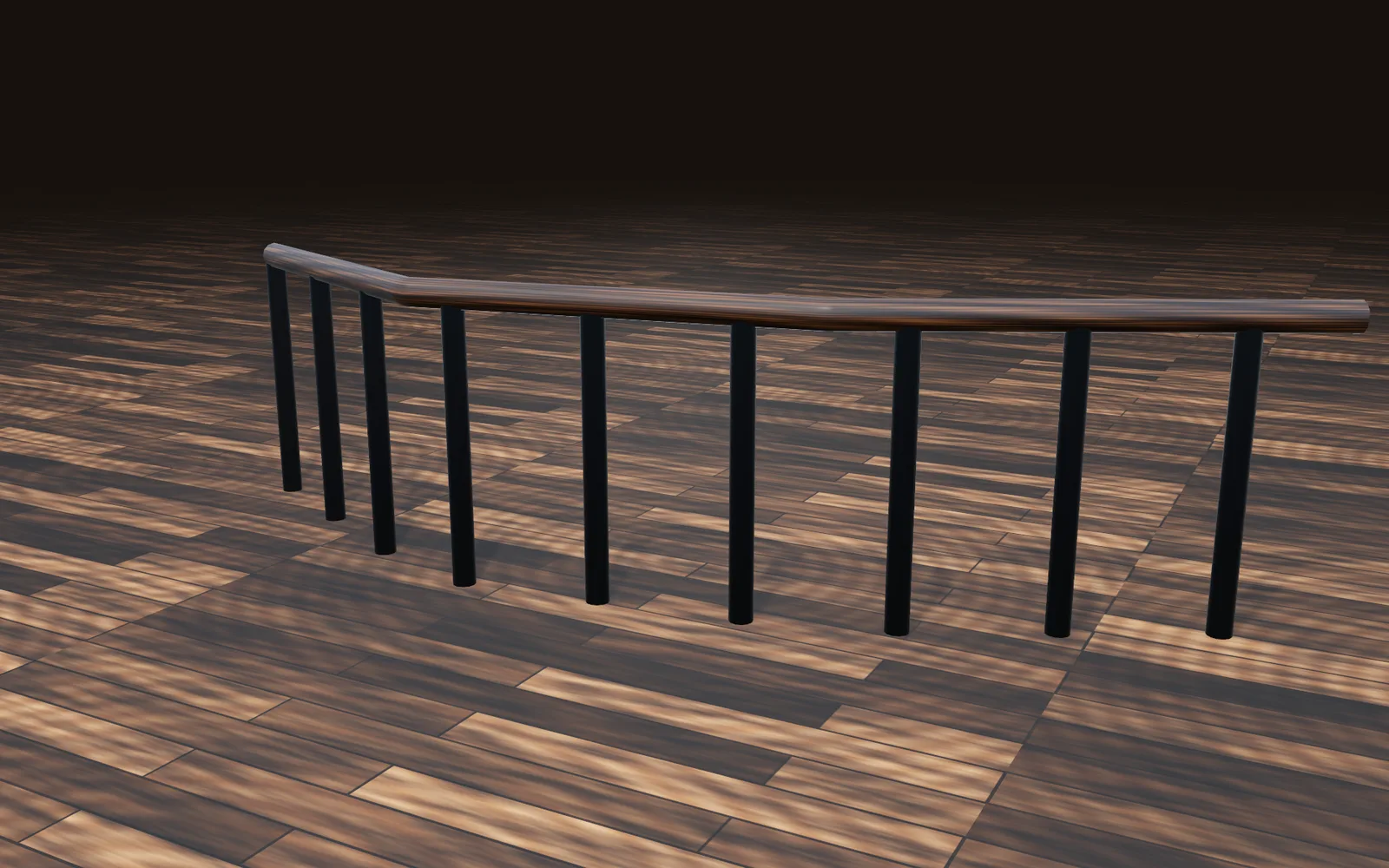
Draw one path. Posts stand along it and a rail runs over the top.

  1. Draw the path the railing follows.
  2. Stand a post at every step along it.
  3. Sweep a round rail over the tops. Edit the path and both follow.
3DGeoLine→3DGeoCopyAlongCurve→3DGeoSweep→3DGeoMerge+3DGeoCylinder
iron posts along a drawn path, with a wooden rail swept over the top
05

Make a twisted vase

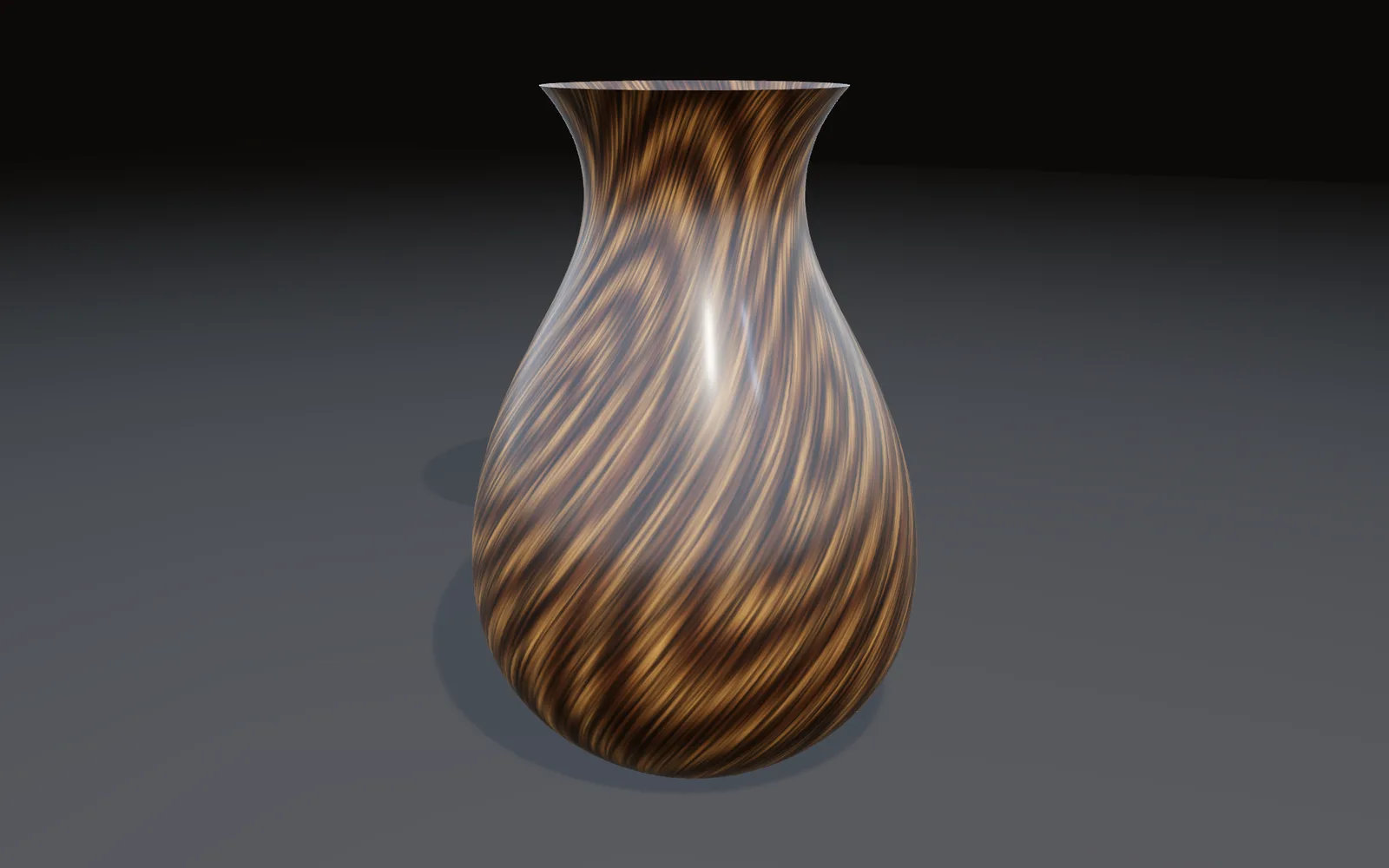
Draw half the outline, revolve it, then twist it as it turns.

  1. Draw half the vase as a curve.
  2. Revolve it around the middle.
  3. Add a twist and animate it.
NurbsCurve→NurbsRevolve→NurbsConvert→3DGeoTwist
a vase outline revolved, then twisted, its wood grain spiraling up the side
06

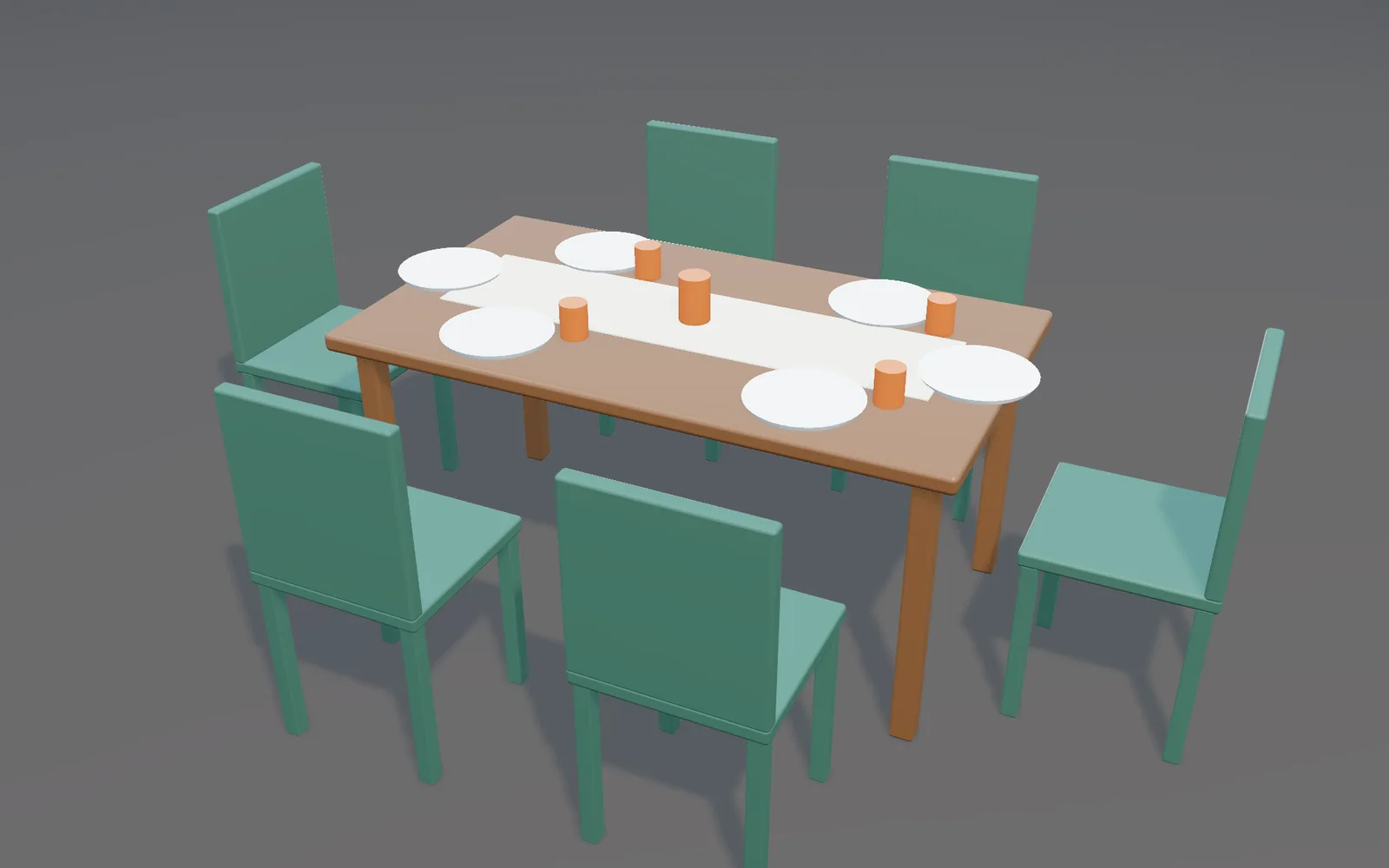
Set a dining table

Chairs lined up, plates on the table, a cup right where you clicked.

  1. Place the 3D cursor on the table top and add a cup there.
  2. Select the chairs, spread them out and drop them to the floor.
  3. Drop the plates onto the table.
3DGeoAlign→3DGeoTransform→3DGeoMerge→3DGeoSceneRenderToImage
chairs pulled up to a set table, plates in place and a cup at the center
Take it further

It all connects.

Every part of Kinematic works with the others. Wire one into the next.

Keep going

Free and open. Yours, forever.

No account, no license key. macOS, Windows, Linux and Raspberry Pi.

Download Kinematic 0.5.0