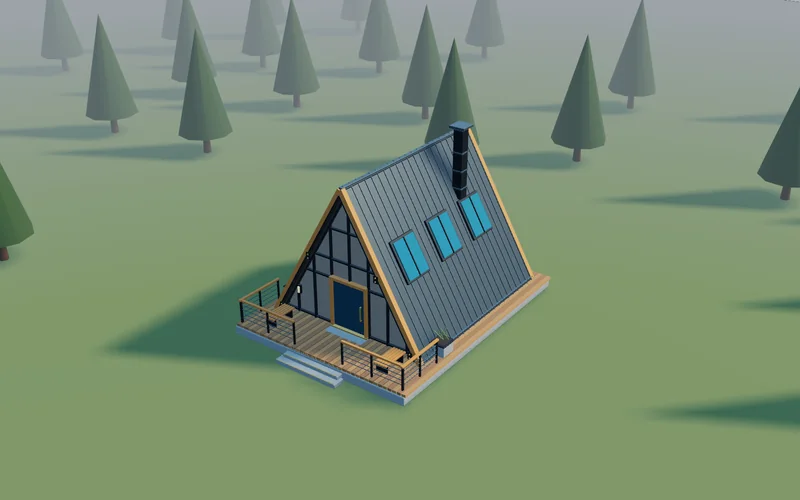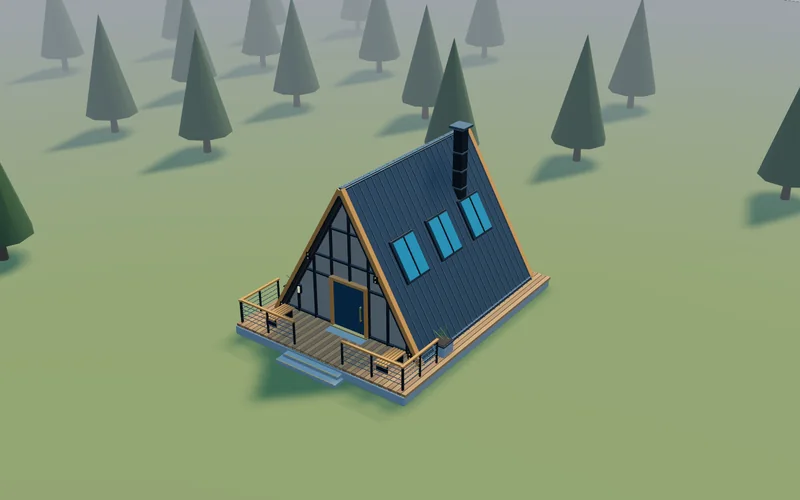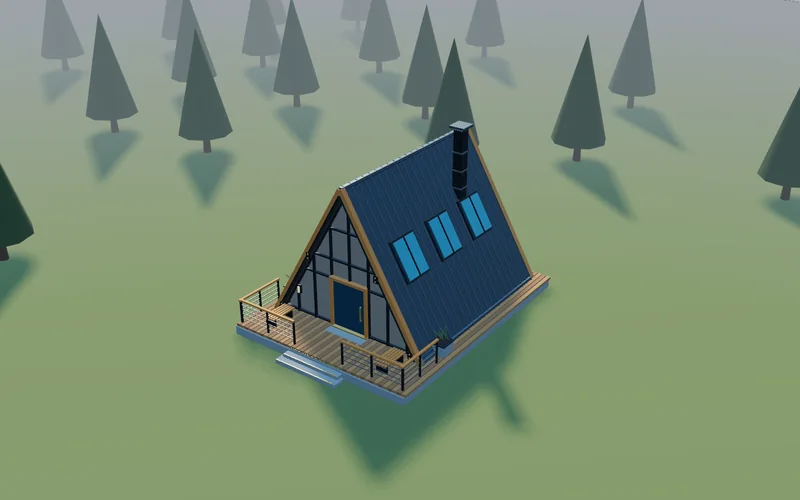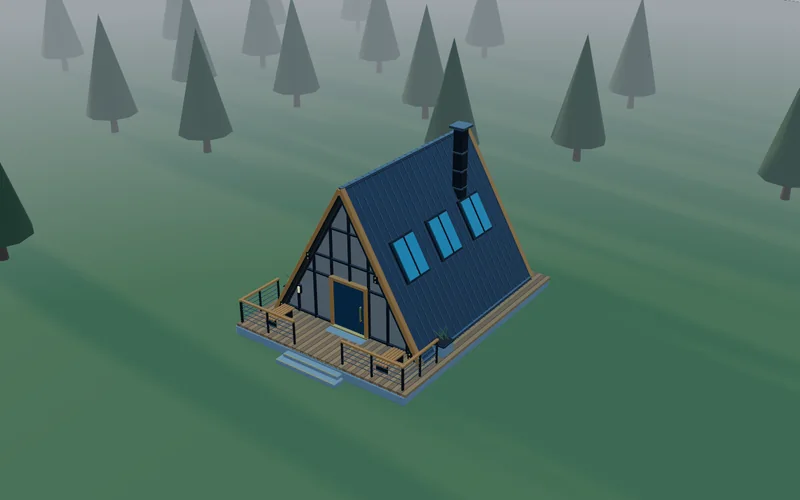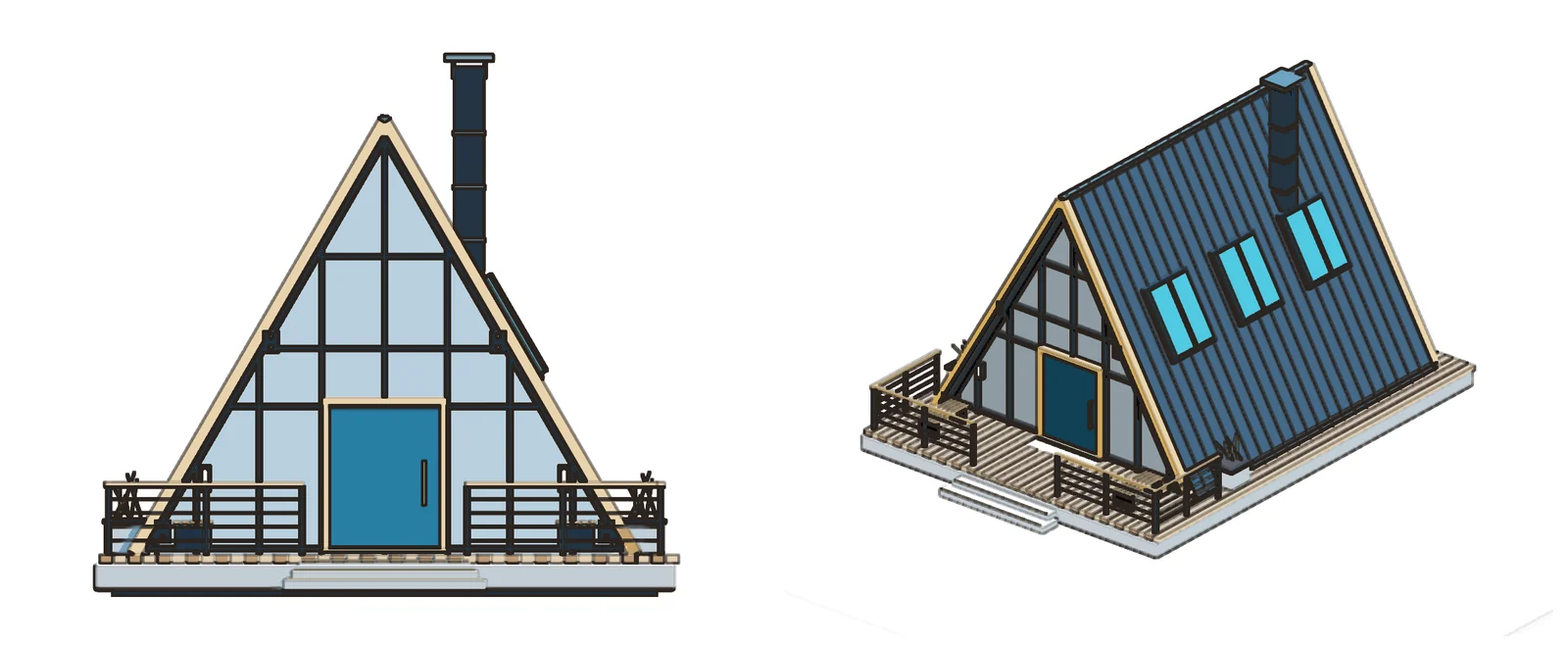
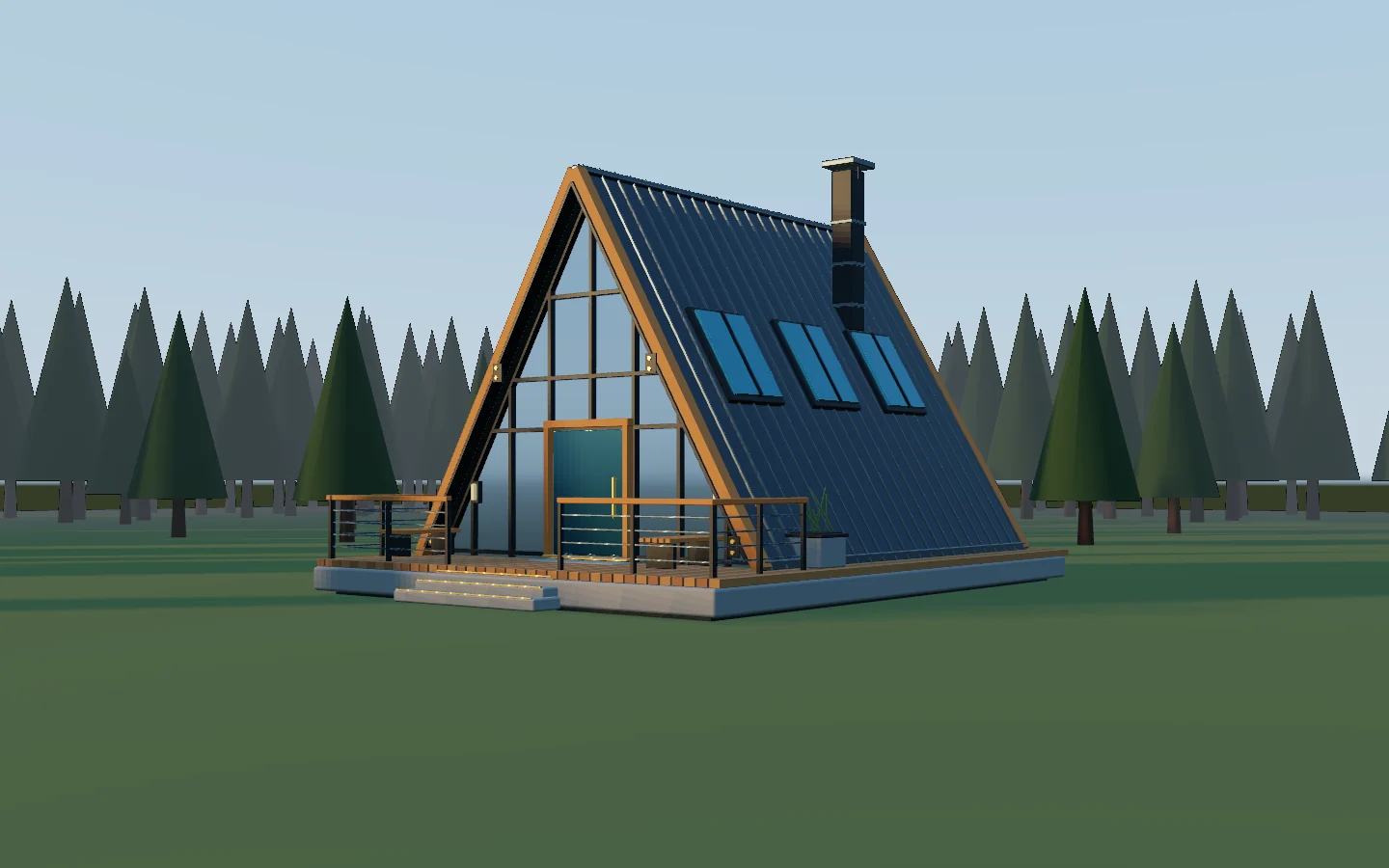
Render the hero still
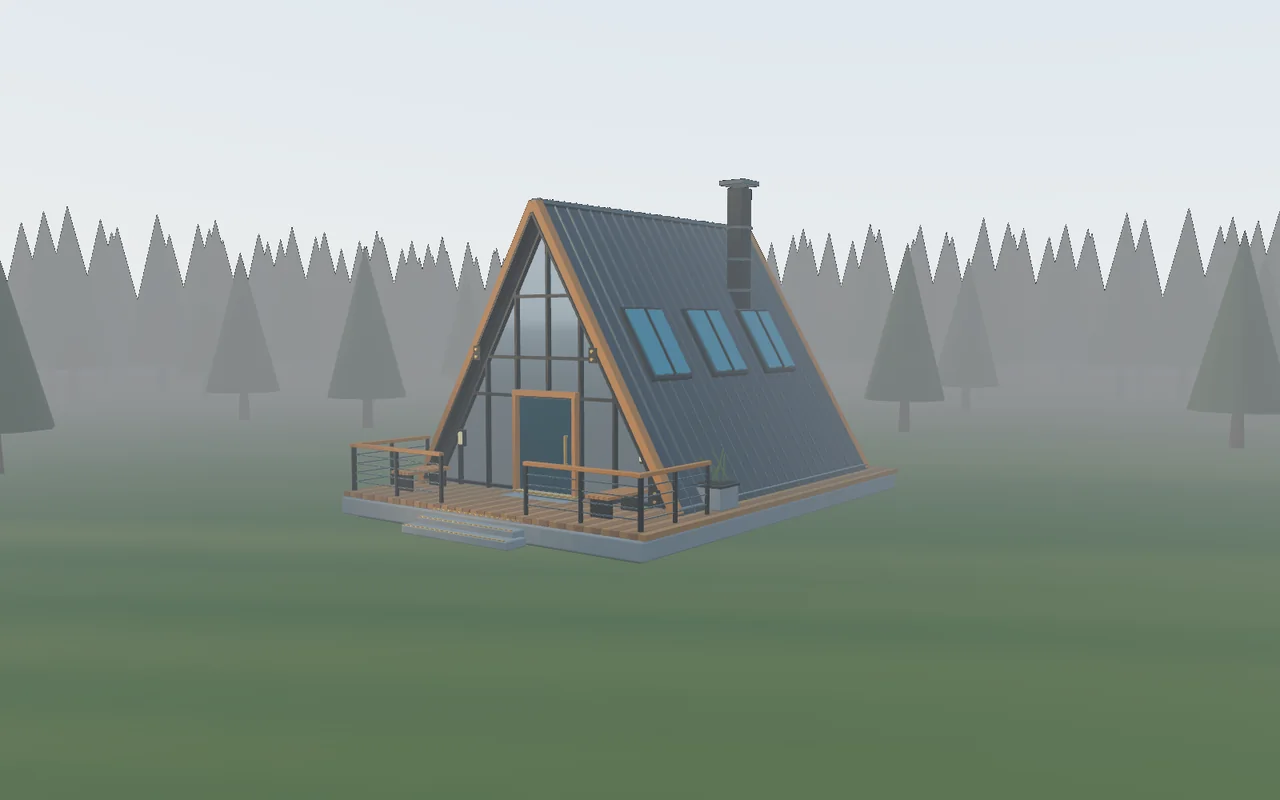
Set the camera at eye height and keep it level, so the verticals stay straight. Choose the lens in millimeters, light it with a sun and a sky, and render the boards at up to 4096 pixels wide.
Bring the building in at its real size, light it with a sun and a sky, and render the boards, a shadow study, a 360 panorama and the walk up to the front door. All from one file, on your own machine.

Your office's units. The grid and the measure tool read in meters, centimeters, millimeters or inches.
Real lenses. Set the focal length in millimeters, as on a full-frame camera, or go orthographic for elevations.
Sun and sky. Set the sun's height, its direction and the haze, or light the scene with an HDR sky.
Out at full size. Stills up to 4096 pixels wide, float EXR for retouching, and films as ProRes, H.264 or H.265.
The stills, studies, films and drawings that fill an archviz week, and where each one lives in Kinematic. Every render on this page came out of the app.

Set the camera at eye height and keep it level, so the verticals stay straight. Choose the lens in millimeters, light it with a sun and a sky, and render the boards at up to 4096 pixels wide.
morning
midday
afternoon
eveningPut the sun's height and direction on an expression or on the timeline, and the shadows of the building and the trees sweep across the site. Render a still at each sun position, or the whole day as a film.
Lay down a path and the camera travels along it with its eyes on the entrance. Render the walk to a ProRes or H.264 file, one frame at a time, however heavy the scene.

Switch the camera to orthographic for flat elevations and axonometric views, then trace every edge with Toon shade for a clean drawing on the boards.

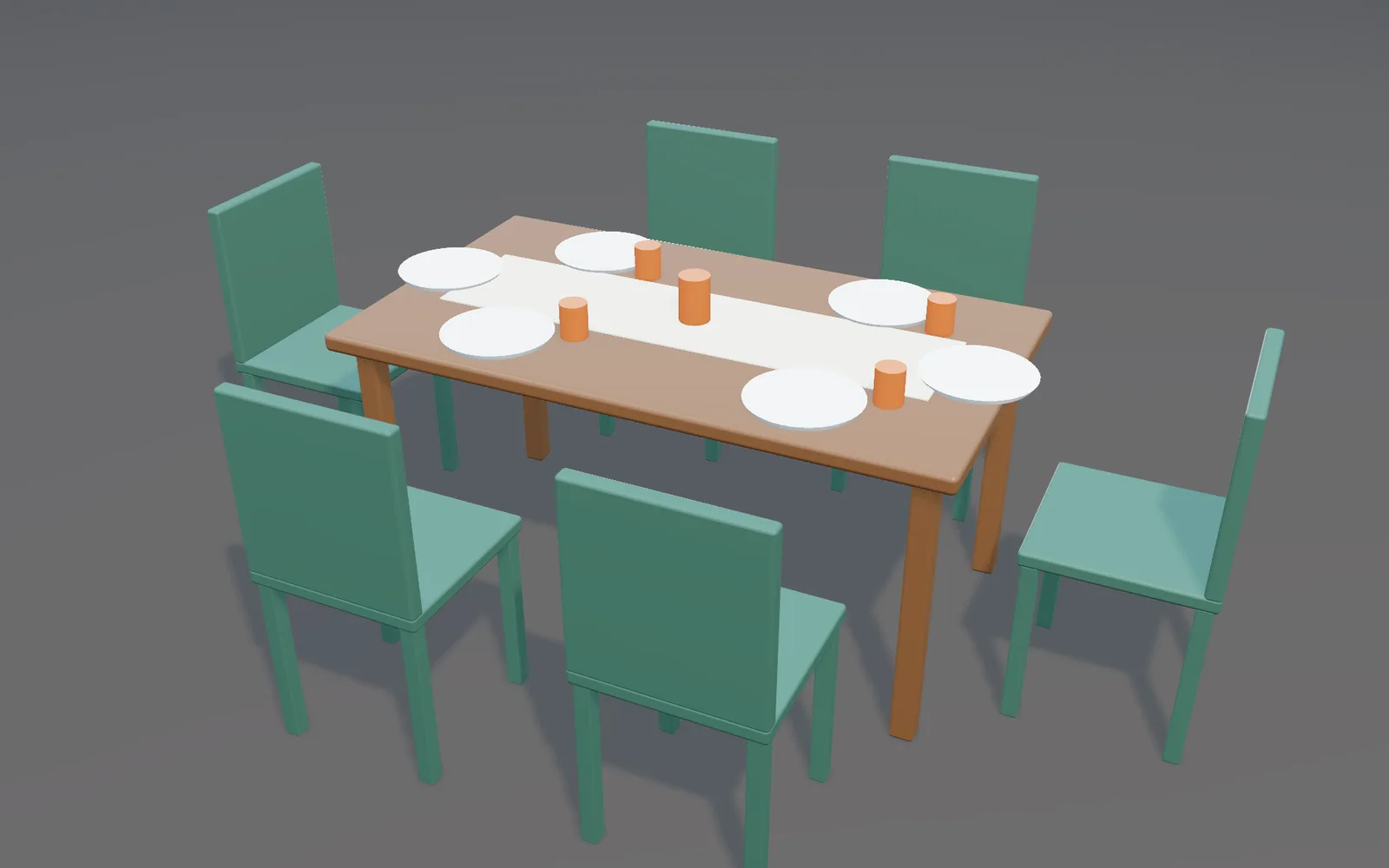
Spread the chairs evenly, drop them to the floor and set the plates on the table. A cup lands right where you click.

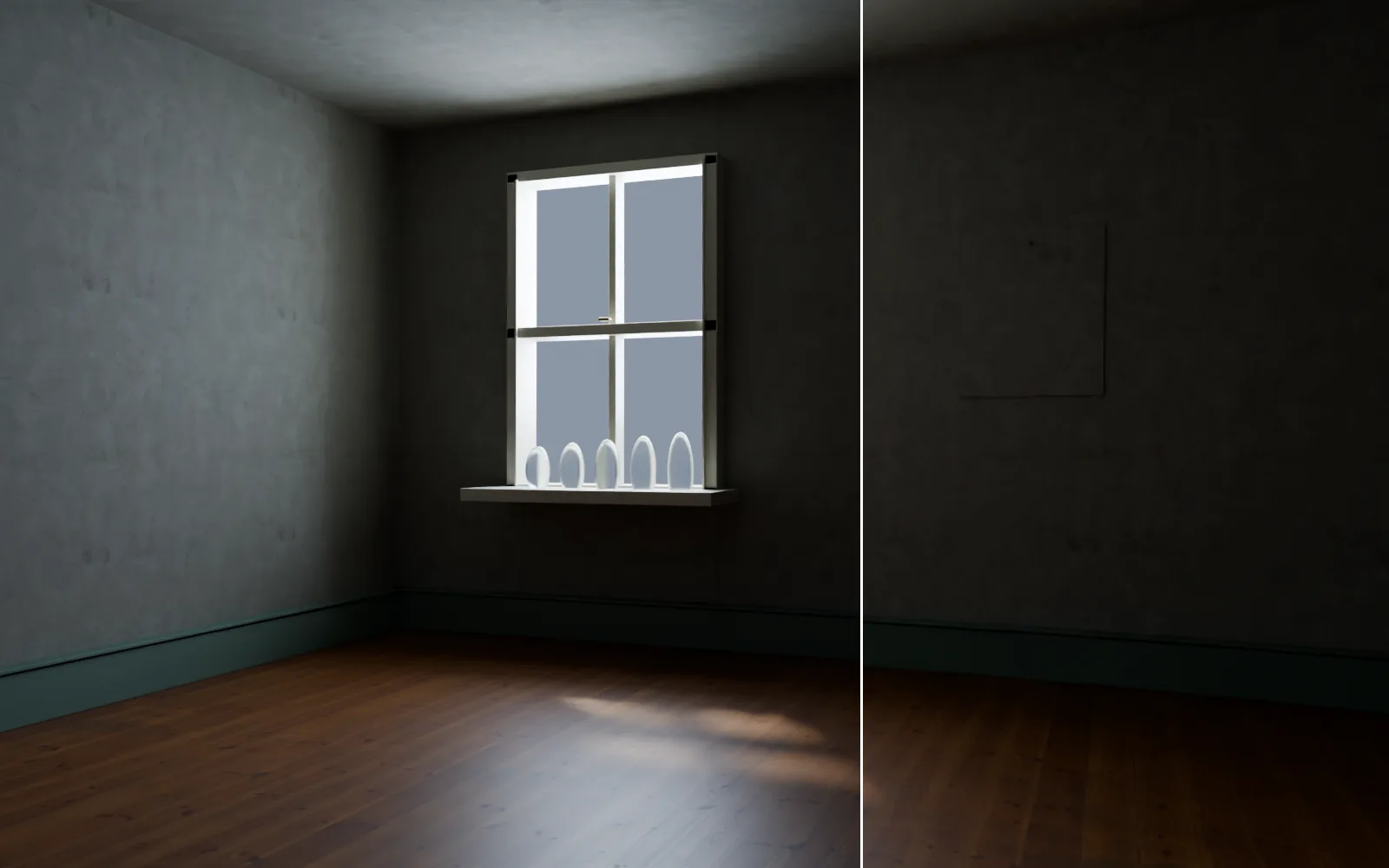
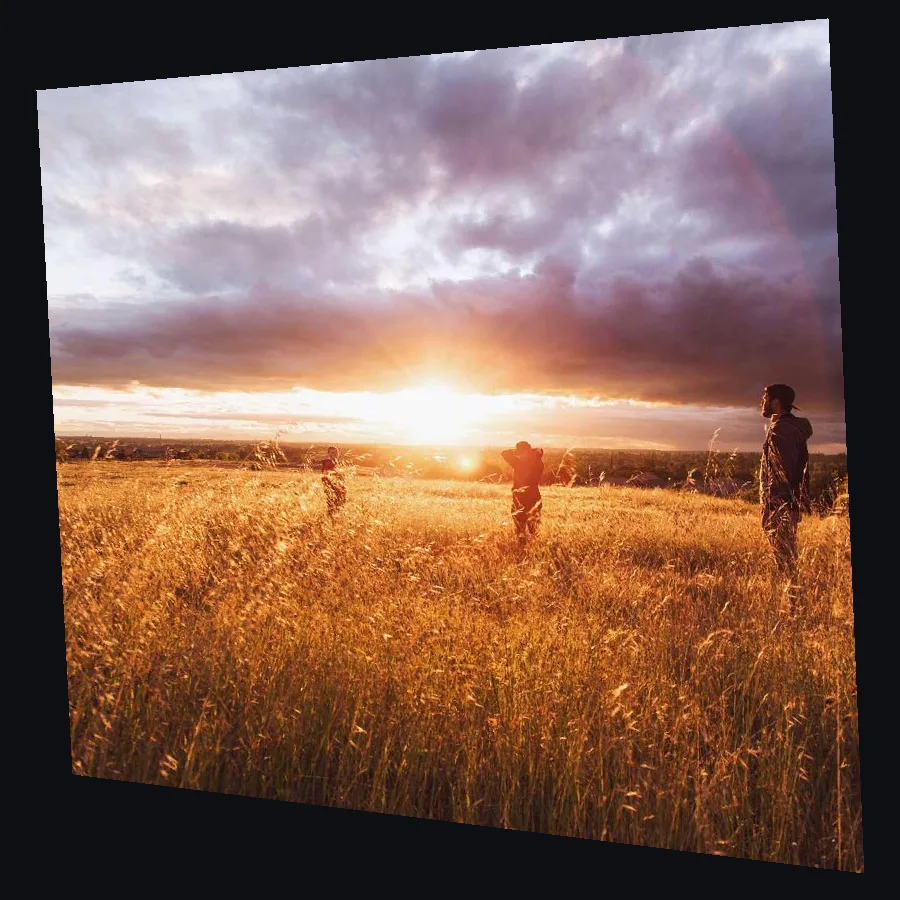
Open a render, or a photo of the finished building, in the same app. Take the lens bend out, square the walls, open the shadows and merge a bracketed interior into one frame.
Capture the scene in six directions from one point at eye height, unfold it into a 2:1 panorama and lay the sky in behind. Save it for a 360 viewer, or as a still for the boards.
The night before the presentation, from the command line or the app.
Render the same view with the sun at any height, one file each, with no window open.
$ kinematic render cabin.kin -o sun_15_{frame}.png --frames 1 --set sky.sun_elevation=15 $ kinematic render cabin.kin -o sun_45_{frame}.png --frames 1 --set sky.sun_elevation=45
On the virtual clock the render steps one frame at a time, however heavy the scene, and writes numbered frames ready to cut.
$ kinematic render walkthrough.kin -o walk_%04d.png \ --clock virtual --frames 1800 --resolution 3840x2160
Freeze a finished part of the scene into one stored piece that stops recalculating. Thaw it when the client asks for a change.
Measure a doorway and keep it as a dimension line. Its ends stick to the model, so it updates when the design moves.
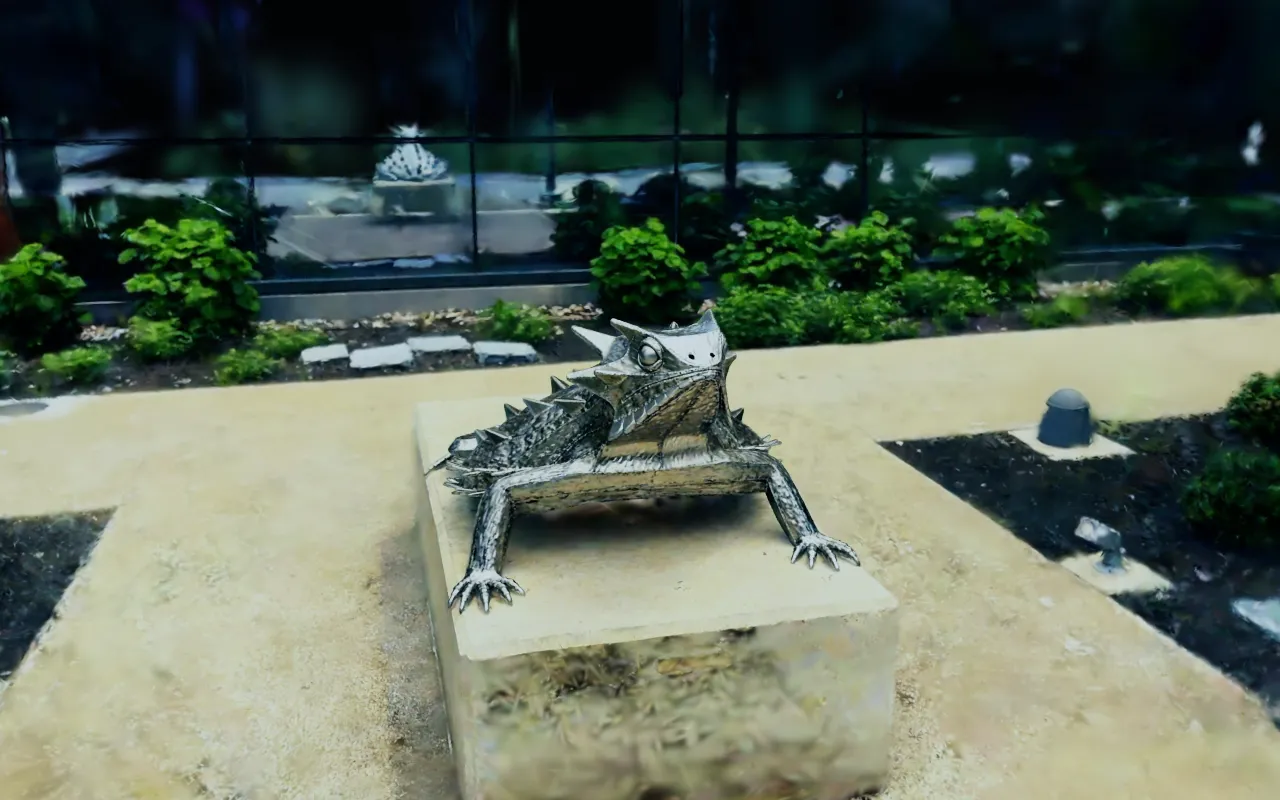
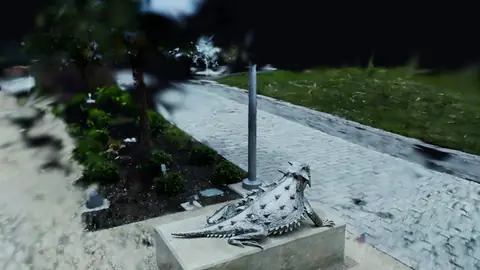
Put a Gaussian splat capture of the site beside the model: the street, the trees and the buildings next door, as they really stand. Crop it, lay its ground flat with three clicks, then type the true length of something you measured and the whole capture scales to match.


Scan by Niantic Labs, MIT license
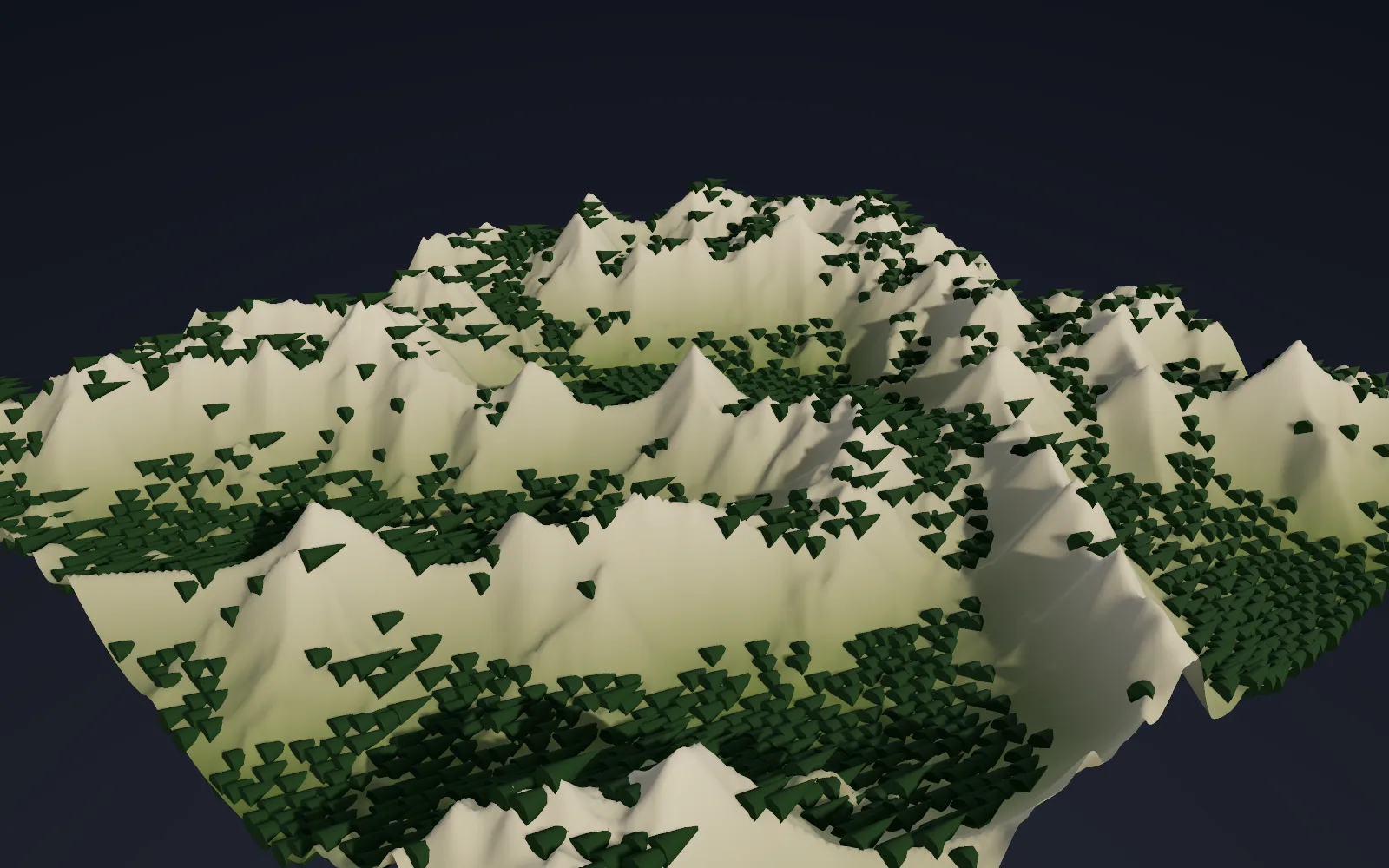
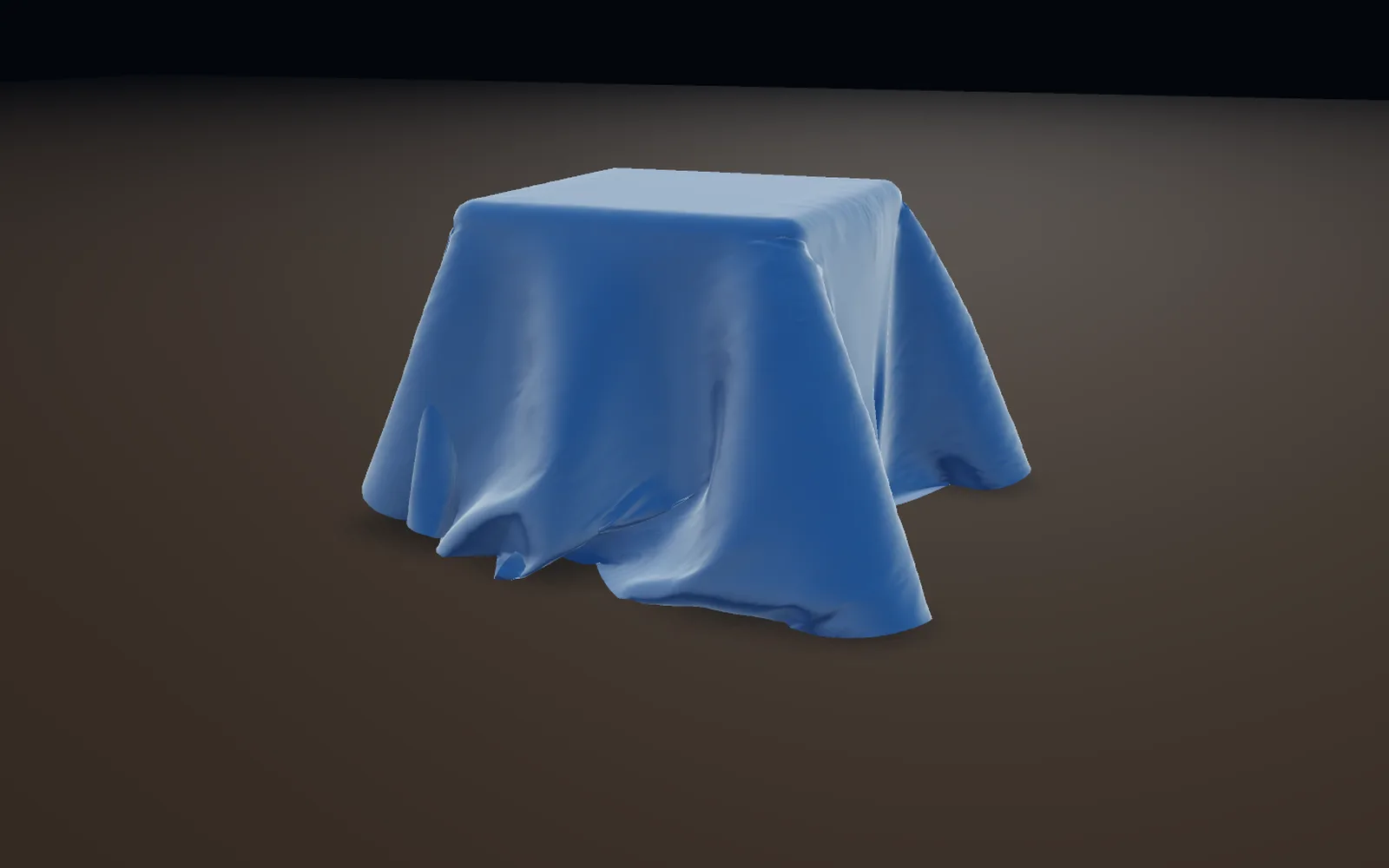
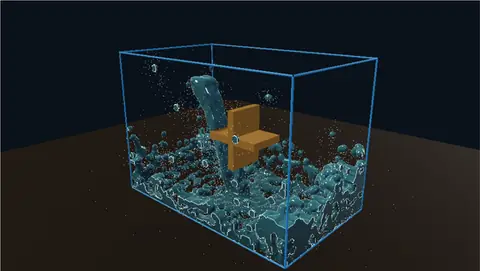
A stream past the terrace, a flag on the roof and morning fog sit in the same file as the building and its light, and keep running while you change the design. Pick an object and choose Liquid from this or Cloth.


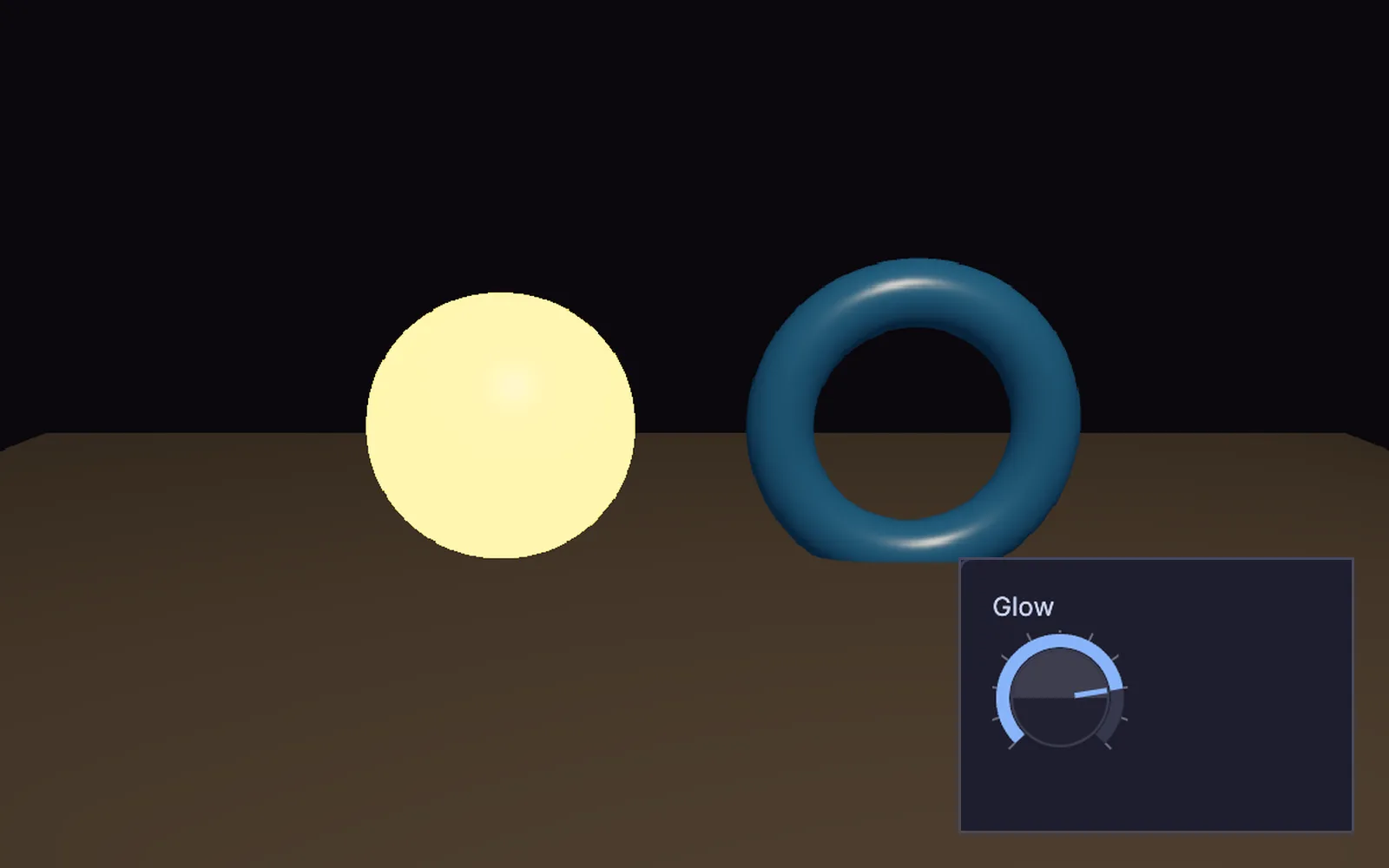
The scene stays live after you render it. In the client meeting, press F1 for Perform Mode and the editor steps aside, full screen on the room's display. Give the sun or a material a knob on a panel or a MIDI fader, and change it while they watch. At the opening, put light on the real building.

The building comes in from your modeling app, the site from a capture, and the work goes out in the formats your studio and your clients already open.
SketchUp, Revit, Rhino and ArchiCAD files do not open here. Save FBX, OBJ, glTF or USD from them first. Every format
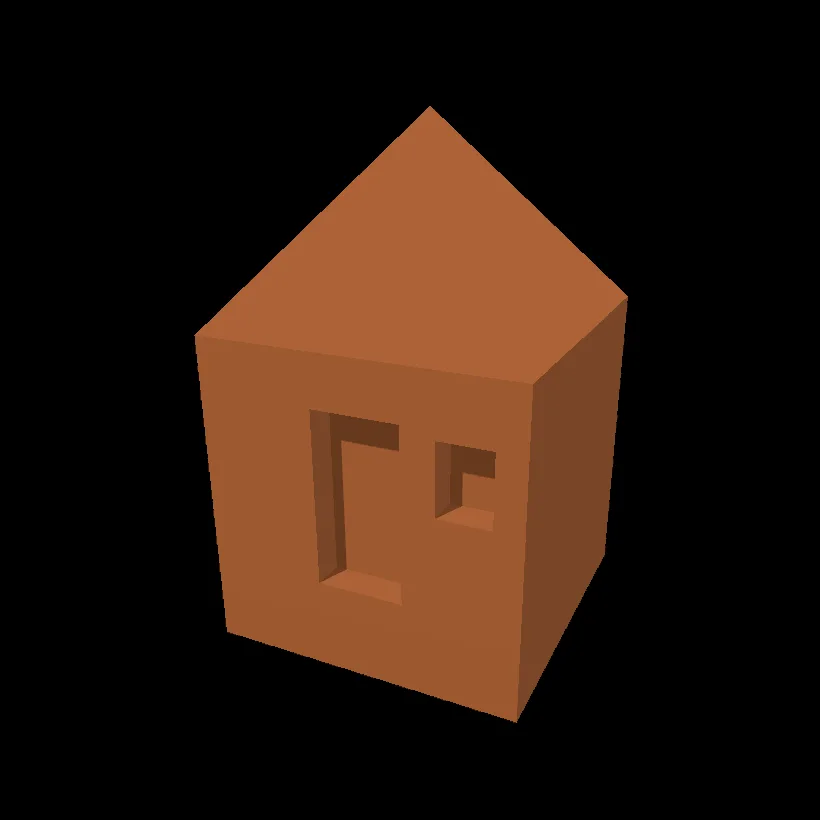
Model a hut, render from the terminal, fix a photo and line up a projector. The demos come with the app: find one in the Demos browser, press Play, then take it apart on the canvas.

One box becomes a hut: raise the roof, cut a door and a window, then give it a color.

One command, a folder of numbered frames, and no window.

A clearer photo with a deeper sky and a level horizon. The same moves fix a site photo.

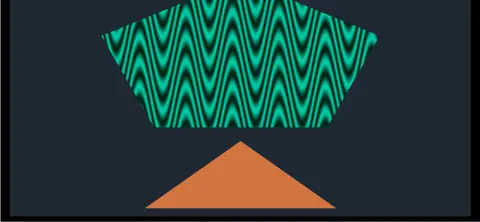
A picture that lands square on a wall, from a projector sitting off to one side.
How-to pages with every step: Render picturesModelScansTerrain

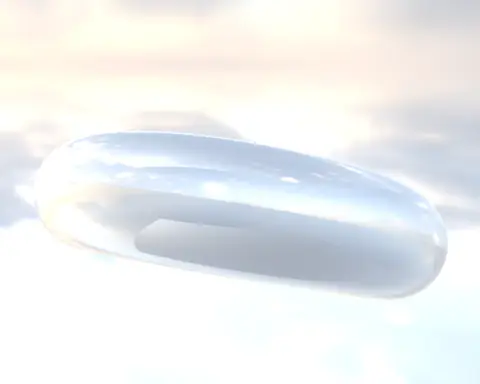
A chrome ring lit by a real sky. The sky shows behind it and in every reflection.
In the Demos browser
A sculpture captured outdoors with its brick path and shrubs, turning slowly so the light slides across the stone. Scan by Niantic Labs, MIT license.
In the Demos browser
A falling stream turns a waterwheel. There is no motor: the water pushes the paddles.
In the Demos browser
Shapes mapped onto a surface. Drag their corners in the Projection Mapper to fit your own wall.
In the Demos browser
Two captures of the same object lined up and color matched into one clean cloud. Scan by Marc (superspl.at), CC BY 4.0.
In the Demos browser
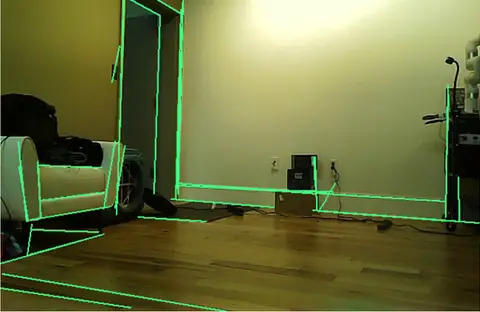
A camera traces the wall edges, door frames and shelves of a room as clean lines. Aim it at architecture.
Needs a webcamIn the Demos browserFree. No account, no license key. Put it on every desk in the studio.