Kinematic 0.5.0 is out. Modeling and sculpting in the viewport, a timeline on every graph, photo and sound editing. What's new

Rig any character.

Creatures, characters and faces you can pose, all set up in the viewport.

a scanned clockwork robot on a skeleton built by hand, swaying as its arms swing
01

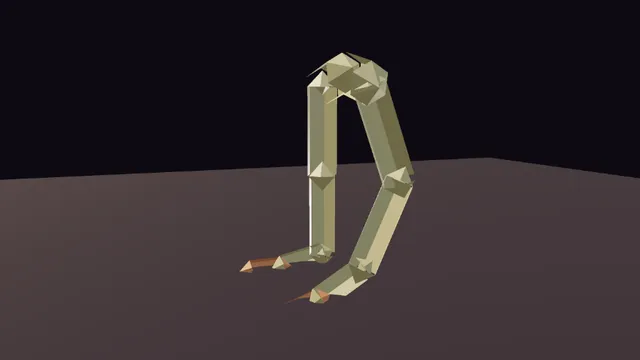
Rig a tube creature

Bones inside, skin bound, the shoulder fixed by hand.

  1. Place the joints in the viewport.
  2. Bind the skin, measured through the body.
  3. Paint the weights where the shoulder pinches.
3DGeoRigSkeleton→3DGeoRigCaptureBiharmonic→3DGeoRigWeightPaint→3DGeoRigDeform
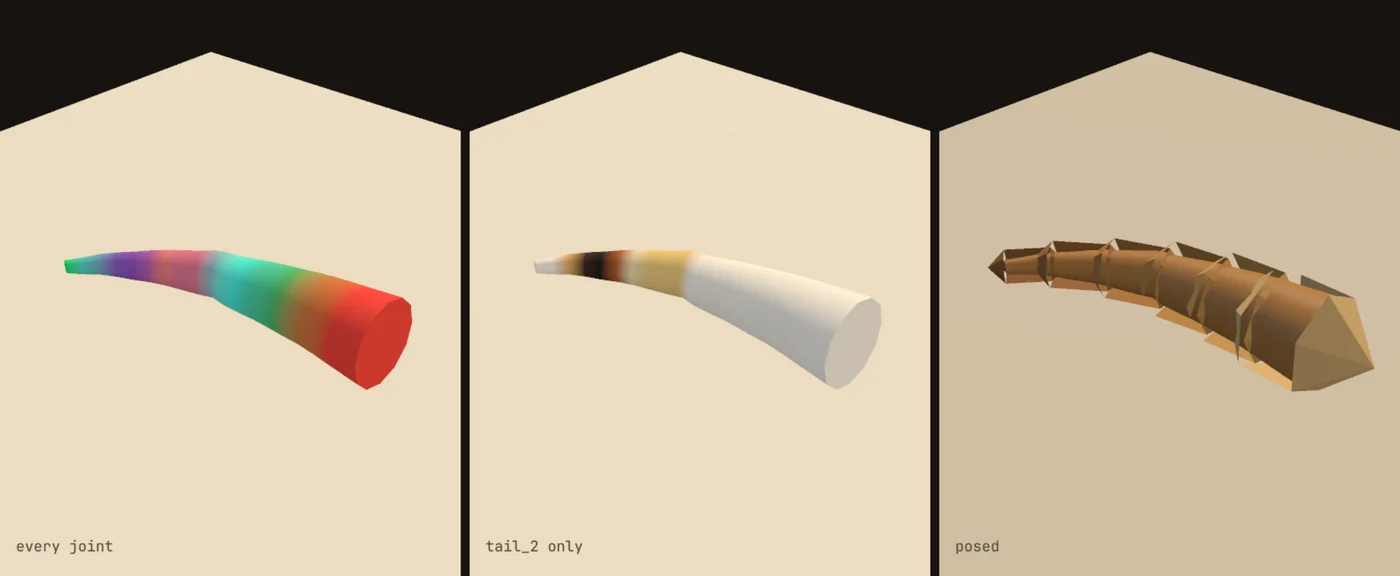
weights painted on a tube creature
02

Make a character reach

Hands stay on their targets. The spine twists to help. Feet stay put.

  1. Give each hand a target.
  2. Let the whole body help with the reach.
  3. Drag the targets around.
3DGeoRigSkeleton→3DGeoRigFullBodyIK→3DGeoRigDeform
a figure reaching for two drifting balls, its spine twisting to help
03

Rig legs that roll through a step

One setting per foot rolls it through heel, ball and toe.

  1. Mark the heel, ball and toe.
  2. Add a foot roll.
  3. Turn the roll. The knee and ankle follow.
3DGeoRigSkeleton→3DGeoRigReverseFoot→3DGeoRigDeform
one foot rolling, one flat
04

Set up a rig an animator will love

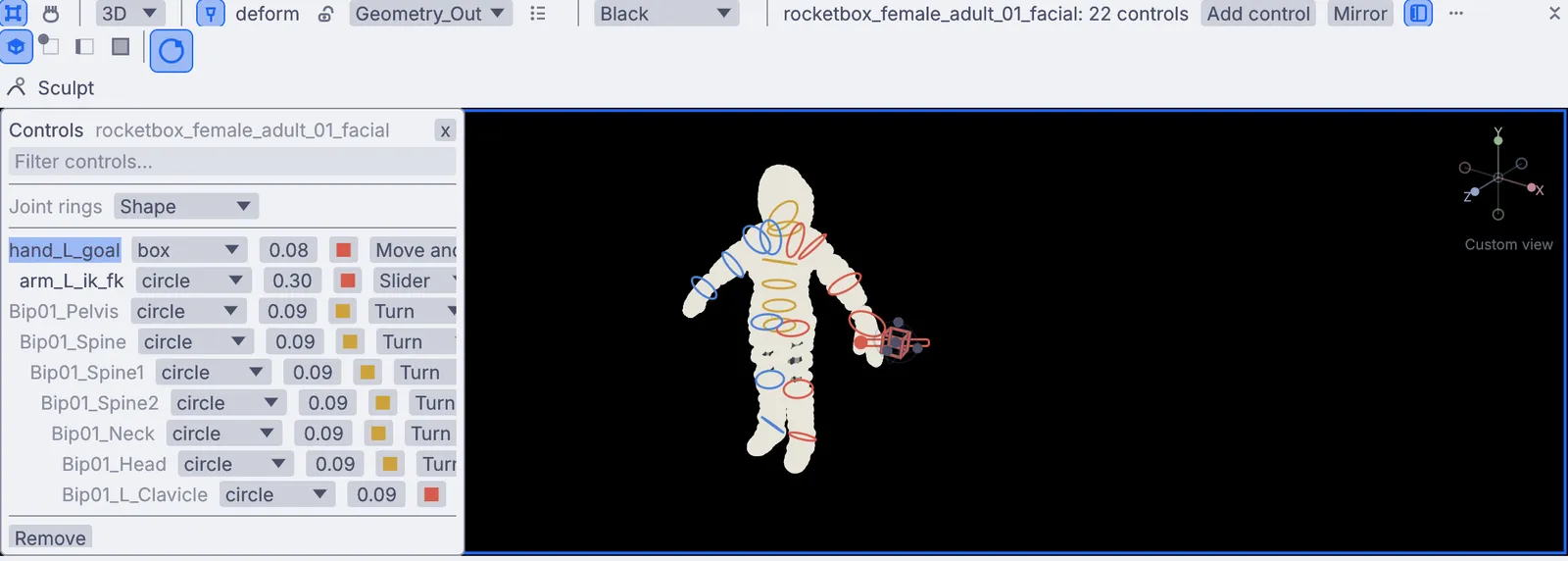
Handles to grab, IK or FK on the arms, a table of every joint.

  1. Add a control to every joint you want to grab.
  2. Pick a shape for each.
  3. Put an IK and FK switch on the arms.
3DGeoRigControls→3DGeoRigControlShapes→3DGeoRigIkFkSwitch
rig controls on a character
05

Make a tail wag

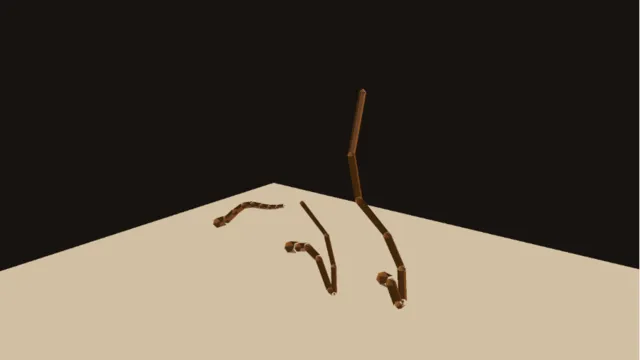
Lag, jiggle or spring, on any chain of bones.

  1. Pick the tail joints.
  2. Add follow-through and choose how it moves.
  3. Swing the hips. The tail catches up.
3DGeoRigSkeleton→3DGeoRigSecondaryMotion→3DGeoRigDeform
three tails, three ways to follow
06

Drive a face with yours

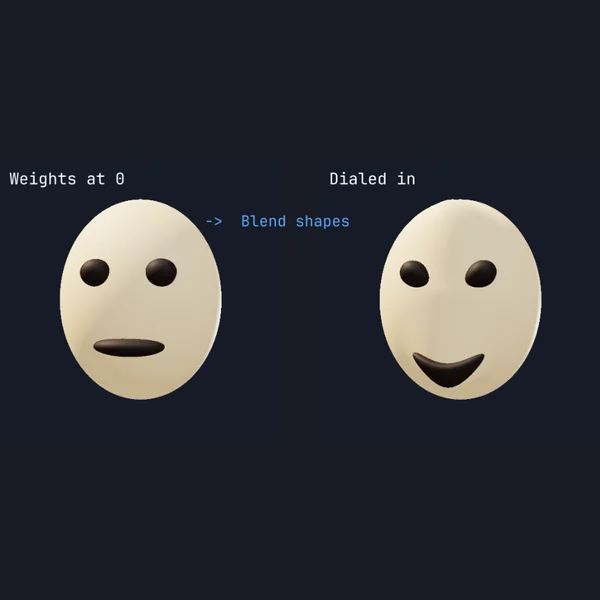
Your webcam reads jaw, smile, blink and brow. The character copies you.

  1. Turn on the webcam.
  2. Read your face as named expressions.
  3. Feed them to the character's face shapes.
VideoCaptureInterface→LocalAIImageToBlendshapes→3DGeoRigBlendShapes→3DGeoRigDeform
a smile mixed in
a smile mixed in
Take it further

It all connects.

Every part of Kinematic works with the others. Wire one into the next.

Keep going

Free and open. Yours, forever.

No account, no license key. macOS, Windows, Linux and Raspberry Pi.

Download Kinematic 0.5.0