For generative artists, creative coders, shader writers and live coders. Write WGSL or GLSL, paste a Shadertoy, grow patterns and flocks from a few rules, and script the rest in Python. Then save a loop, a print series or a pen plot, or play it live on a projector.
Free, even for commercial useNo account, no license keymacOS, Windows, LinuxSame seed, same piece
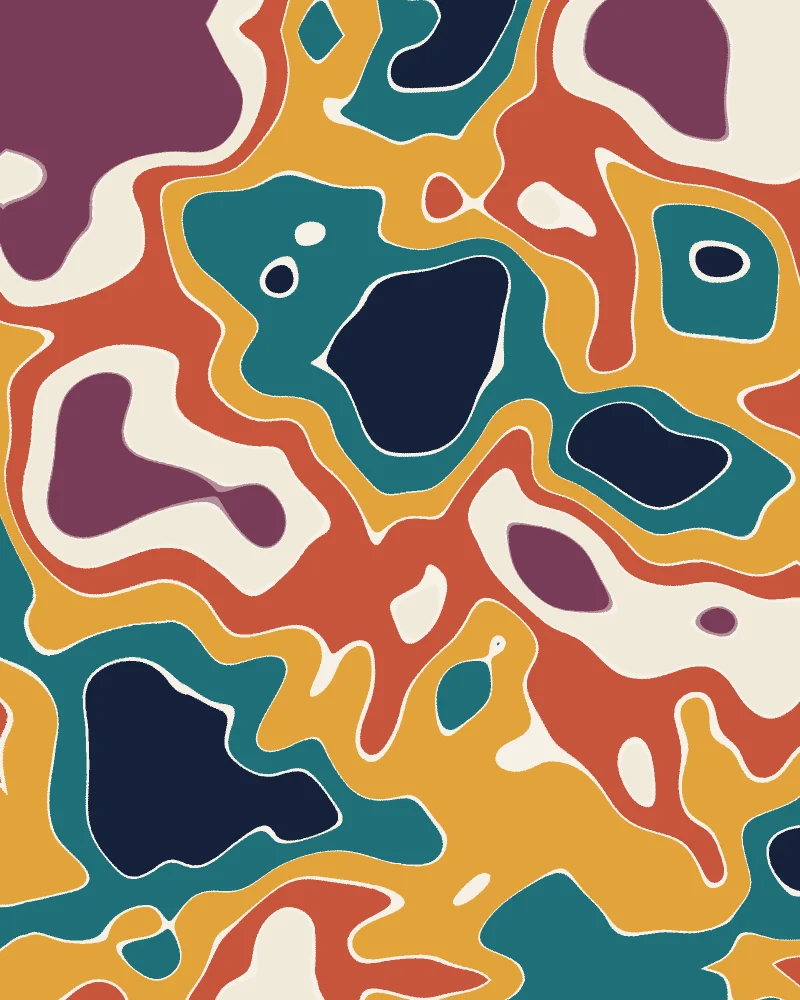
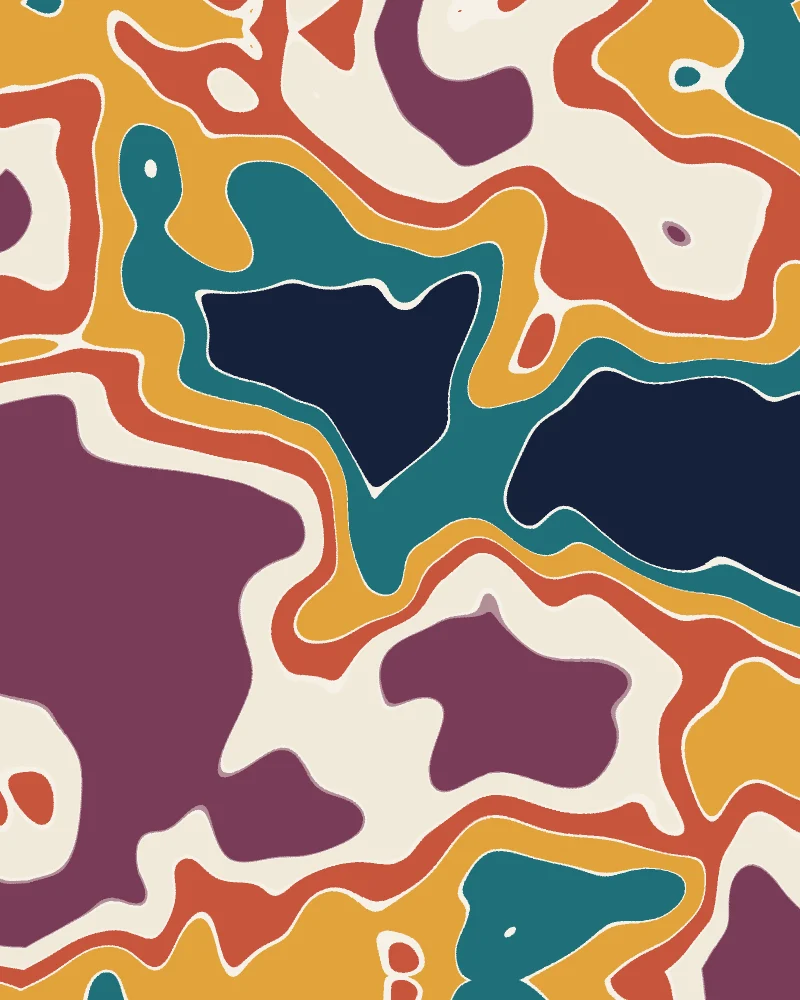
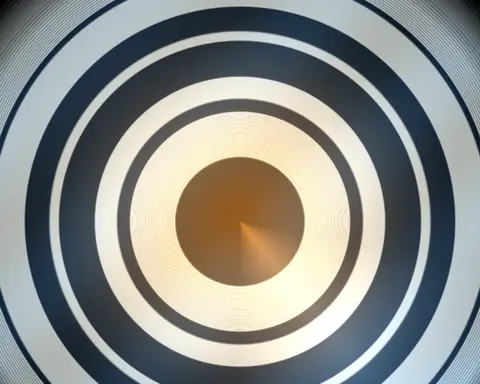
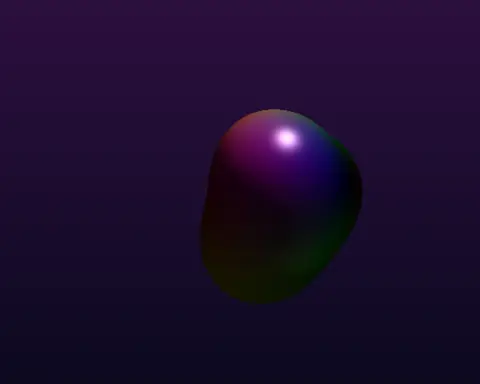
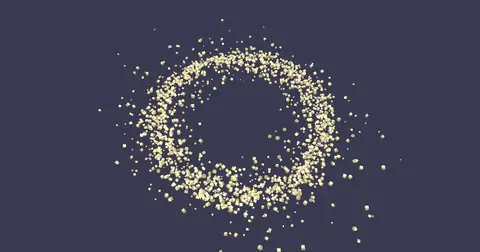
noise, a warp and a gradient mapa custom shaderparticles trailing light
All three made in Kinematic. The big one is four nodes.
Your work, in Kinematic
What you make.
A loop to post, a series of prints, a plot for the wall, a set on Friday night and a room that runs all season. Each one starts as a graph you can open again and change.
ink stirred in a feedback loop
01 · Loops
Loops to post
Render frame by frame on the virtual clock, so a heavy shader never drops a frame and the timing comes out the same on every run. Save MP4, MOV, WebM or ProRes, or a numbered PNG or EXR sequence. Noise can tile with no seam, so a loop can end where it began.
Noise, scatter and growth nodes all take a seed, and the same seed brings the same piece back. Sweep a list of seeds and every run saves its own file. Prints keep 16 bits in PNG and TIFF, or full float in EXR, with the print size and your name written into the file.
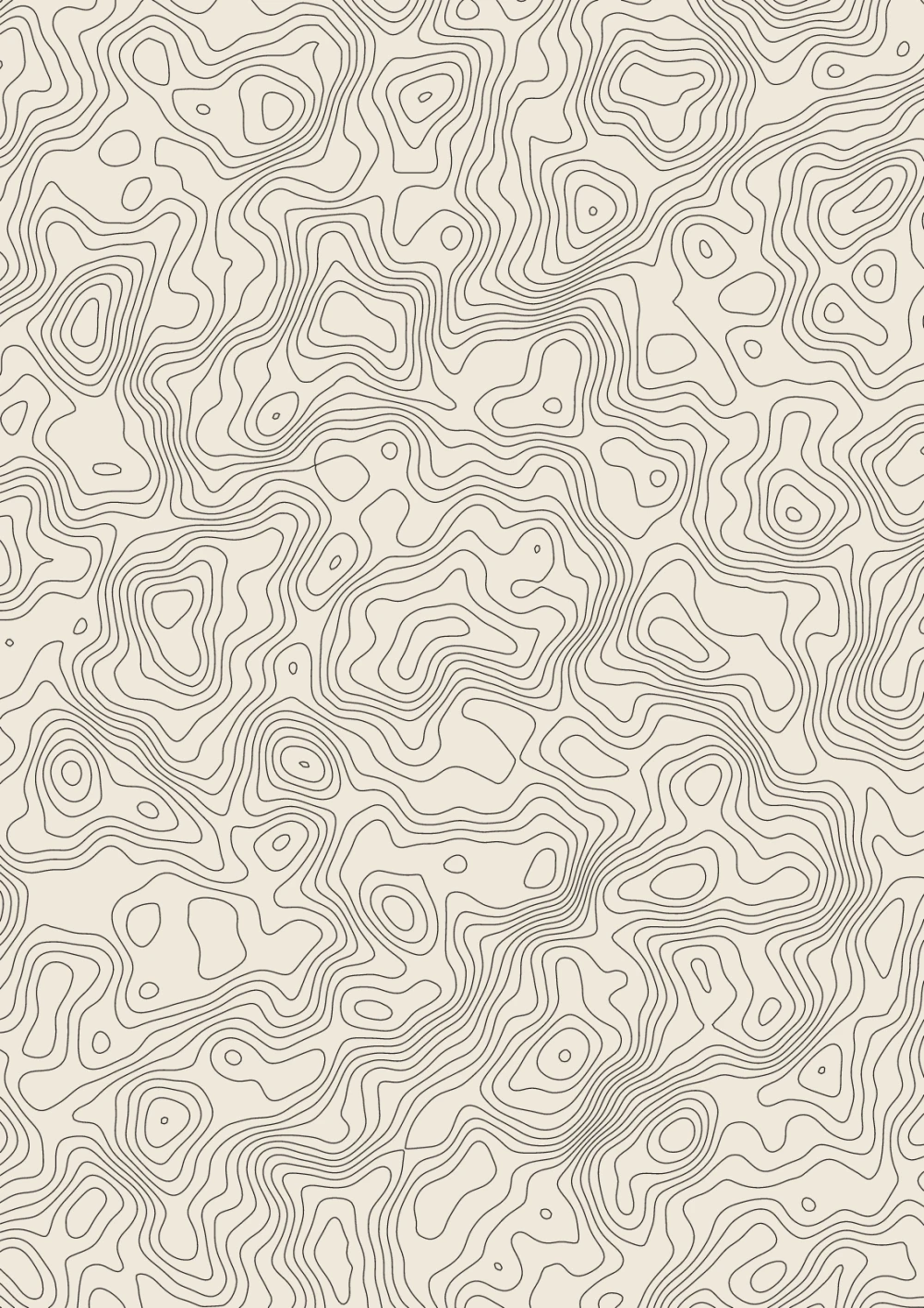
Draw in single strokes with no fills: noise contours, Voronoi cells, spirals, Lissajous curves or the edges of a 3D model. Bake your type into outlines, simplify and offset paths, then save the SVG for your plotter.
Press F1 and the editor steps aside, so the picture fills the screen. MIDI knobs, the music in the room and a page of faders on your phone can all steer it while it plays.
Map projectors onto walls and objects, or play a picture across an LED wall over Art-Net. Kiosk mode keeps the machine awake, and the show can restart itself if it ever falls over.
Write WGSL or GLSL in the Shader editor, or point a shader at a file and keep your own editor open: save, and it recompiles. Errors name your own line, and the last picture that worked keeps drawing while you fix it.
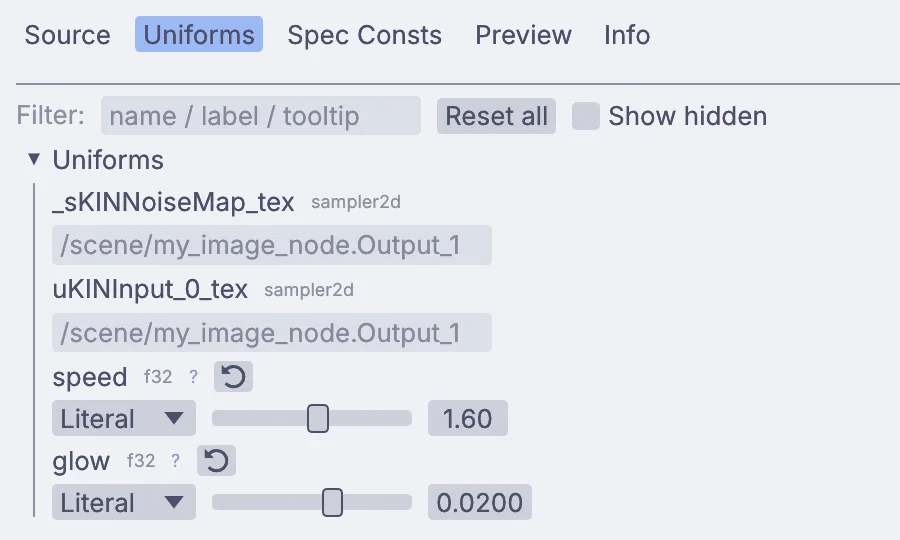
Paste a Shadertoy, set the language to GLSL and tick Shadertoy compat. A comment like // @range(0, 3) above a uniform gives it a slider, and any uniform can follow a song, a MIDI knob or the clock instead of a number. Run up to 64 passes, write up to 7 pictures at once, feed frames back into themselves, or move the points of a mesh in a vertex shader.
Python lives in the same graph: scripts that add and wire nodes, one-line expressions on any setting, and the packages you install with kinematic pip.
ribbons.glsl
layout(set = 0, binding = 23) uniform Params {
// @range(0, 3) @default(1)float speed;
// @range(0.004, 0.03) @default(0.012)float glow;
} uKINUser;
// Glowing ribbons that sway across the screen.void mainImage(outvec4 fragColor, invec2 fragCoord)
{
vec2 uv = (fragCoord*2.0-iResolution.xy) / iResolution.y;
float t = iTime * uKINUser.speed;
vec3 col = vec3(0.02, 0.01, 0.05);
for (int i = 0; i < 5; i++) {
float fi = float(i);
float wave = 0.3 * sin(uv.x * (1.5 + fi * 0.4) + t * (0.6 + fi * 0.15) + fi * 1.7);
float d = abs(uv.y-wave+0.22*fi-0.44);
vec3 tint = 0.5 + 0.5 * cos(6.2831 * (fi * 0.15 + vec3(0.0, 0.33, 0.67)) + t * 0.3);
col += tint * uKINUser.glow / (d + 0.004);
}
fragColor = vec4(col, 1.0);
}
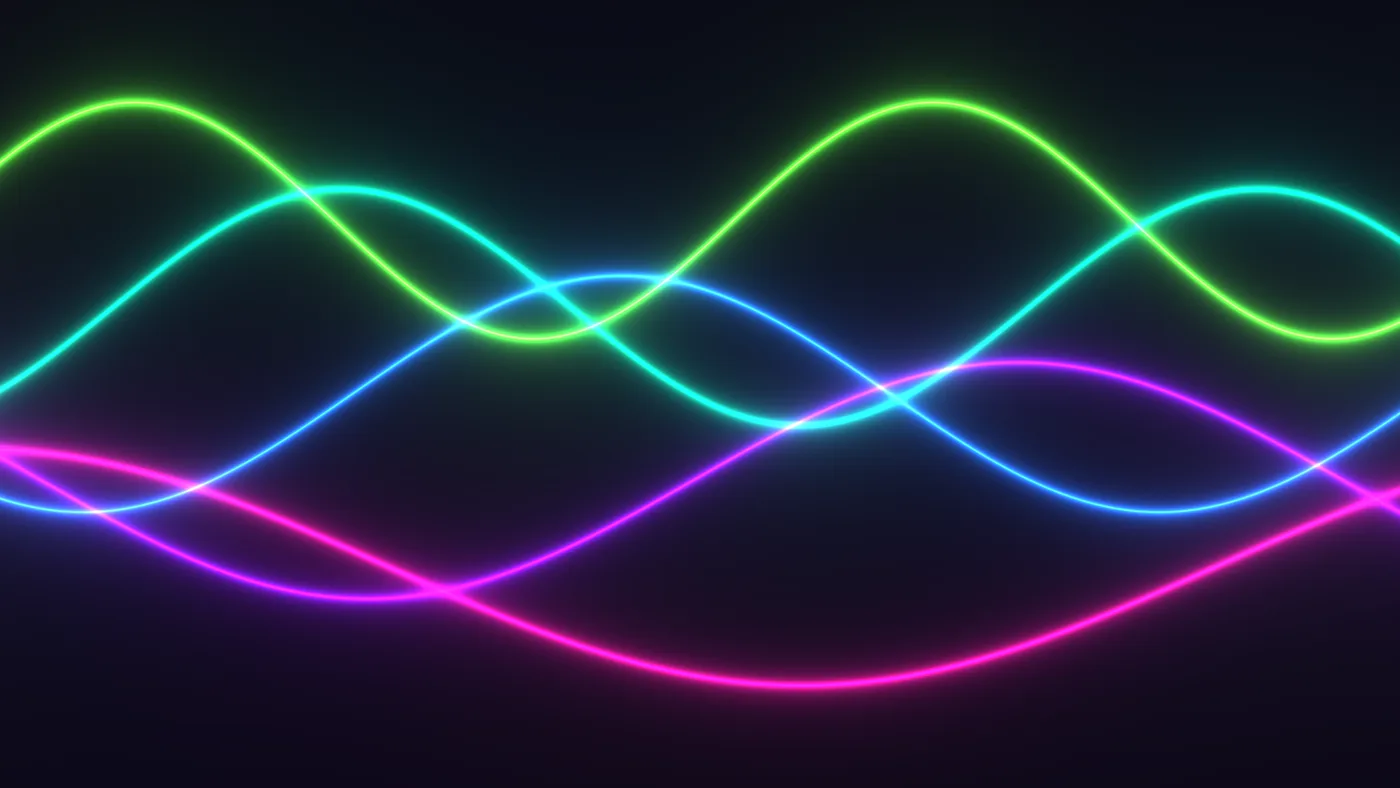
what that shader draws
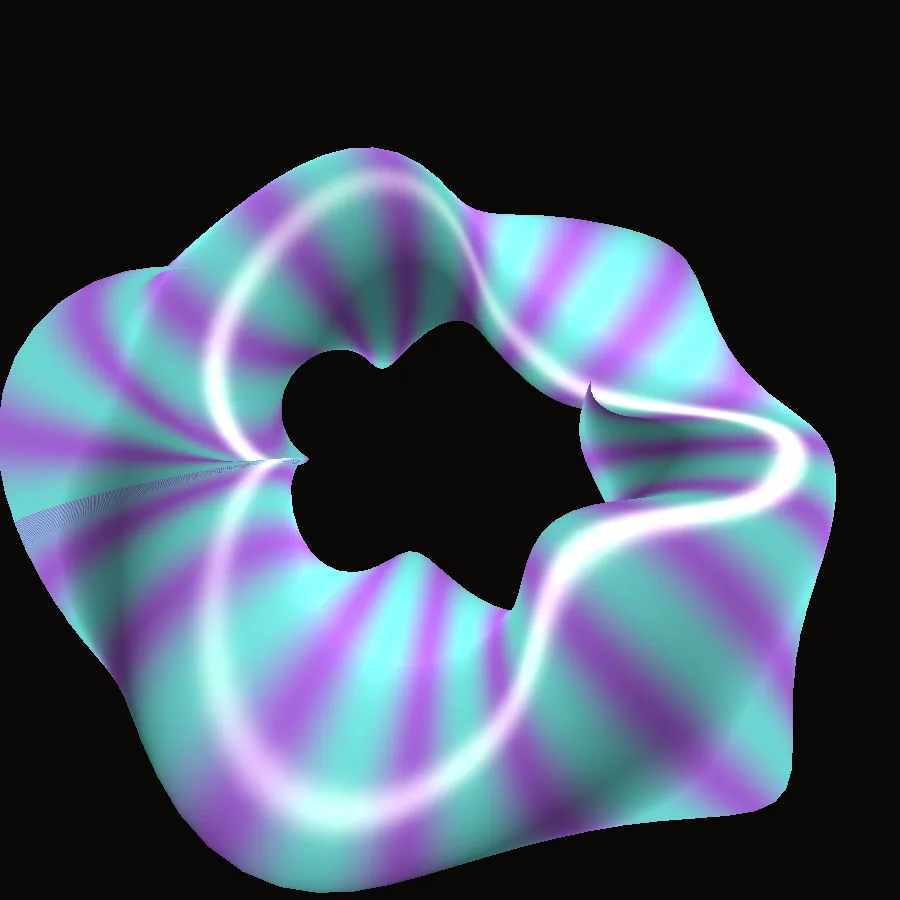
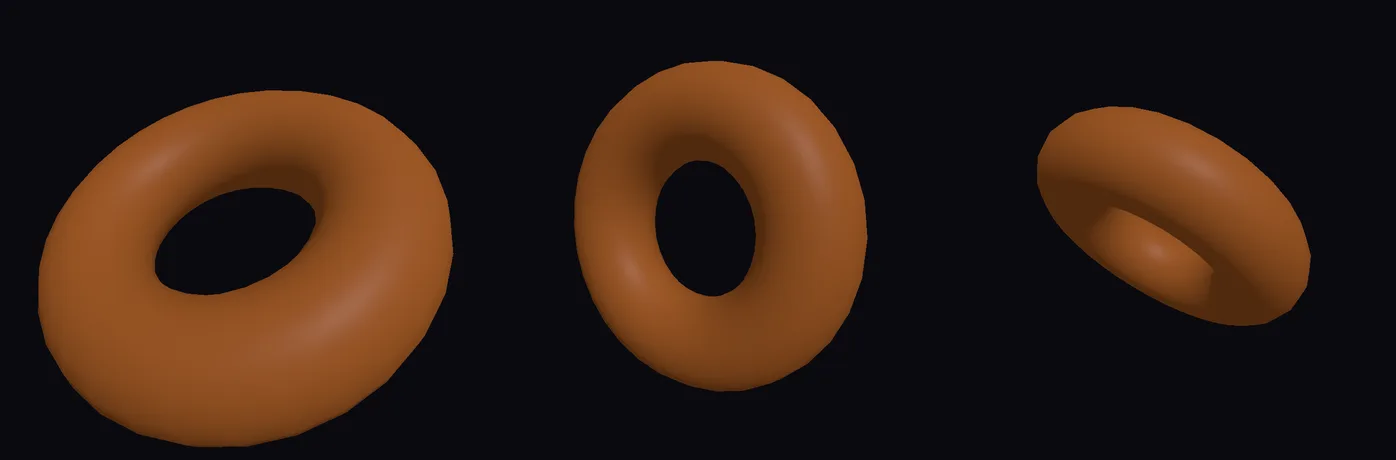
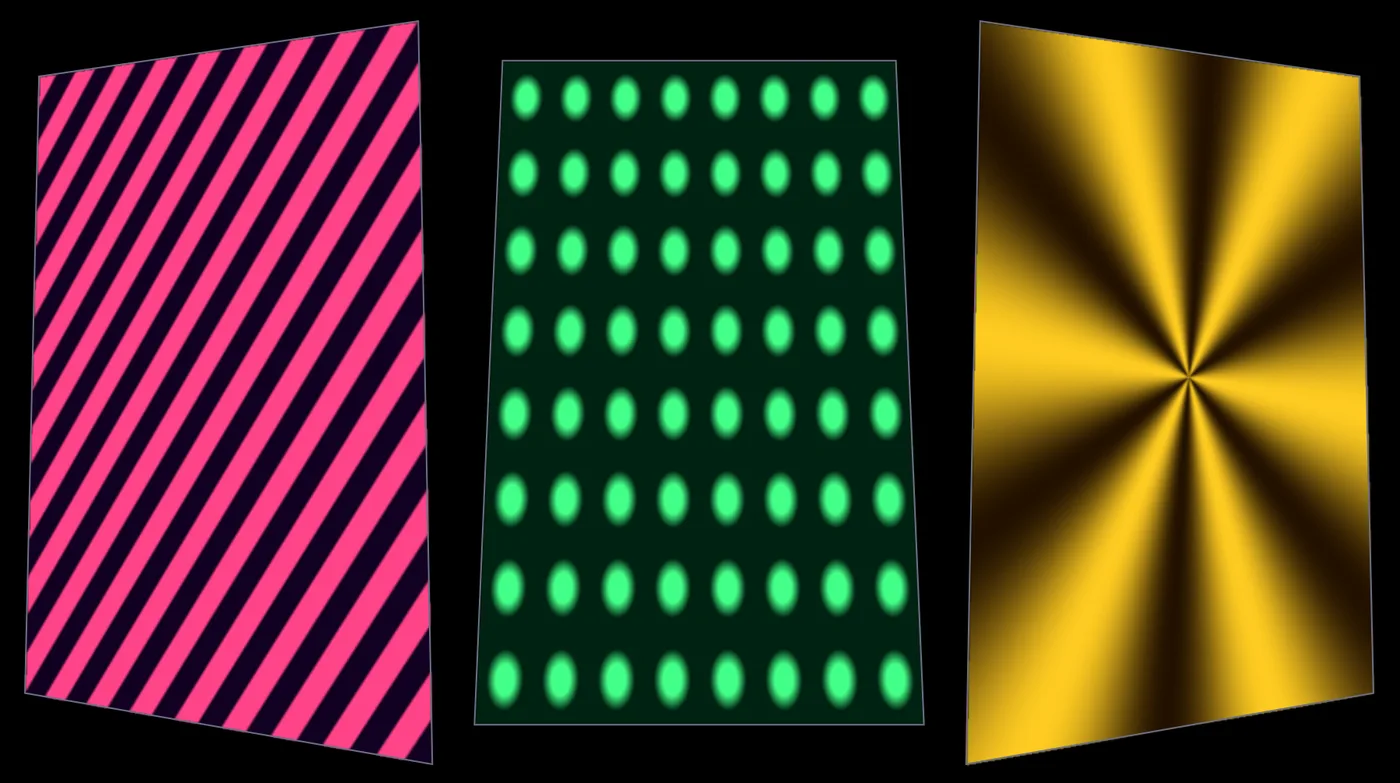
a twist made in the vertex shadertwelve rings a Python script builtthe Uniforms tab, one slider per value
WGSLGLSLShadertoy paste#include <lib/noise><lib/sdf><lib/color>Reload on savePython and pip
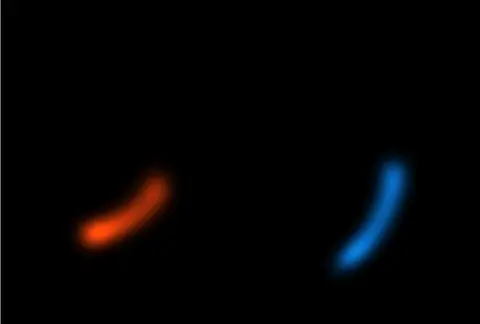
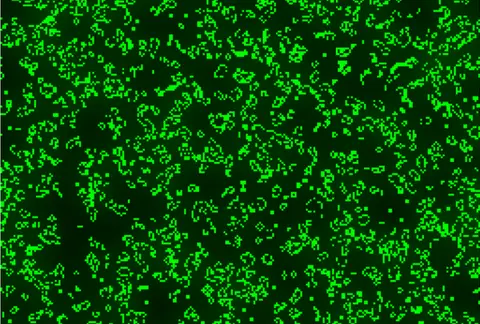
reaction diffusion, growing from specksblobs that merge and splita flock of thirty thousandtwo spirals, drawn as paths
The work you know
Grow patterns, particles and shapes.
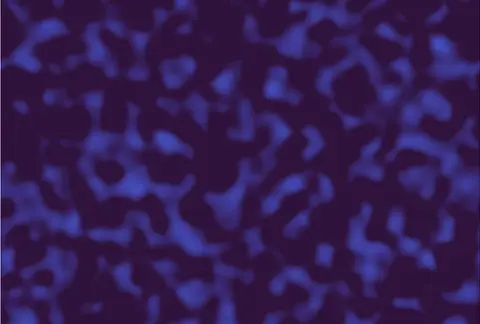
Set the rules, then let it run. Reaction diffusion comes with 40 starting patterns, Conway's Life runs with its classic variants or rules you type, and noise comes in twelve kinds, from Perlin and Worley to curl and flow.
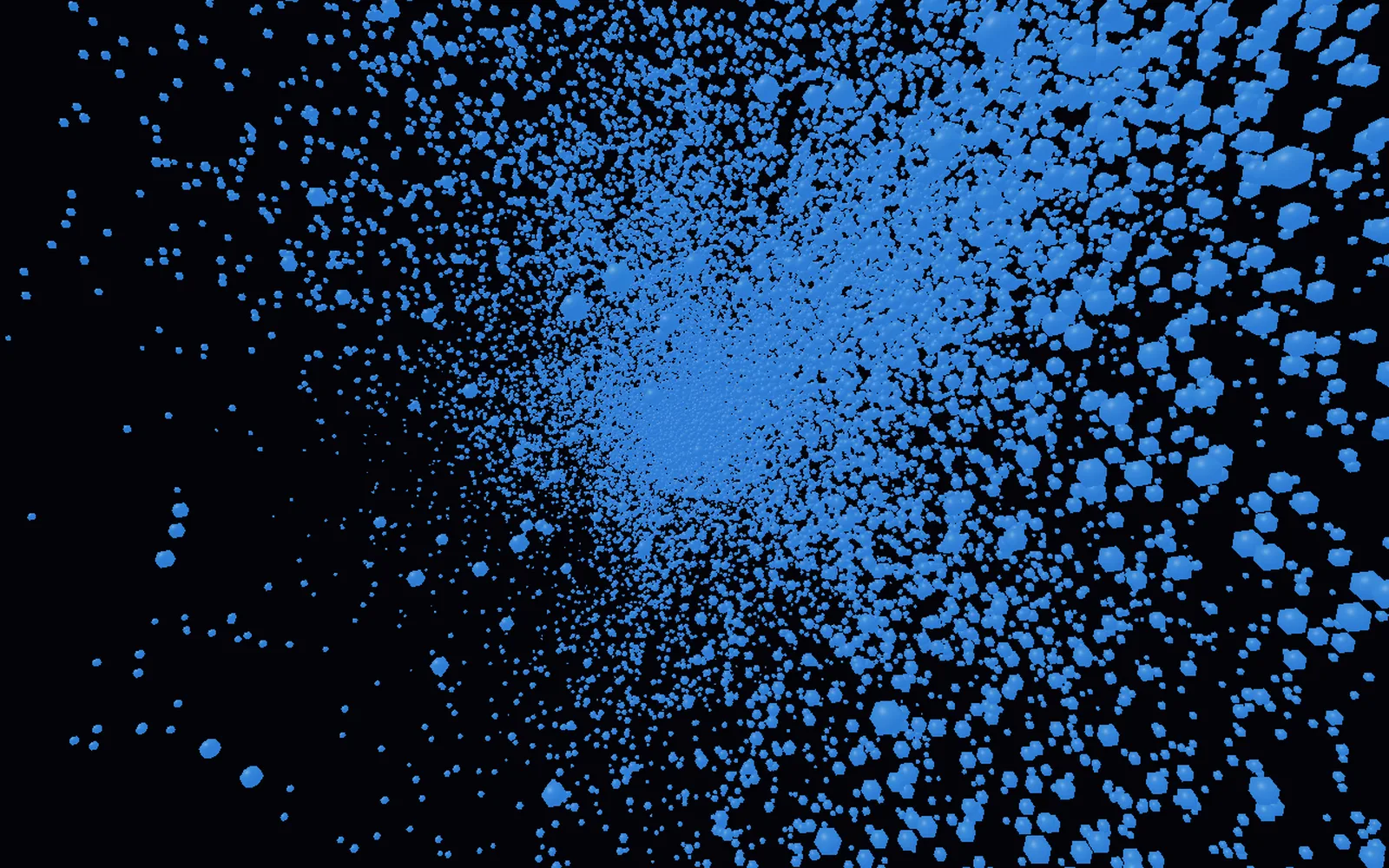
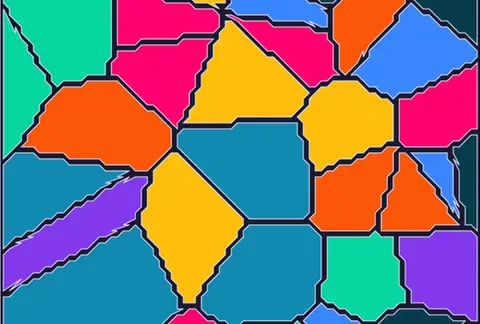
Particles flock, swirl into vortices and drag ribbons of light. L-systems grow branches, Voronoi cells crack a picture into tiles, and SDF shapes melt into one another before they come out as a mesh.
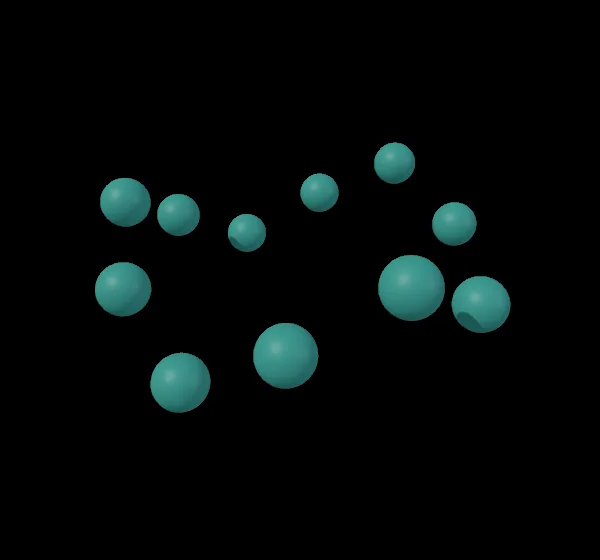
how many fly follows the songa shape that swells with a voicedrag the level onto a number
What Kinematic adds
Let sound move it.
Play a song, a microphone or a synth you patched in the same graph. Kinematic follows its loudness, splits it into bass, mids and treble, and finds every beat.
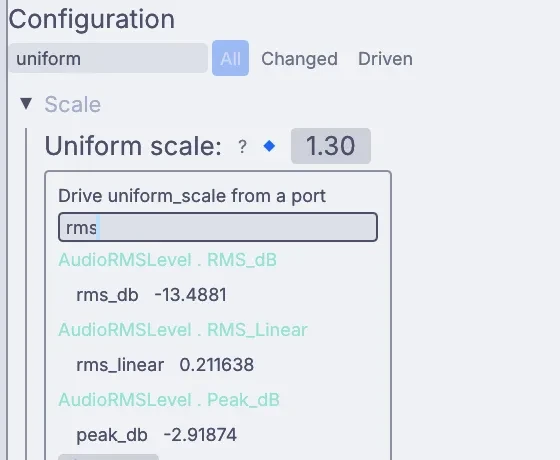
Drag that level onto any number: a uniform, a seed, the size of a shape, how many particles fly. From then on the value follows the music.
the editor, then Perform Modea pattern on 640 lightsa building front, previewed in 3D
What Kinematic adds
Take it live.
Press F1 and Perform Mode clears the editor away, so the picture fills a projector or a second screen while it runs. Move a knob on your MIDI controller to map it, or run the piece from a phone over OSC.
Send the picture to another app or another machine over NDI, or over Syphon on a Mac. Map it onto a building, or play it across an LED wall over Art-Net, with a 3D preview of how it will look.
Bring your shaders, your scripts and your controllers. Every format and device here is on Works with.
Opens
WGSL and GLSL filesShadertoy codePython and pip packagesPNG, JPEG, TIFF, WebPEXR and HDRMP4, MOV, MKV, WebMWAV, MP3, FLACMIDI filesSVGCSV and JSONFonts .ttf .otfglTF, OBJ, PLY
Saves
PNG and TIFF, up to 16-bitEXR, full floatNumbered image sequencesMP4, MOV, WebMProRes, H.265, AV1SVGglTF, OBJ, STLWAV and AIFFMIDI filesCSV and JSON
Talks to
MIDI controllersOSC and OSCQueryNDISyphon, on a MacArt-Net and sACNUSB DMXWebcamsOrbbec depth camerasSerial dev boardsGamepadsWebSocket and HTTPCLAP and VST3 plugins
Your editor
Point a Custom shader at a .wgsl or .glsl file and it recompiles every time you save. Turn on two-way sync and edits made in Kinematic go back into the file, so the two never drift apart.
#include pulls in your own files, the text in another node, or the built-in libraries
The Info tab shows compile time and errors, with your line numbers
Shader code and Python expressions are saved in the graph, so a piece travels as one file
The command line
Run a piece with no window, sweep its settings, render on a clock that never drops a frame, or open it straight into the show on a second display.
Better to know now. Missing something you rely on? Reach out.
Saving GIFsGIFs open, but they do not save. Save loops as MP4, WebM or a numbered PNG sequence.
p5.js and ProcessingSketches written for them do not run here. JavaScript can run for logic, but it has nothing to draw on.
A web versionKinematic is a desktop app. A piece cannot be saved as a web page or run in a browser.
All of ShadertoyPasted shaders get iResolution, iTime and iFrame. One that reads iMouse, iDate or an iChannel needs a small edit by hand, and multi-buffer shaders do not paste in as one.
ISF filesThey do not open. Paste the GLSL into a Custom shader by hand.
Very large growth gridsReaction diffusion stops at 2048 pixels a side and Conway's Life at 1024. Noise and patterns go up to 10,000.
Driving a plotterKinematic saves the SVG. Send it to the plotter from the plotter's own software.
Spout on WindowsSharing frames with other apps on Windows is on the roadmap. NDI works today.
Kinect and ZEDThese depth cameras are not supported yet. Orbbec cameras work.
Download Kinematic.
Free. No account, no license key, even for commercial use. macOS, Windows, Linux and Raspberry Pi.