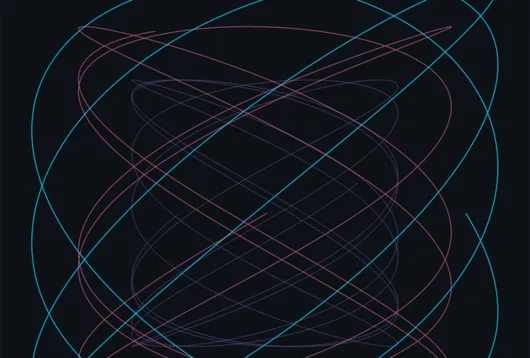
Draw for the pen plotter
Spirals, noise contours and Lissajous figures as clean single lines. Save them as an SVG your plotter software opens.
SvgLissajousSvgToStringFileWrite
Vector drawing →Draw for the pen plotter, model parts for the 3D printer, and let a sensor on a dev board move the picture, the sound and the light. It all happens in one free app, from the first sketch on the bench to the finished piece on the wall.
Twist the vase and the plotter drawing follows. Save the lines as an SVG and the same mesh as an STL.
The jobs that come up on the bench every week, from a drawing for the plotter to a piece that answers the room. Each one is a handful of nodes in the same graph.
The things that leave the bench: lines on paper, parts in plastic, shapes cut from wood or vinyl.
Spirals, noise contours and Lissajous figures as clean single lines. Save them as an SVG your plotter software opens.
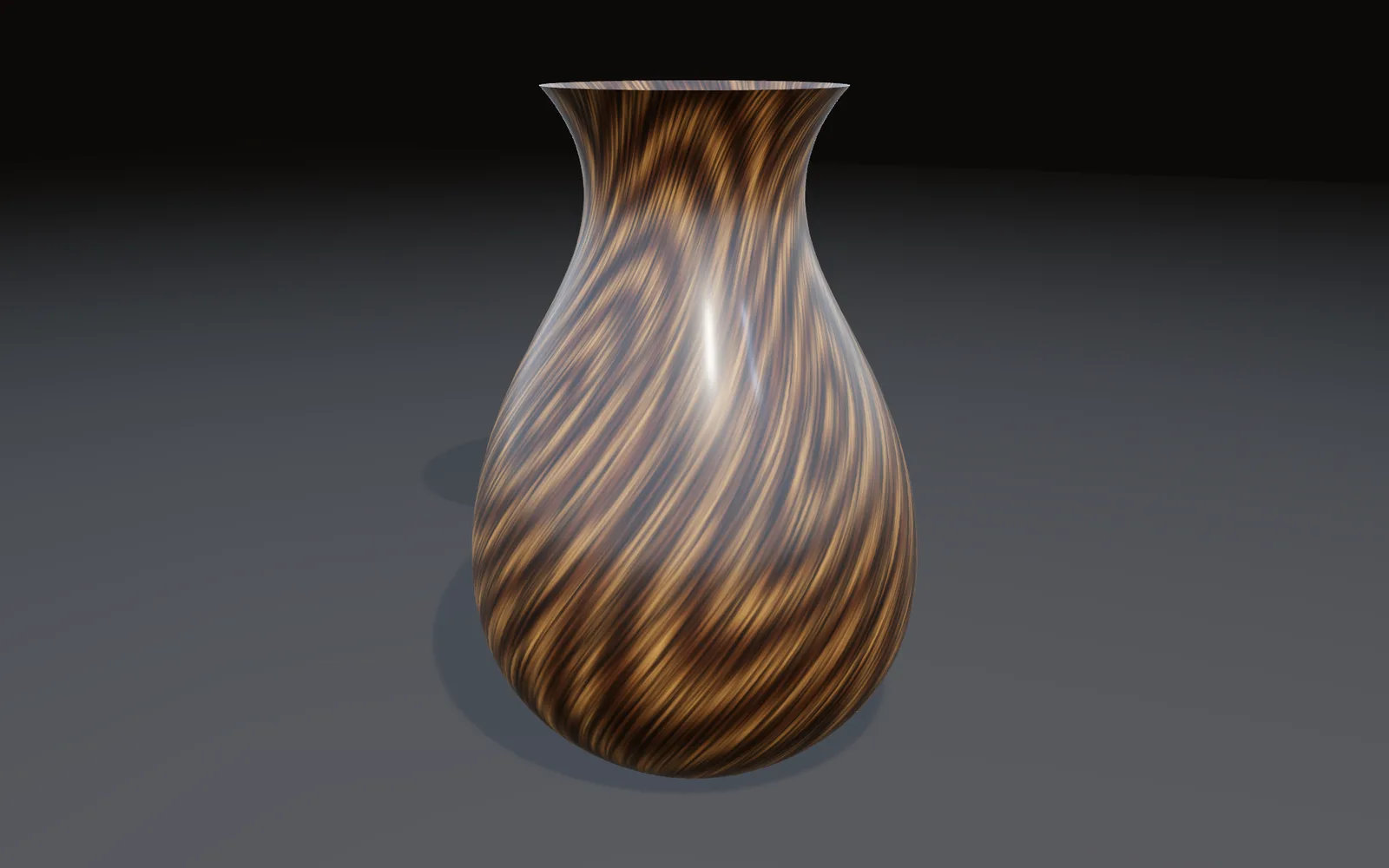
Revolve half an outline into a vase, twist it as it rises, and save it as an STL for the slicer.

Draw it with the pen, turn any lettering into outlines, and grow or shrink each outline before you save the SVG for the cutter.
Pieces that notice what is going on around them. The hand model downloads once, then runs on your own machine.
Any picture or value becomes pixel colors in the order your strip wants, sent over Art-Net, sACN or a USB DMX adapter.
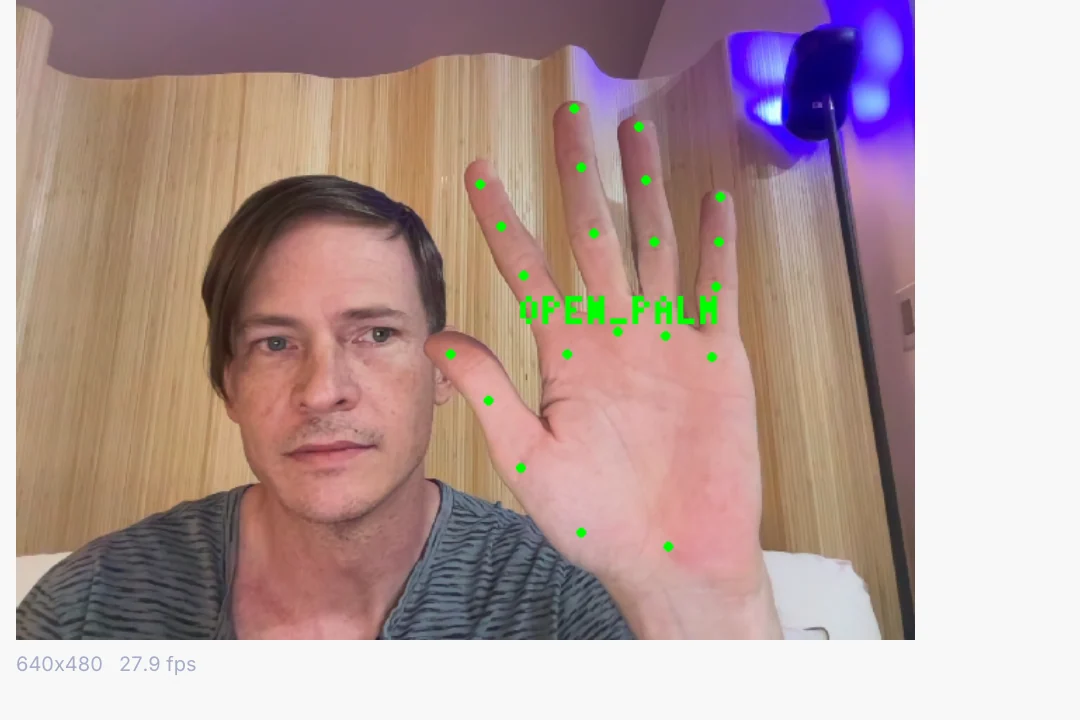
Fist, open palm, thumbs up and more arrive from a plain webcam as named triggers for a light, a sound or a board.
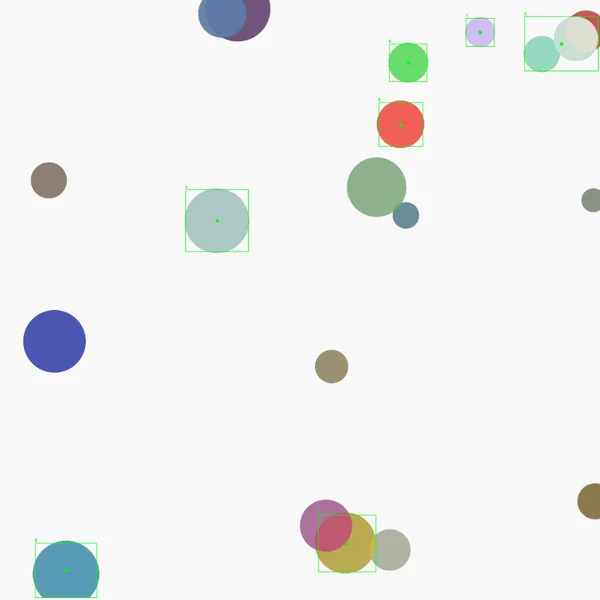
Bright spots or moving things are found and followed, each with an ID that stays put, like a laser pointer on a wall.
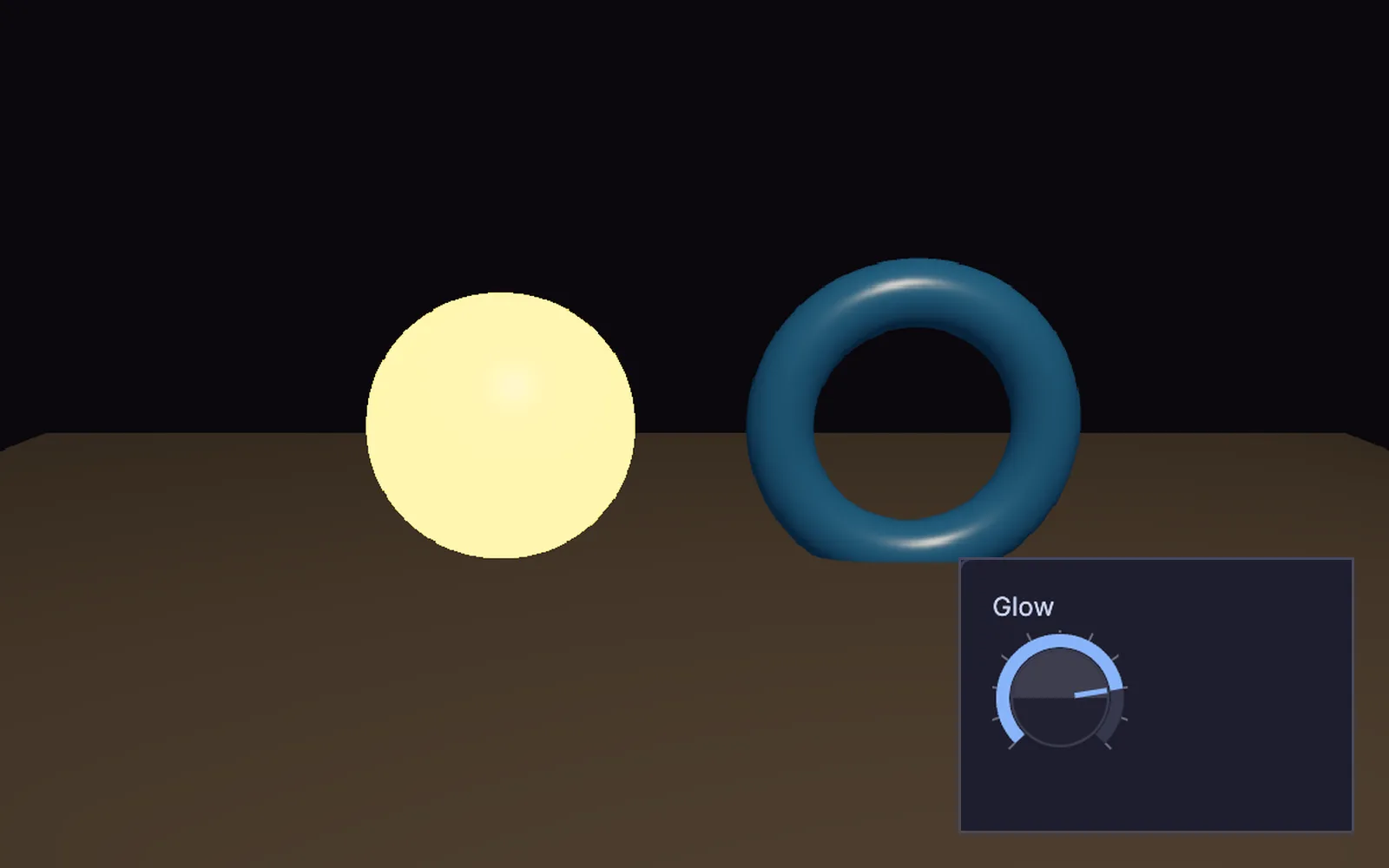
Sliders, buttons and knobs for the piece on a second screen, or on a phone or tablet over OSC.
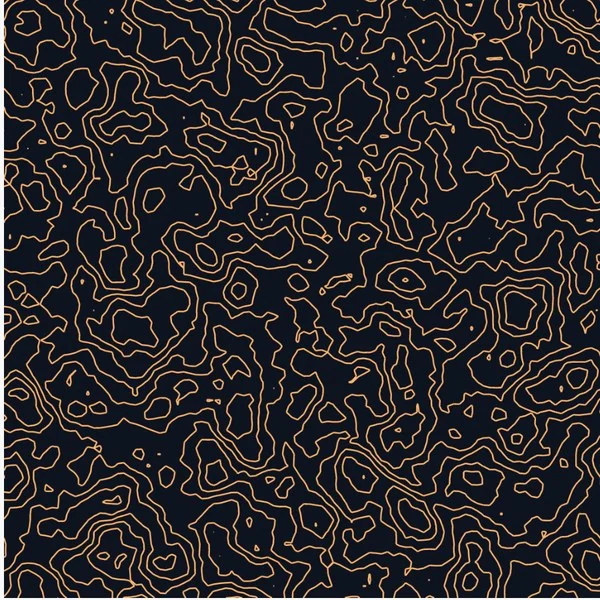
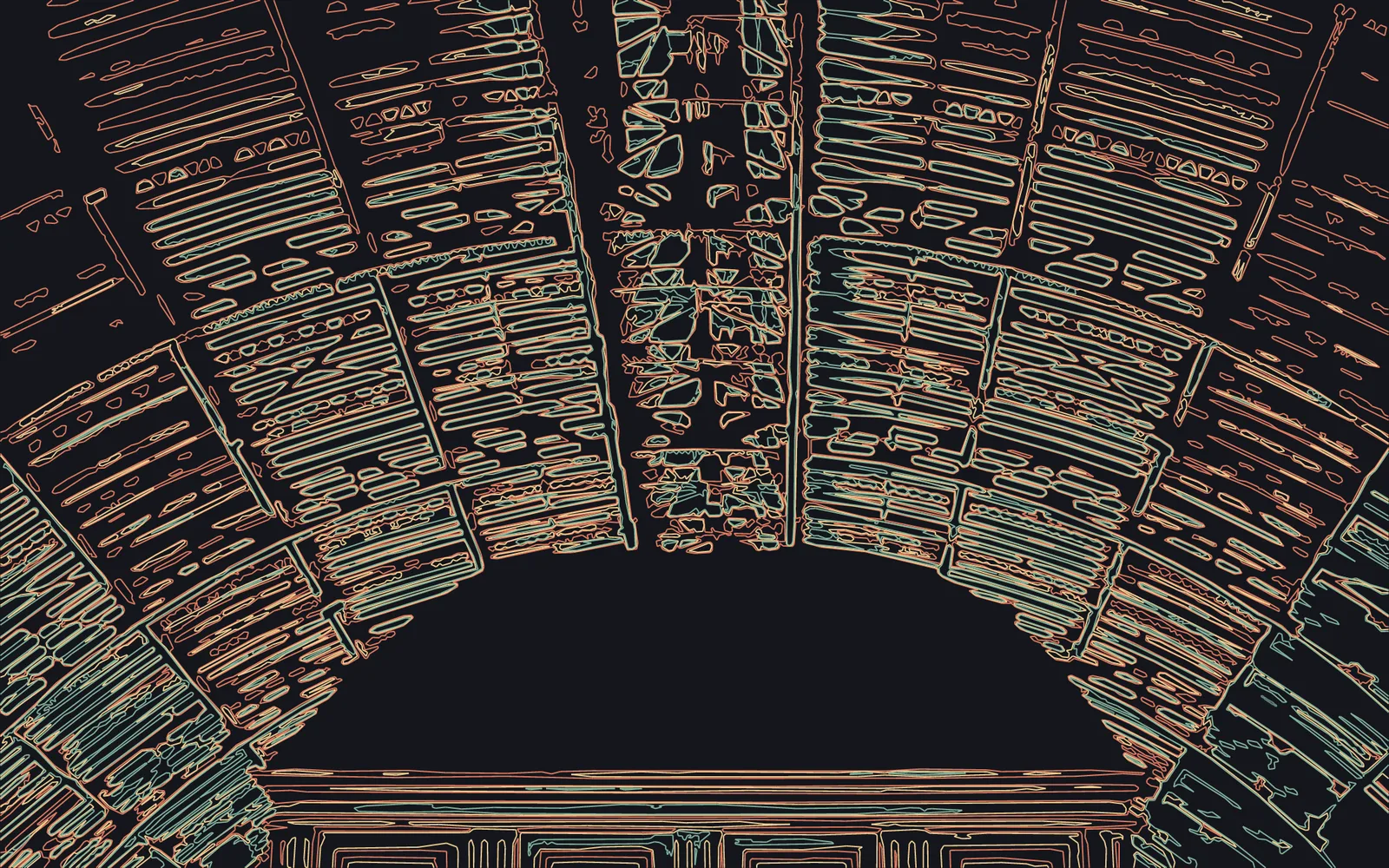
Grow a pattern, flatten a 3D model or trace a photo, and each one ends up as clean vector lines. Change a number and the drawing redraws, so you can try twenty versions before the pen touches paper.
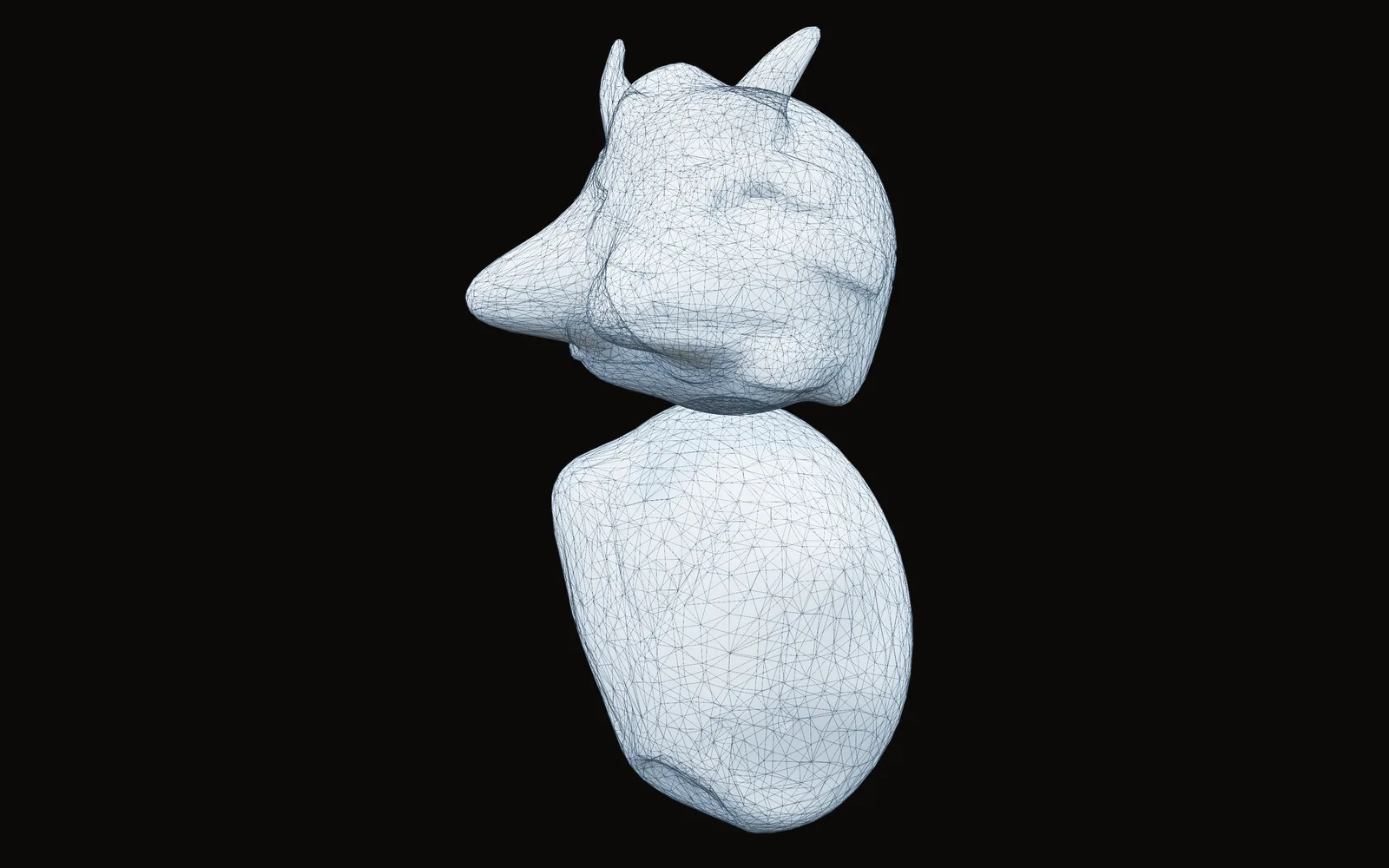
Box-model a bracket, sculpt a figure from a ball, or start from a scan of something real. When it looks right, turn it around in the viewport and save it for the slicer.
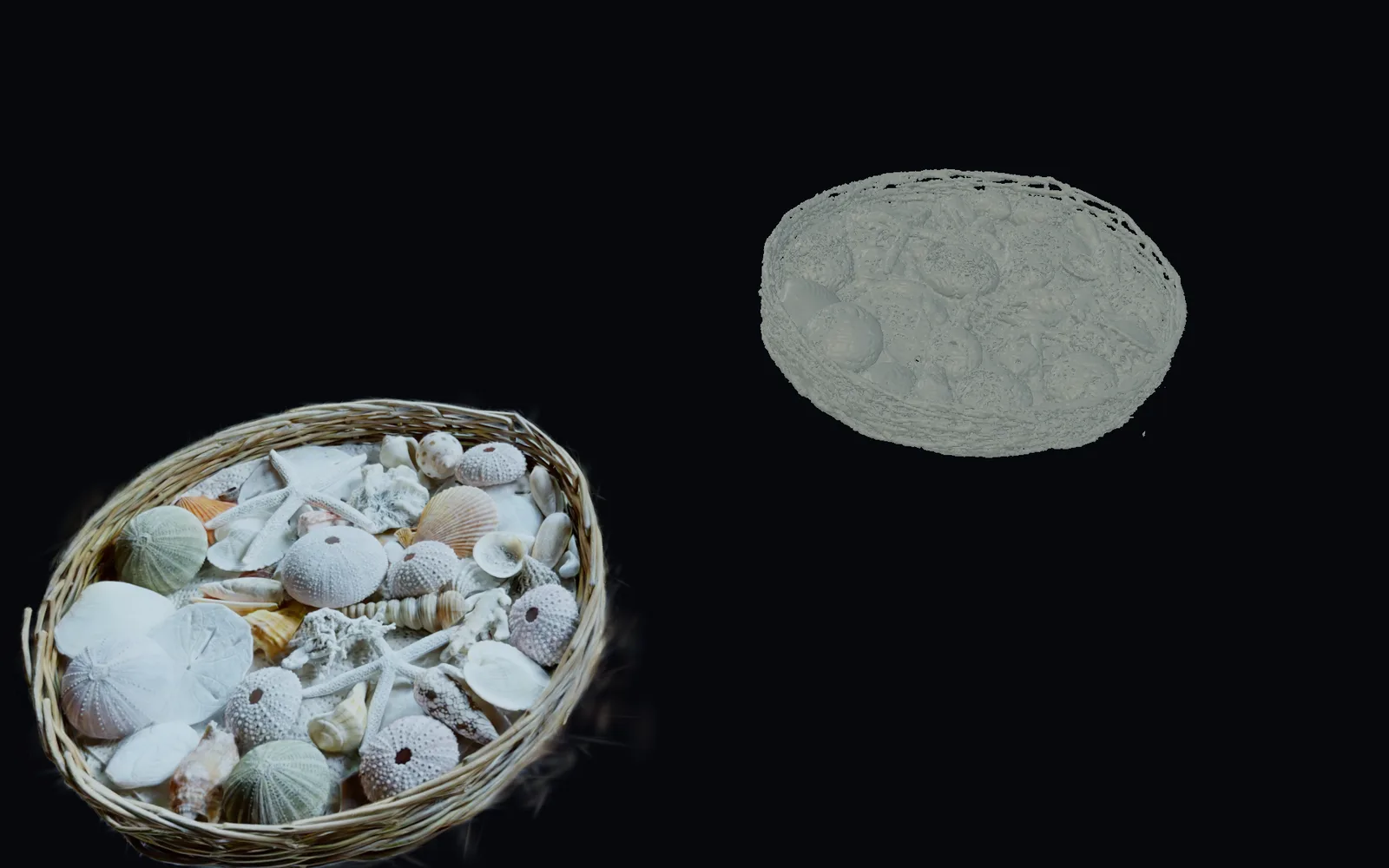
The reading from your board, the sound it plays and the lights it dims live in the same graph as your models and drawings. Nothing is exported from one app to the next, so you change the piece while it runs.
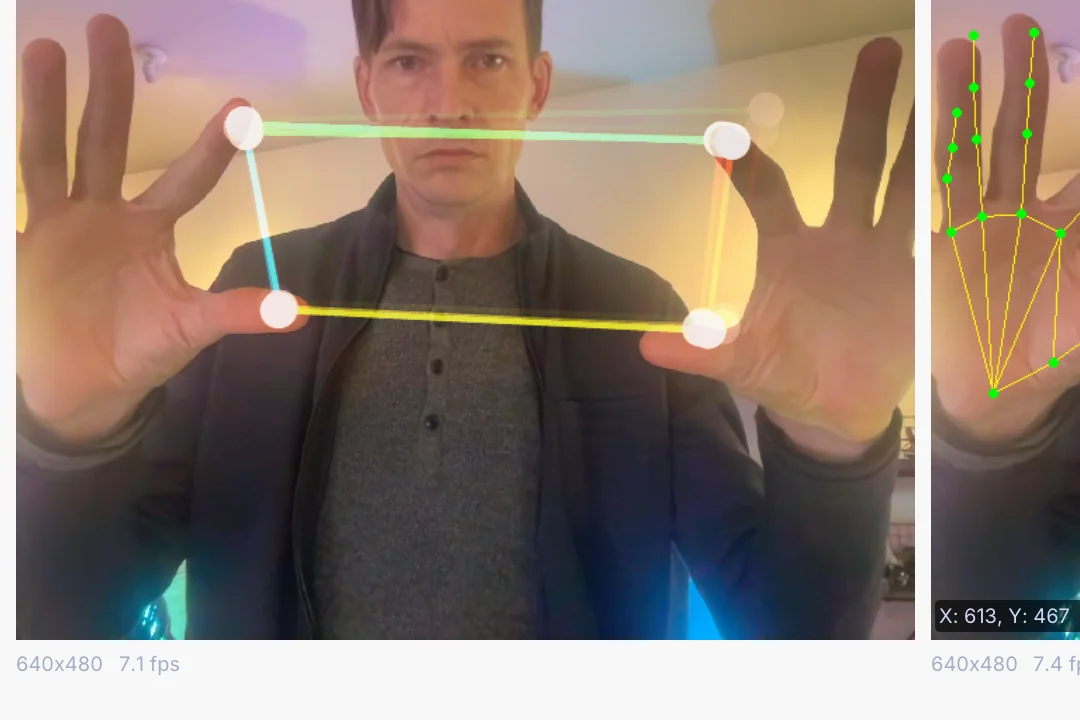
A piece on a shelf, in a window or at a fair has to look after itself. These are the parts that keep it going when you walk away.
$ kinematic devices --kind serial
$ kinematic run bench.kin --watchdog 30s
$ kinematic piece.kin --kiosk --display 1 \
    --restart-on-panic 10 --watchdog 30s --offline
Kiosk mode opens straight into the piece on the display you name, with the edit keys off and the screen kept awake. Give it a restart count and a crash starts it again on its own.
List the serial ports, cameras, MIDI devices and displays this machine can see, before you open the graph.
A loop:// test port stands in for the board, so the graph can be finished with nothing plugged in.
The port can reopen by itself when the board comes back, and the graph can tell whether the board is there right now.
A headless run opens no window at all, and a watchdog ends it if nothing has moved for as long as you set.
The hand and body models download once. After that, an offline launch never waits on a download.
Experimental: a .deb for 64-bit Raspberry Pi OS. 3D renders use a lighter mode there, so test the piece on the board itself.
Kinematic for Raspberry Pi →What plugs in, what it drives, and the files that come and go. Every entry is on the full list of what Kinematic works with.
Short lessons that end with something you can print, plot or plug in, and demos that come with the app. Take one apart and keep what you need.
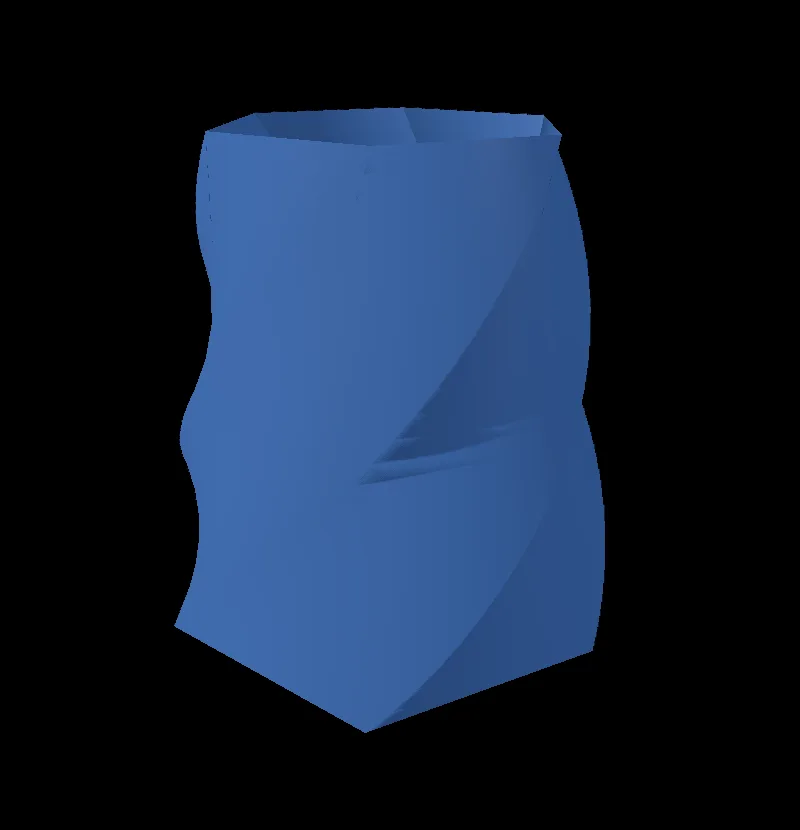 TutorialMake a twisted vase10 min
 TutorialDraw a mountain logo8 min
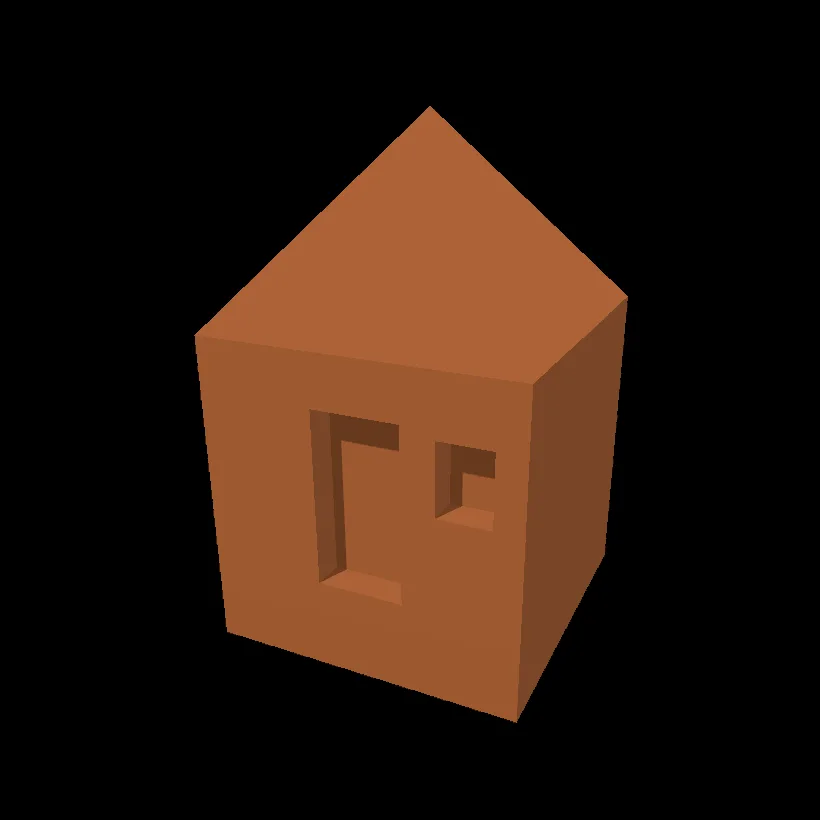 TutorialModel a little hut10 min
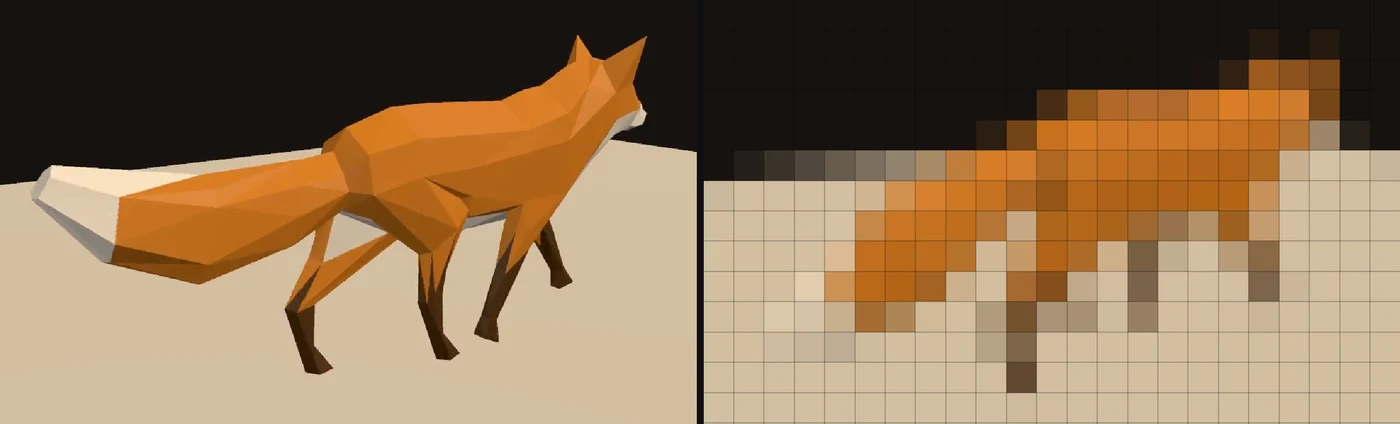 TutorialPlay a video on a wall of LED lights9 min
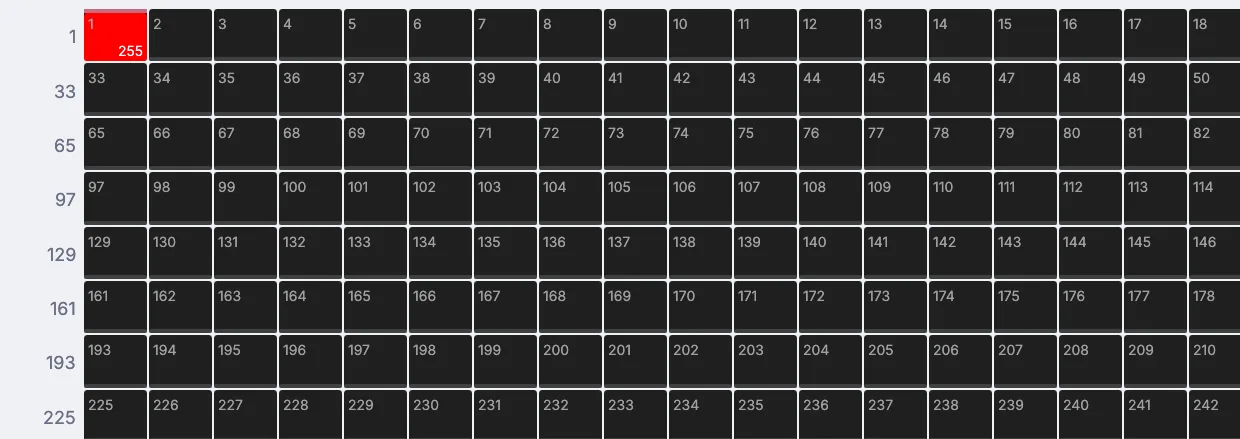 TutorialFlash a light on every beat8 min
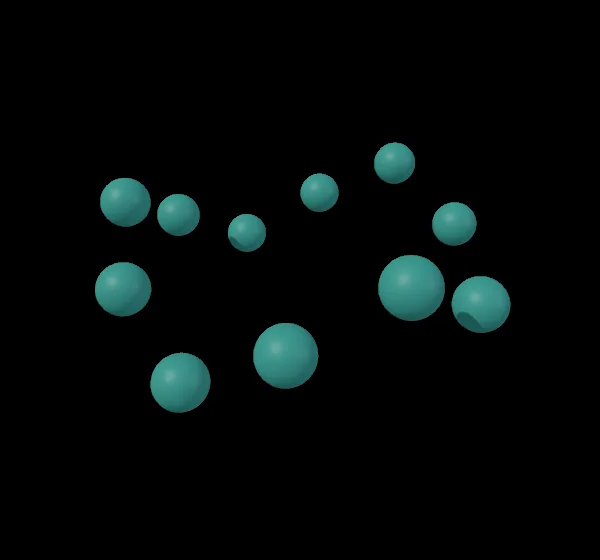 TutorialBuild a ring of spheres with a Python script12 min
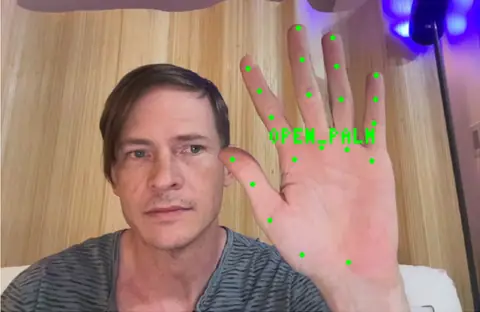 WebcamGesture triggerThumbs up, open palm or fist, each a named trigger for a light, a sound or a scene.In the Demos browser
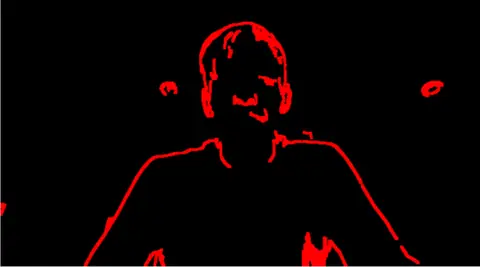 WebcamRed line sketch of your faceThe edges of your face on the live camera, drawn as crisp vector strokes.In the Demos browser
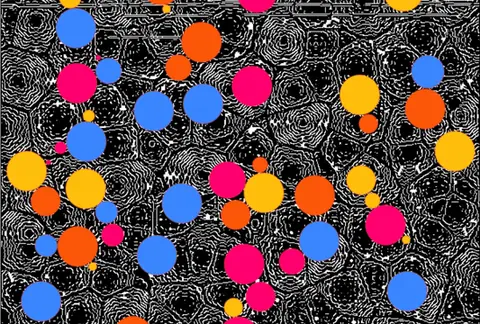 Edge detect overlayMoving cell noise traced into vector lines, under drifting colored circles.In the Demos browser
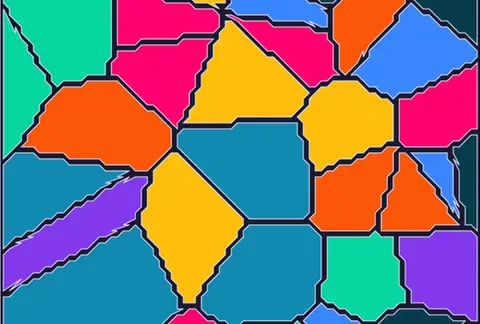 Voronoi kaleidoscopeVoronoi cells that rebuild and recolor themselves, all in vector.In the Demos browser
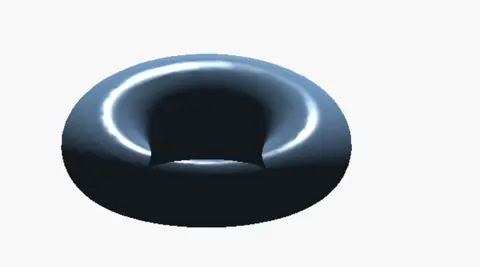 SDF morphing shapesA sphere easing into a torus and back, turned into a mesh every frame.In the Demos browser
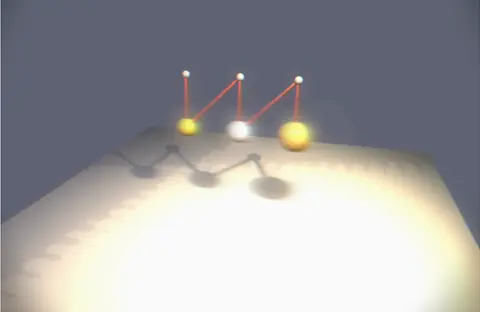 Triple pendulumThree linked pendulums swinging from steel anchors, with trails behind the bobs.In the Demos browser
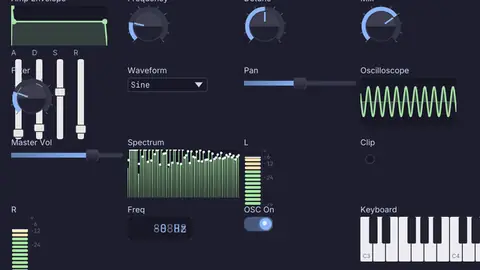 Audio deviceSynth control panelA synth front panel built from widgets: keys, dials, an envelope and a scope.In the Demos browser
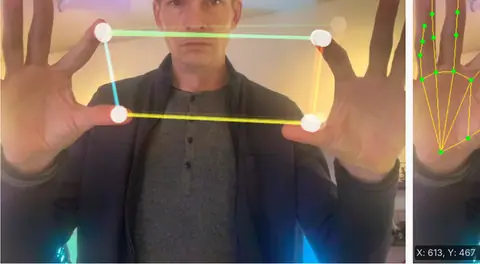 WebcamHand tracking synthPlay a synth with your hands: one sets the pitch, the other the tone.In the Demos browser
Better to know now. Something here would stop your project? Reach out.
Free. No account and no license key, so it goes on every machine in the makerspace, even for commercial use. macOS, Windows and Linux, with experimental Raspberry Pi 5 support.